What Are Clothing Brand Mockups and Why Are They Essential?
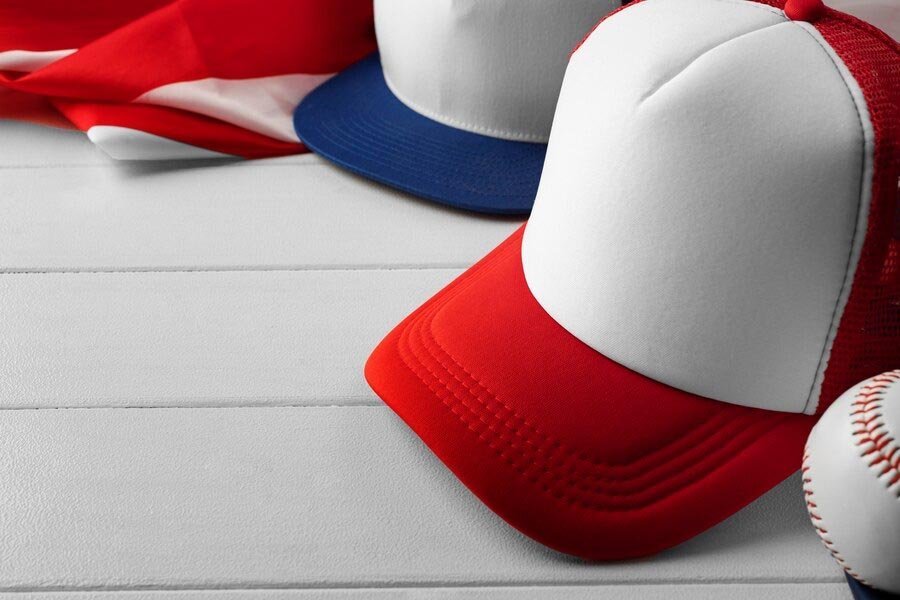
Clothing brand mockups are realistic visualizations of your apparel designs, digitally placed on blank clothing templates. These mockups help fashion designers, startups, and established brands showcase design concepts to clients, test the market, or streamline production with manufacturers. By presenting your ideas with professional visuals, you will strengthen your brand image and increase sales conversion rates.
Key Benefits:
- Impress clients and partners with polished presentations
- Detect design flaws before physical production
- Speed up feedback and approval processes
- Use for e-commerce, social media, and marketing
Step-by-Step Guide to Creating Clothing Brand Mockups
1. Gather Your Design Assets
Start by preparing your finalized apparel designs in high-resolution formats like PNG, SVG, or PSD. Make sure your artwork has a transparent background for effortless placement.
Pro Tip: Organize your design files and colorways for easy access during mockup creation.
2. Choose a Suitable Mockup Template
Select a high-quality blank mockup template that matches your apparel type (t-shirt, hoodie, jacket, etc.). You can find both free and premium templates online in PSD or AI formats.
Look for templates with layered files so you can easily edit colors, shadows, and backgrounds.
Expert Tip: When producing in bulk, request digital mockups from your clothing manufacturer for enhanced accuracy.
3. Use Professional Design Software
Industry-standard tools like Adobe Photoshop or Adobe Illustrator offer advanced mockup editing features. Place your artwork onto the template using smart objects or clipping masks for realistic results.
- Adjust artwork size and orientation
- Apply color overlays to match fabric options
- Tweak lighting, shadows, and highlights for realism
If you’re new to design software, free tools like Photopea (browser-based) and Canva are great alternatives.
4. Customize for Brand Identity
Make your clothing mockups unique by customizing background colors, adding your logo, or using branded tags and labels. This is crucial for creating a cohesive brand experience.
- Use your brand’s signature colors
- Add neck labels, swing tags, or custom packaging visuals
- Showcase multiple views (front, back, side)
Quality branding in mockups helps you stand out on e-commerce platforms and impress potential buyers or partners, such as your clothing manufacturer.
5. Export High-Resolution Files
Save your finished mockups in high-resolution formats (JPG, PNG, or PDF). For production, share layered source files (like PSD) with your manufacturer or partners for best results.
For print or digital marketing, optimize images for web (compressed, 72 dpi) while keeping a print-ready version (300 dpi) for catalogs and samples.
Tips for Making Realistic and Effective Mockups
- Use high-quality templates with real fabric textures and natural shadows
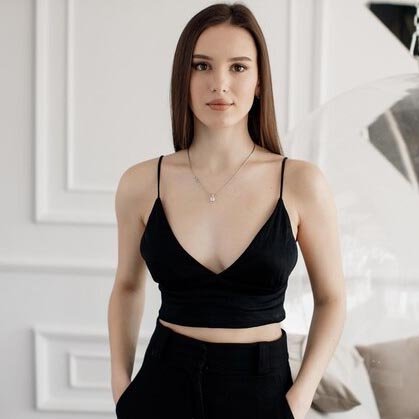
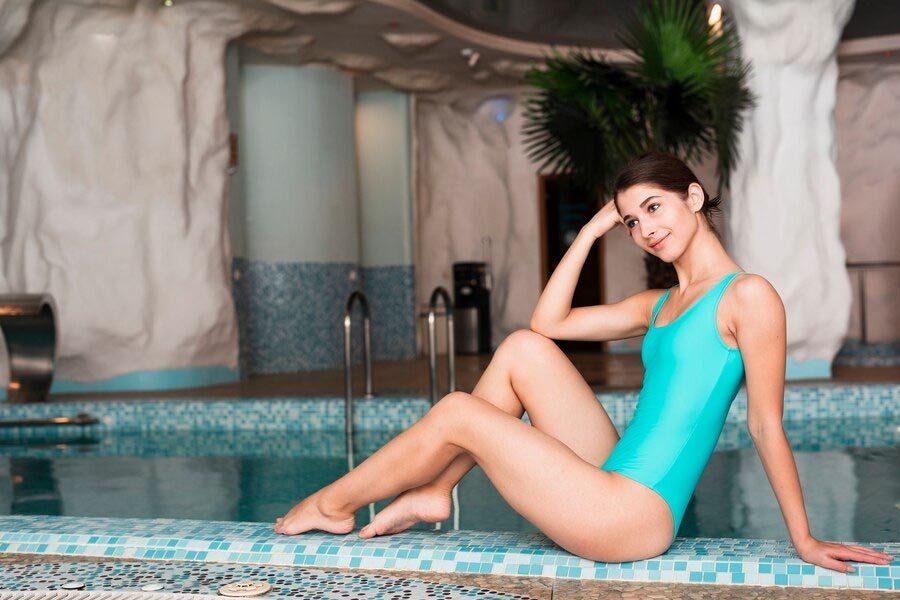
- Showcase your design on models or lifestyle backgrounds for context
- Present multiple colorways and sizes to demonstrate versatility
- Keep background and props minimal to focus on the apparel
- Include close-ups of important details (stitching, tags, prints)
How to Use Mockups with Clothing Manufacturers
Sharing detailed mockups with your clothing manufacturer ensures your vision is accurately translated into real garments.
- Attach mockups to your tech pack or order form
- Specify print placements, colors, and special finishes
- Review pre-production samples based on your mockups
- Request revisions or approval before mass production
Choose an experienced partner like Ludyway, a leading clothing manufacturer, to turn your mockup concepts into top-quality apparel.
Mistakes to Avoid When Creating Clothing Mockups
- Ignoring template quality: Low-resolution or poorly proportioned templates make your design look unprofessional.
- Forgetting to show all angles: Clients and manufacturers need to see front, back, and label details.
- Overcrowding with backgrounds/props: Distracts from the apparel and confuses decision-makers.
- Not matching colors to production fabrics: Leads to disappointing final results.
Best Practices for Working with Manufacturers Like Ludyway
- Provide layered mockup files (PSD/AI) for precise editing and production accuracy
- Communicate brand guidelines and visual preferences clearly
- Review digital samples before mass production begins
- Ask for pre-production physical samples when possible
- Take advantage of Ludyway’s flexible low-MOQ production and customization services
FAQs About Clothing Brand Mockups
What software is best for making clothing mockups?
Adobe Photoshop is the industry standard for layered mockups, but beginner-friendly tools like Canva and Photopea are also effective for simple projects.
Can I use mockups for e-commerce listings?
Yes! Mockups are perfect for showcasing product designs on your website, social media, and online shops before physical samples are ready.
How accurate are mockups compared to real products?
Mockups provide a realistic preview, but it’s important to use fabric and color references that match your production materials. Always confirm with physical samples.
Do manufacturers like Ludyway accept mockup files?
Absolutely. Ludyway encourages clients to send detailed mockups along with tech packs, ensuring precise translation of your brand’s vision.
Can I request free samples before bulk production?
Yes, Ludyway provides free sample testing prior to mass production, so you can approve the design and quality with confidence.