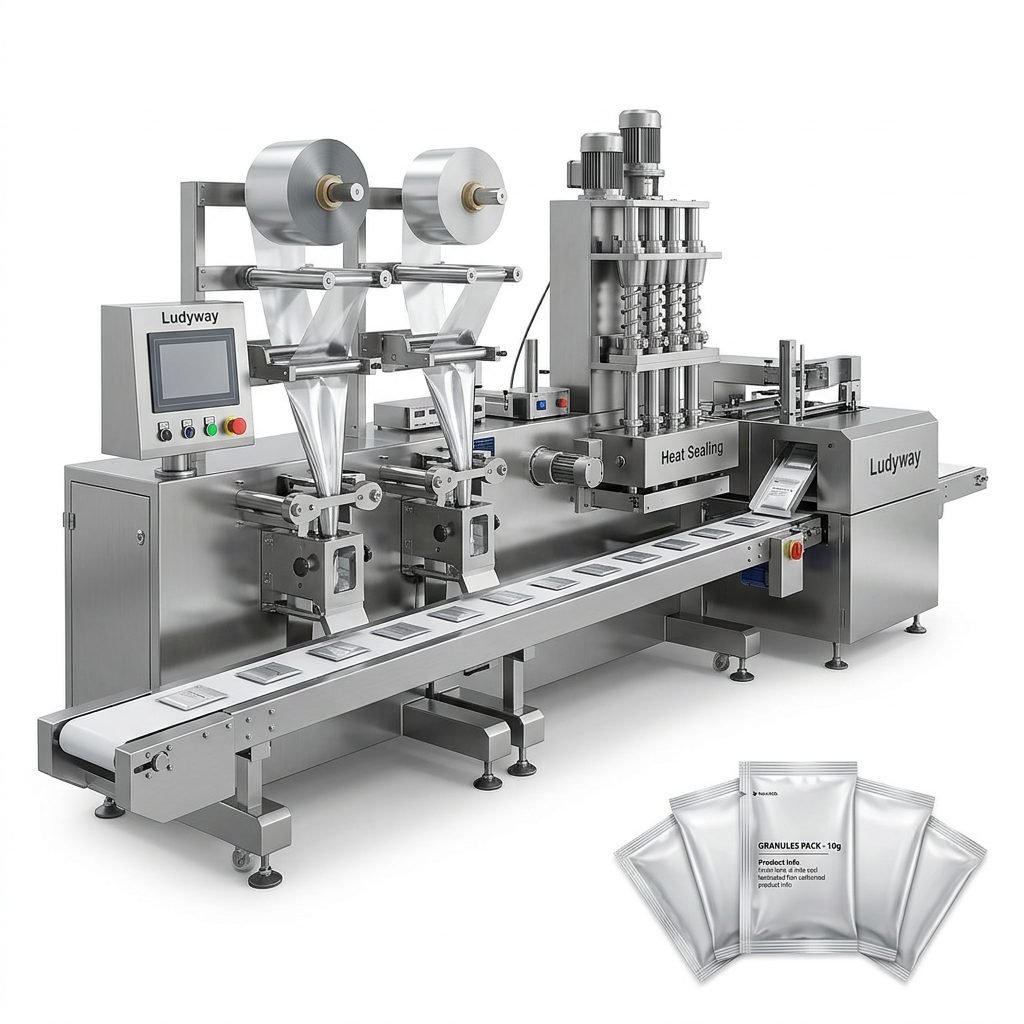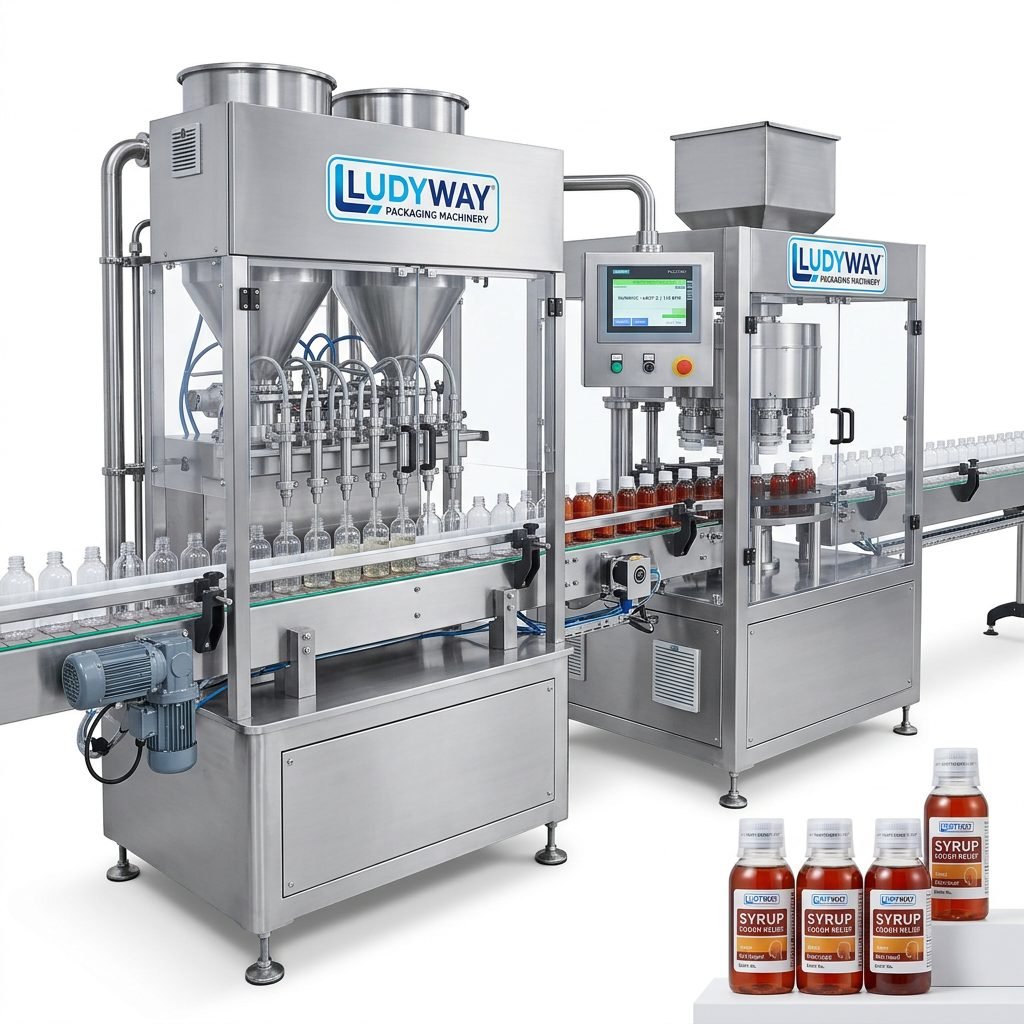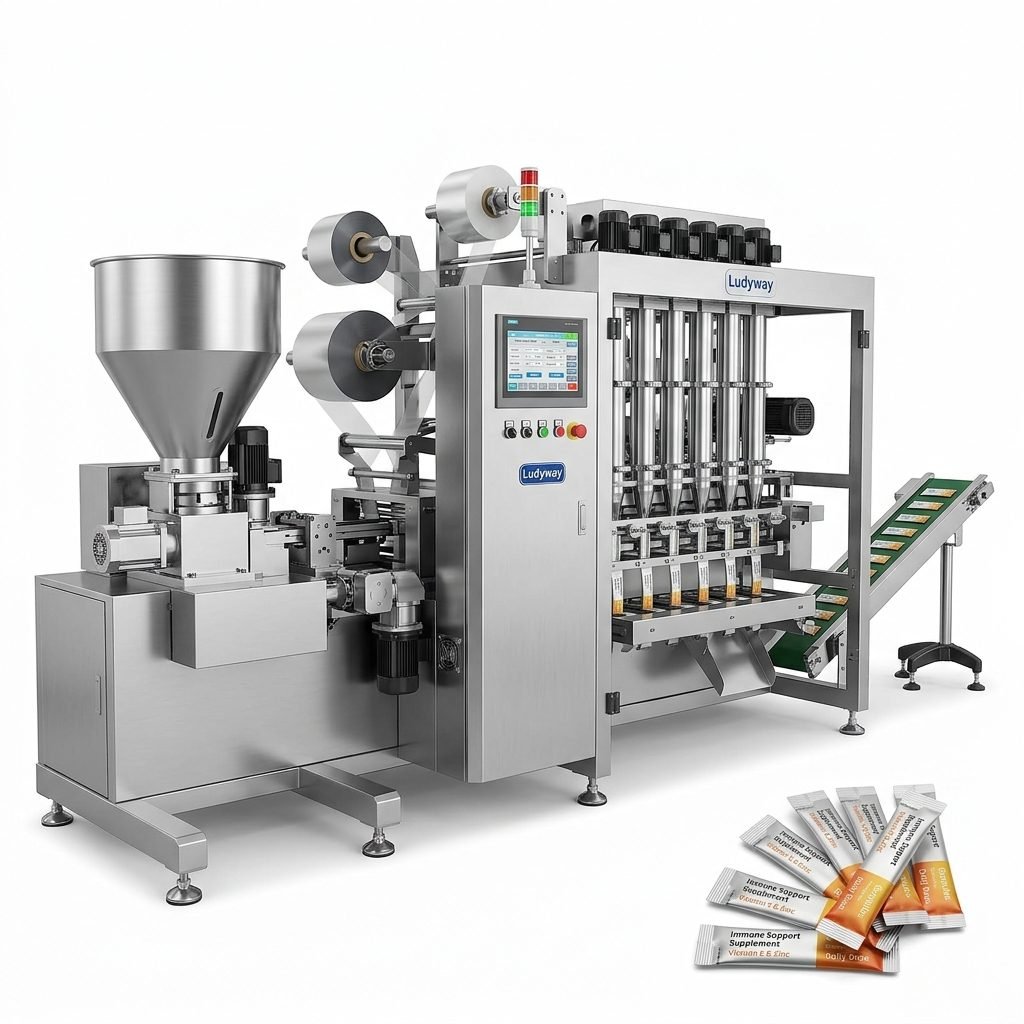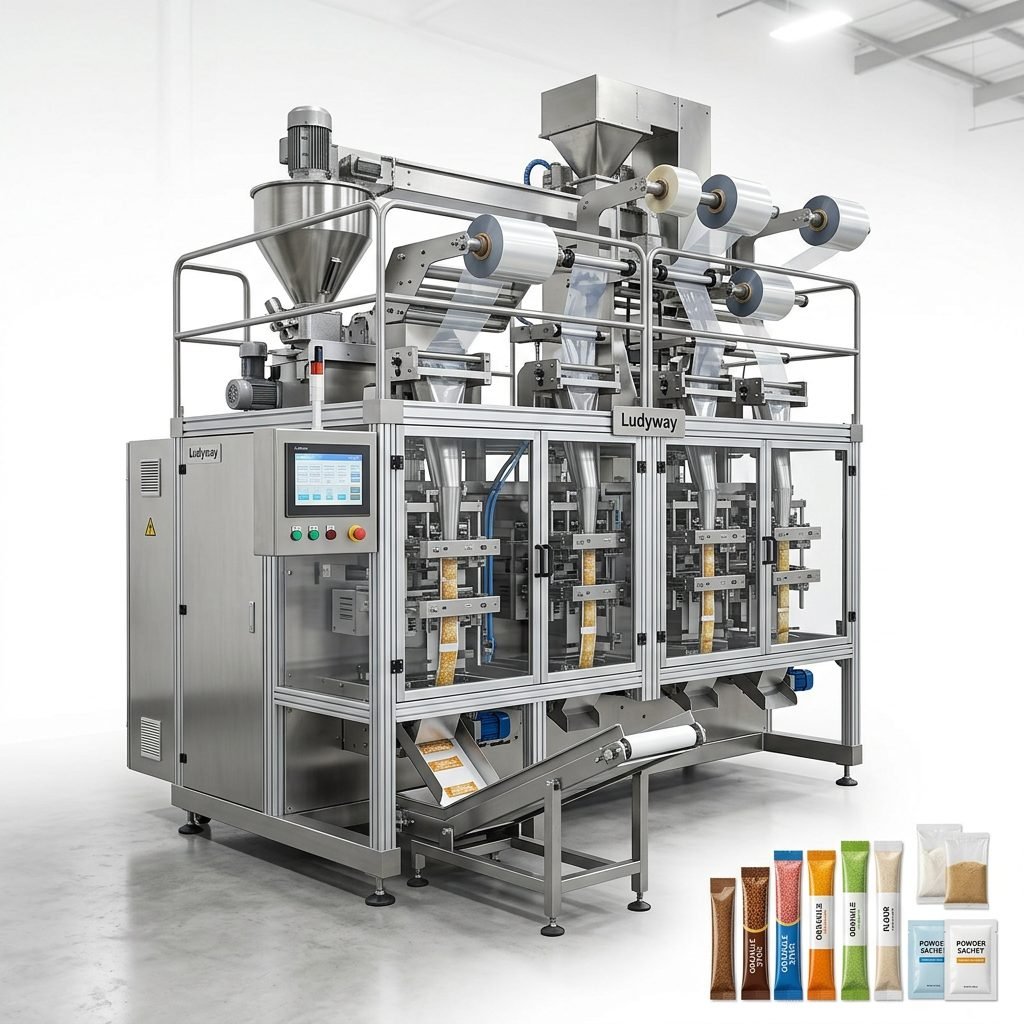
Investing in a packaging tape printing machine is a strategic decision that directly impacts your branding, operational efficiency, and bottom line. Whether you are sealing cartons for e-commerce or securing industrial pallets, custom-printed tape serves as a silent salesman. Choosing the wrong machinery, however, can lead to costly downtime and inconsistent print quality. This comprehensive guide will walk you through the essential factors to evaluate, ensuring you select equipment that aligns perfectly with your production demands and quality standards.
Understanding Your Production Volume and Speed Requirements
Before comparing technical specifications, you must define your production throughput. The volume of tape you need to print daily dictates whether a semi-automatic or fully automatic system is necessary. For low-volume, intermittent use—such as printing a few dozen custom logo rolls per day—a compact, manual-feed machine often suffices. However, if your operation requires thousands of meters of printed tape per shift, you need a high-speed flexographic printer with automated unwinding and rewinding capabilities.
Matching the machine’s duty cycle to your workload is critical. Pushing a light-duty machine beyond its limits results in worn rollers, inconsistent ink transfer, and frequent breakdowns. Conversely, overspending on an industrial-grade line for minimal output is an inefficient use of capital. Analyze your peak packaging seasons and growth projections to choose a scalable printing solution that accommodates future expansion without immediate replacement.
Flexographic vs. Digital: Selecting the Right Printing Technology
The core of your machine lies in its printing engine. Two dominant technologies exist: flexographic printing and digital inkjet printing. Each offers distinct advantages depending on your application.
Flexographic Printing Machines
Flexo printing uses flexible photopolymer plates wrapped around rotating cylinders. Ink is transferred to the tape via an anilox roll. This method is renowned for its high speed and low cost per impression, making it the gold standard for long runs of a single design. It works exceptionally well on various flexible packaging substrates, including BOPP, PVC, and paper tapes. However, plate creation involves setup costs and time, making it less ideal for jobs requiring frequent design changes or variable data.
Digital Inkjet Printing Machines
Digital machines eliminate printing plates entirely. They print directly onto the tape surface using inkjet heads, offering high-resolution, full-color output. The primary benefit is flexibility: you can switch designs instantly and print variable information like batch codes, QR codes, or sequential numbering without stopping production. While historically slower and with a higher cost per meter for large volumes, modern digital presses are closing the speed gap and are unmatched for custom short runs and complex graphics.
| Feature | Flexographic Printing | Digital Inkjet Printing |
|---|---|---|
| Best for Run Length | Medium to Long Runs | Short to Medium Runs |
| Setup Cost | Higher (Plates required) | Minimal |
| Print Quality | Excellent for solid colors | Excellent for complex images |
| Variable Data | Difficult | Very Easy |
Evaluating Substrate and Ink Compatibility
The adhesive tape material is a critical variable. Are you printing on acrylic-based polypropylene (BOPP), PVC film, or kraft paper? The surface energy of the substrate determines ink adhesion. Most machines require a corona treatment system to ensure the ink bonds effectively to slick plastic films. Without proper treatment, the ink will easily scratch off during transit.
Ink formulation is equally vital. Water-based inks are environmentally friendly and common for paper tapes, but solvent-based or UV-curable inks are often necessary for aggressive adhesives and durable films. Ensure the printing machine’s drying system—whether hot air, infrared, or UV lamps—is powerful enough to cure the ink at your target production speed. Incompatible inks can damage rubber rollers or result in smudged, unreadable prints.
Single-Color Logos vs. Multi-Color Process Printing
Your brand identity dictates the color capacity you need. A simple one or two-color machine is significantly cheaper and easier to maintain than a four-color process machine. If your requirement is just a black or red logo and text, a single-color flexo stack is the most economical choice. However, if you aspire to print photorealistic images, gradients, or complex branding that requires packaging industry intelligence suggests is increasingly preferred for premium product presentation, you must opt for a digital printer or a high-end multi-station flexo line. Keep in mind that adding color units increases the machine’s footprint, complexity, and maintenance costs.
Critical Mechanical Features to Inspect
Beyond the printing engine, the mechanical construction determines the machine’s long-term reliability and ease of use. Pay close attention to the following components:
- Tension Control System: Precise web tension prevents the tape film from stretching, wrinkling, or tracking incorrectly. A closed-loop digital tension controller is vastly superior to manual friction brakes.
- Unwind and Rewind Capacity: Check the maximum roll diameter the machine accepts. Frequent roll changes kill productivity. Look for a unit that handles full-size master rolls if you run continuous long jobs.
- Slitting Mechanism: Many machines combine printing with slitting. If you need to slit the master roll into multiple narrow rolls, a robust shear-cut or razor-cut slitting station is essential.
- Print Cylinder and Anilox Roll: The concentricity and precision of these rollers directly affect the registration accuracy. Engraved ceramic anilox rolls offer superior durability over chrome-plated rolls.
- Drying Path: The web path length between the print station and the rewind section must give the ink sufficient time to dry or cure. An overly short path at high speeds results in blocking.
Automation, Controls, and Operator Interface
Modern tape printing machines should minimize operator intervention. Features like automatic web guides and splicing tables allow for continuous running without stopping the line. The control interface should be intuitive. Touchscreen PLC systems enable recipe storage, allowing operators to recall pre-set parameters for specific tape materials and print jobs instantly. This drastically reduces setup changeover time and the risk of human error. Diagnostics functions that display error messages and maintenance reminders are invaluable for preventing unscheduled stops.
Space, Infrastructure, and Environmental Considerations
Installation requirements are often overlooked. Measure the machine’s total footprint, including the unwind and rewind turrets, which can extend significantly. Ensure the floor can bear the machine’s weight, especially for units with heavy heavy-duty rollers. Solvent-based inks require explosion-proof electrical systems and ducting for fume extraction, which adds significant infrastructure costs. Water-based inks are safer but require substantial drying heat energy. Always consult with the manufacturer about the necessary electrical load, compressed air consumption, and ventilation before finalizing the purchase.
Total Cost of Ownership and ROI Analysis
The purchase price is just the beginning. Calculate the total cost of ownership (TCO) over the expected lifespan. This includes the cost of consumables: printing plates (if flexo), inks, anilox roll replacements, and silicone adhesives for the splice table. Factor in operator training time and average spare parts pricing. A machine that costs 20% less upfront might cost double to run if it wastes tape, consumes ink inefficiently, or requires frequent service calls. A reliable machine that minimizes waste meters per setup will deliver a superior return on investment, particularly in tight-margin packaging operations.
The Importance of After-Sales Support and Spare Parts
In the packaging industry, as highlighted in reports like the 2026 State of the Industry, uptime is non-negotiable. Your machine will eventually need maintenance, and the availability of technical support defines how quickly you recover. Before committing to a brand, investigate their local service network. Do they offer remote diagnostics? What is the typical lead time for critical spares like print heads or gearboxes? A manufacturer with a robust global supply chain and engineering expertise ensures that your production line doesn’t become idle capital. For manufacturers seeking turnkey solutions, working with a partner that provides integrated packaging systems and comprehensive technical support is key. Ludyway Machinery, for instance, supports customers in over 100 countries with engineering, installation, and spare parts management to maintain reliable operations.
Questions to Ask Potential Suppliers
To narrow down your selection, prepare these specific queries for machine suppliers:
- Can the machine handle the exact thickness and type of adhesive tape I use?
- What is the guaranteed registration accuracy at the rated top speed?
- Is the machine designed to run water-based, solvent, or UV inks—or is it a hybrid system?
- What is the typical changeover time between print jobs?
- Can the control system integrate with my existing factory management software?
Making the right choice requires a balance between technical capability, budget constraints, and the strategic goals of your packaging line. By prioritizing these factors, you secure an asset that enhances your brand and optimizes your packing workflow.