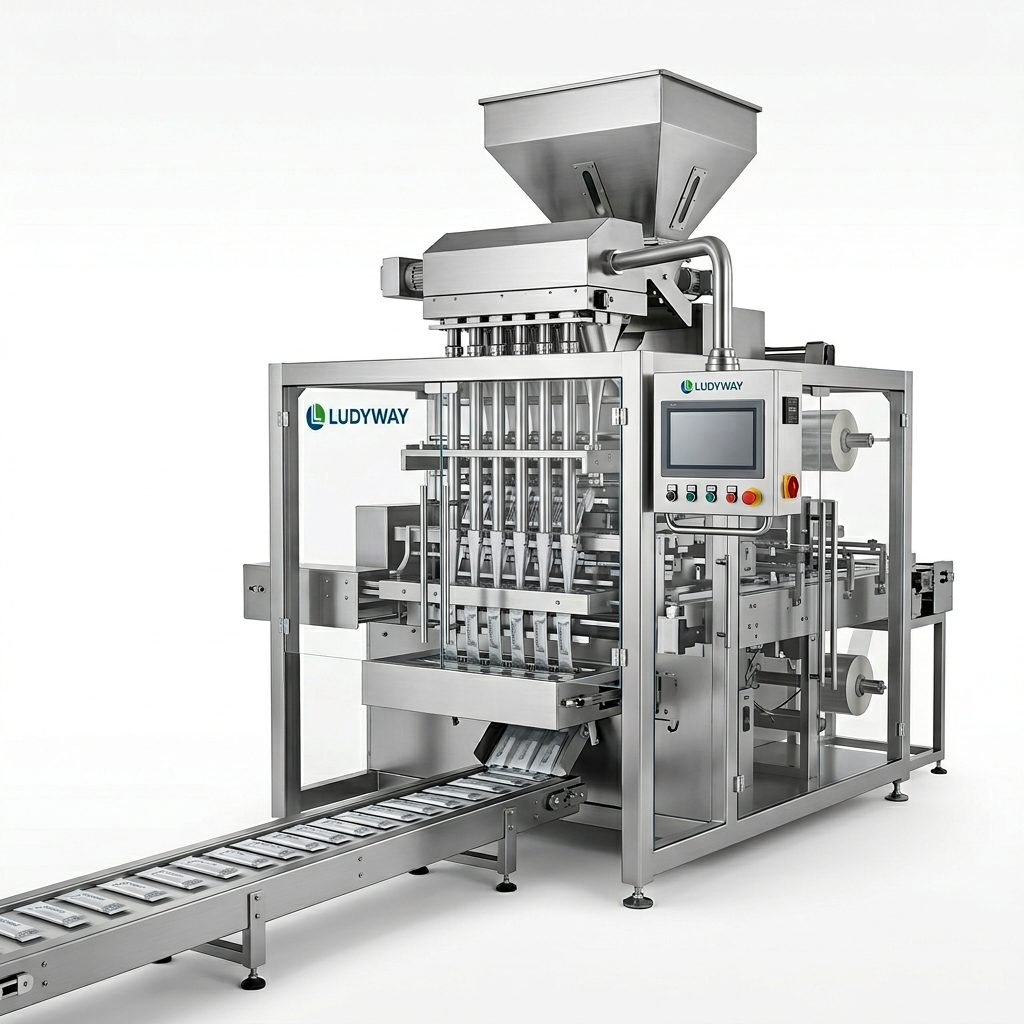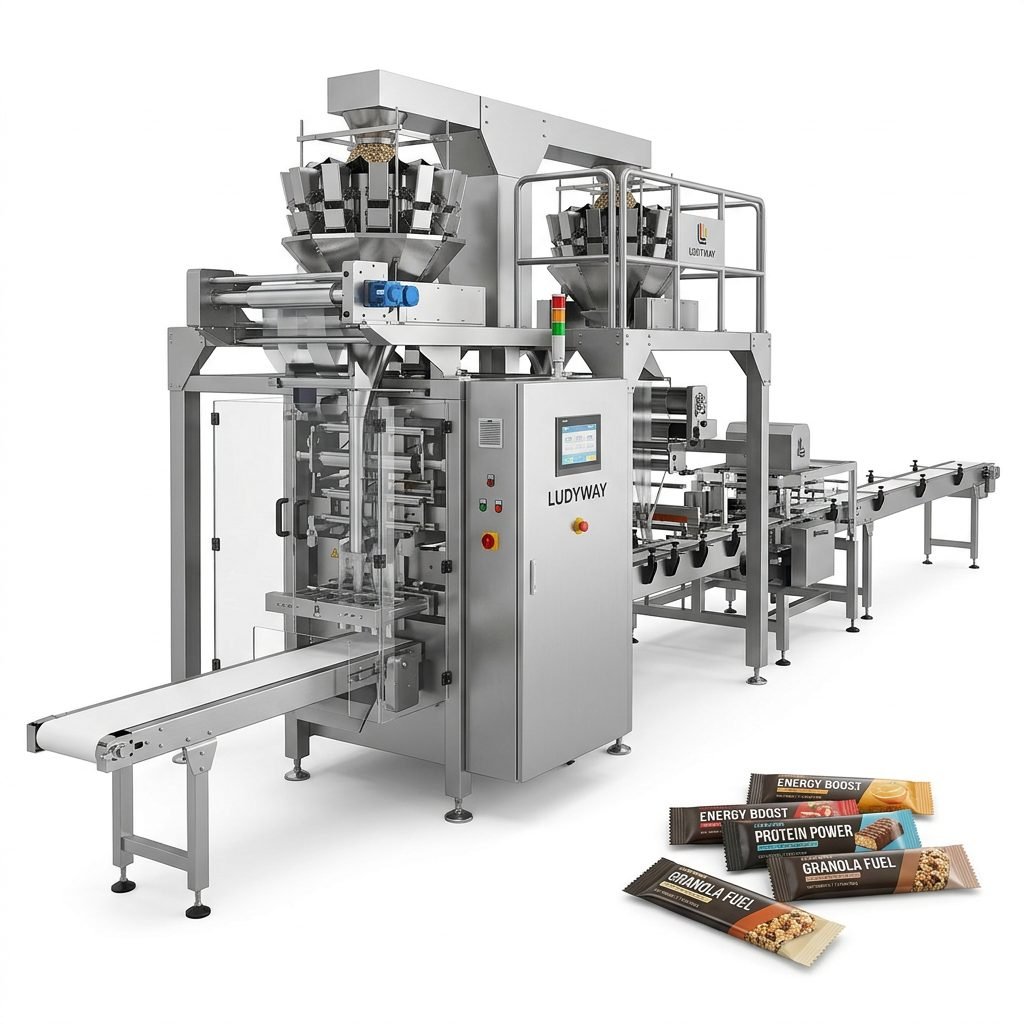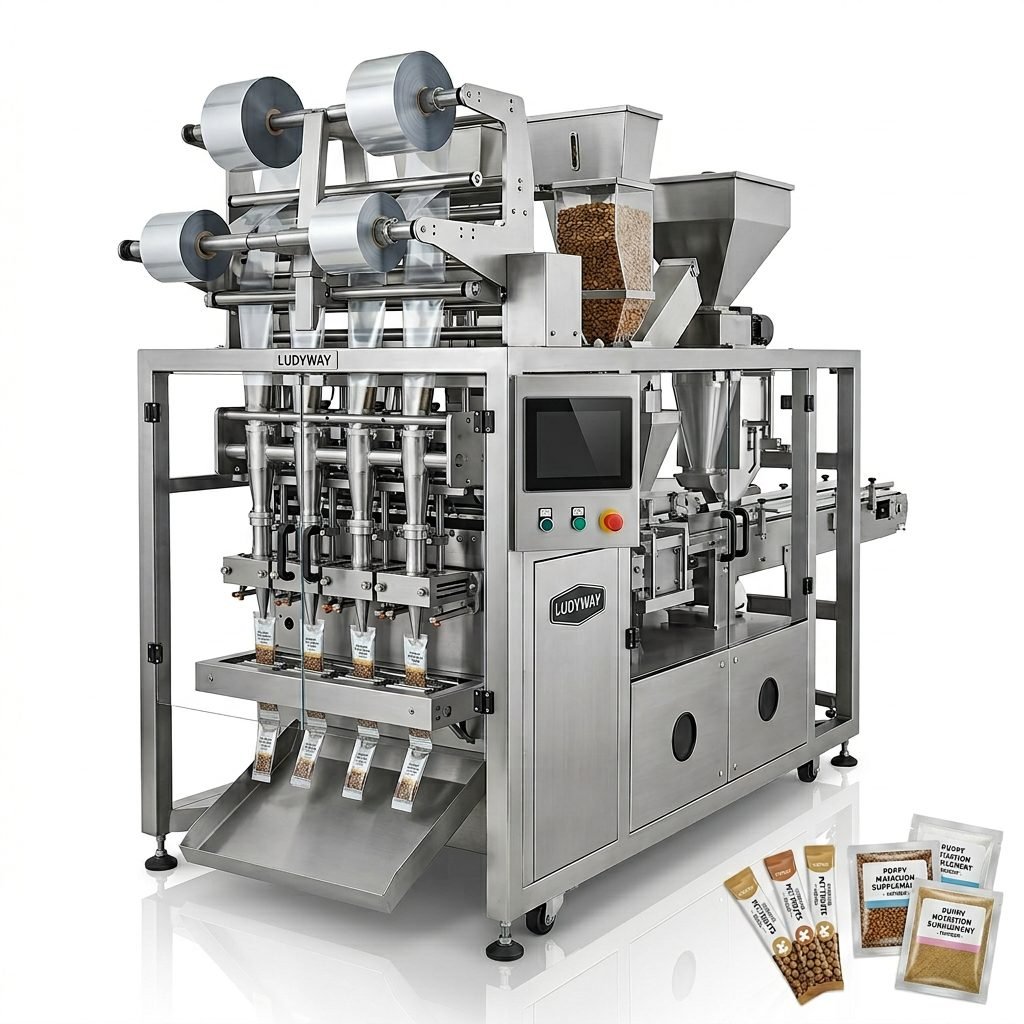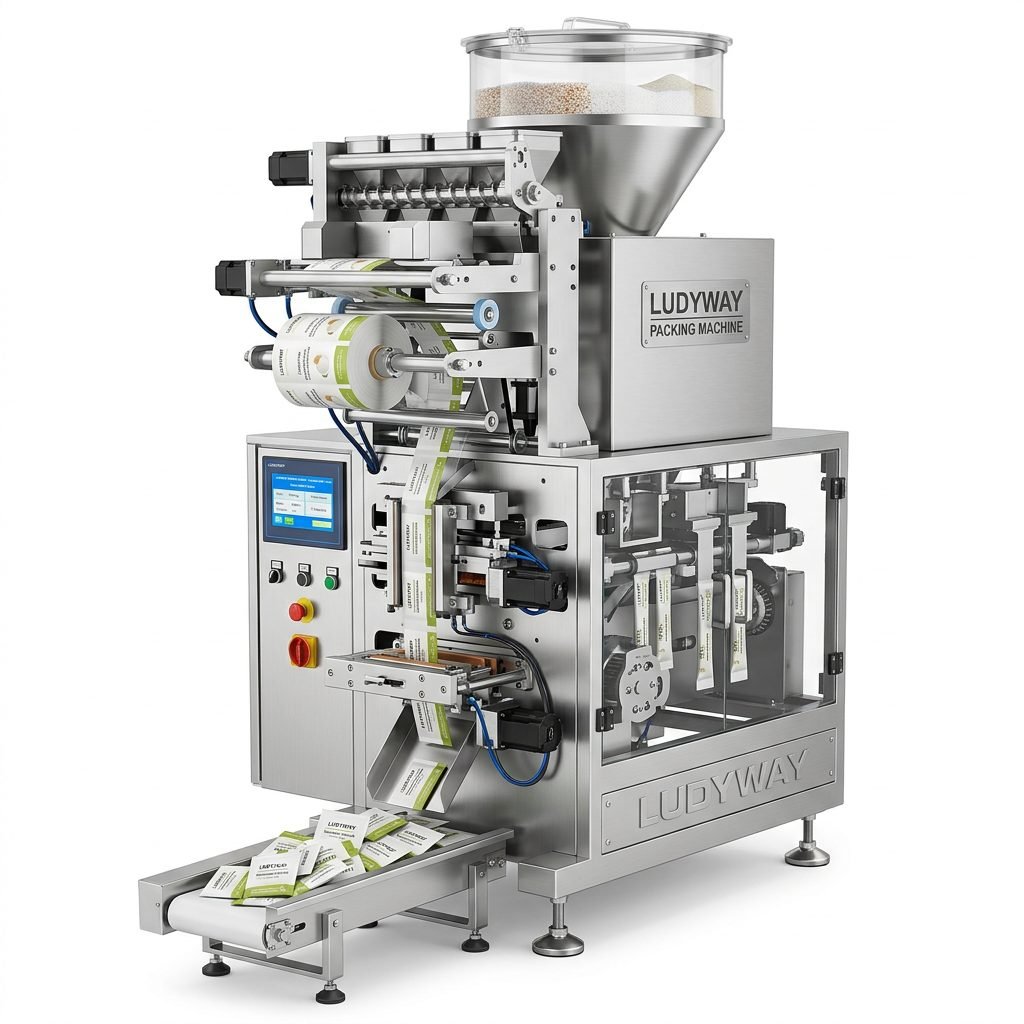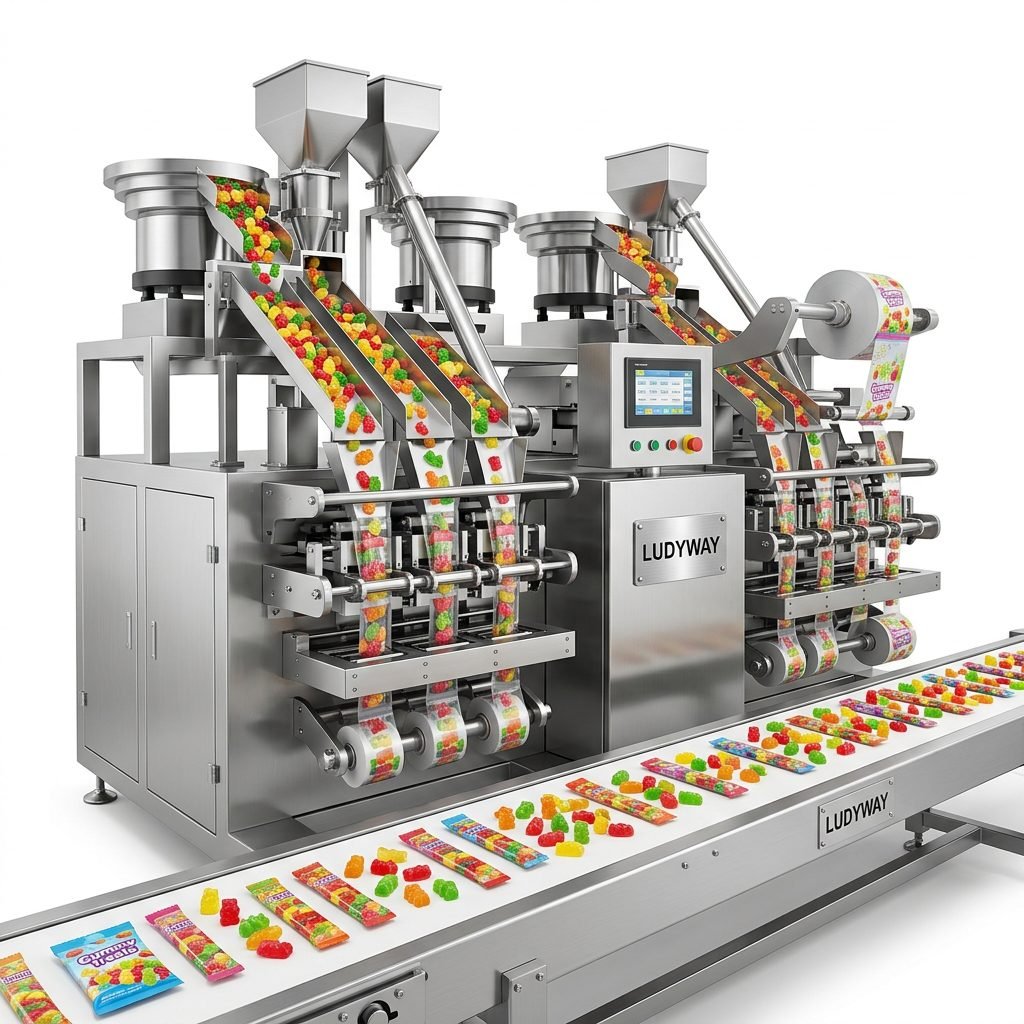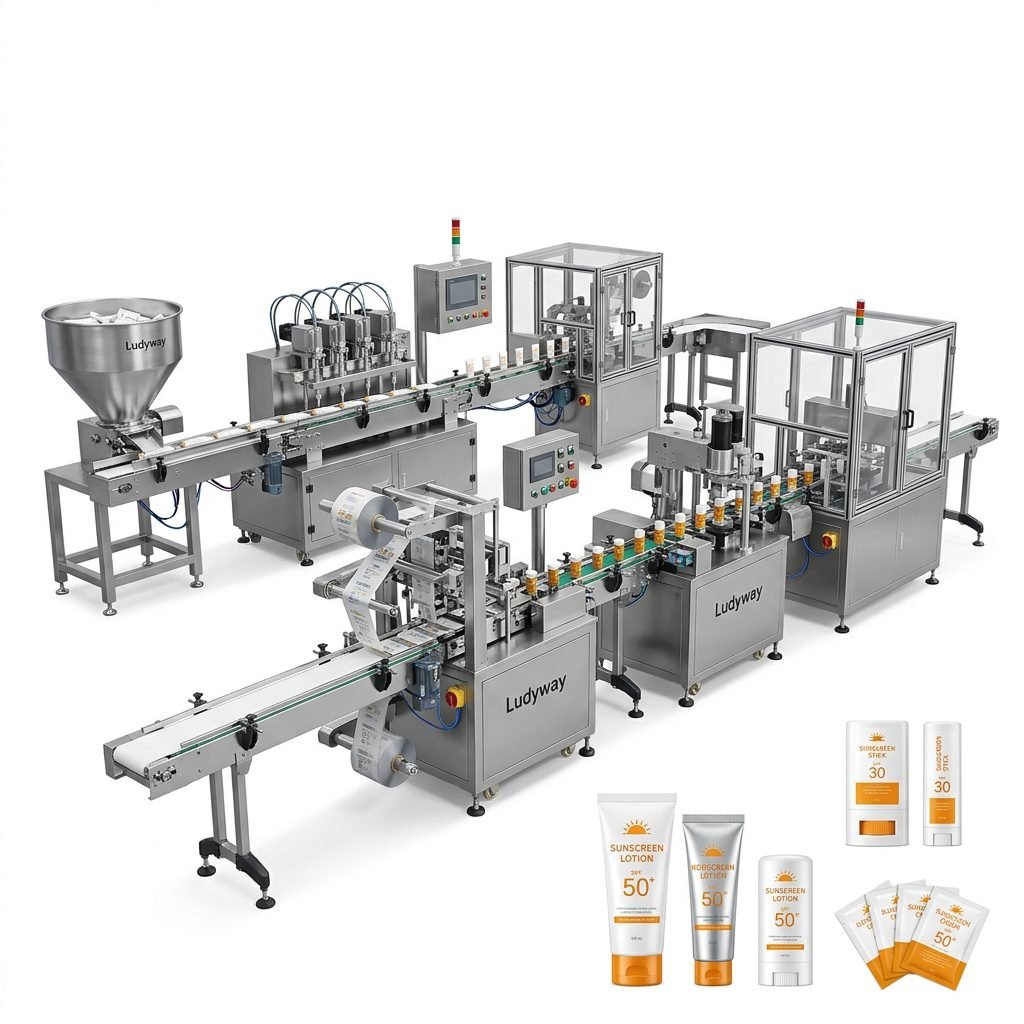
Printing expiration dates on pillow type packaging machines is a critical step in ensuring product safety, compliance, and consumer trust. This process, often integrated into automated production lines, requires precision, reliable technology, and a clear understanding of regulatory requirements. Whether you are packaging food items, pharmaceuticals, or consumer products, mastering this function is essential for efficient and compliant operations.
The Importance of Accurate Expiration Date Printing
Expiration dates, also known as shelf-life dates or use-by dates, serve as a direct communication line with the end consumer. They indicate the period during which the product is safe to consume or use and maintains its intended quality. For food products, this is vital for health safety. For other goods, it ensures performance efficacy, such as in pharmaceuticals or cosmetics. Incorrect or missing dates can lead to serious consequences, including regulatory penalties, product recalls, and damage to brand reputation.
Key Regulatory and Market Considerations
Different regions have specific regulations governing date marking. In the United States, the FDA requires clear “Best By” or “Use By” dates on many food items. European Union directives enforce similar stringent rules. Understanding these local requirements is the first step in configuring your printing system correctly.
Components of the Printing System on Pillow Pack Machines
A typical printing subsystem on an automated pillow packaging machine consists of several key elements:
1. The Printing Mechanism
This is often a thermal transfer printer, inkjet printer, or laser coding unit mounted directly on the machine. Thermal transfer is popular for its reliability and sharp print quality on flexible films.
2. The Date Information Interface
The machine’s control system (PLC or dedicated controller) must be programmed to receive or generate the correct date data. This can be manually input, linked to a central production database, or automatically calculated based on the production timestamp.
3. The Film Registration System
Ensuring the print appears in the exact correct location on each pillow pack is crucial. This involves precise synchronization between the film advance and the printer’s actuation signal.
Step-by-Step Guide to Setup and Operation
Configuring your machine for expiration date printing involves a logical sequence of steps. Following this guide can help minimize errors.
Step 1: Integrate and Calibrate the Printer
First, ensure the printing unit is properly installed and connected to the machine’s main control panel. Perform a calibration print on a sample film to check alignment. Adjust the printer head’s position until the date code prints within the designated area on the packaging film. Consistency is key here.
Step 2: Configure the Date Format in the Control Software
Access the machine’s human-machine interface (HMI) or software settings. Navigate to the date printing parameters. You will need to set:
- Date Format: (e.g., DD/MM/YYYY, MM/DD/YYYY, YYYY-MM-DD). This must comply with your target market’s standard.
- Font Size and Style: Ensure the text is legible and meets any regulatory minimum size requirements.
- Print Content: Decide if you need only the date, or additional text like “EXP:”, “Best Before:”, or a batch code.
Some advanced systems allow for dynamic date calculation, adding a fixed shelf-life period (e.g., 18 months) to the production date automatically.
Step 3: Establish a Verification and Quality Control Routine
Never assume the printer will work flawlessly indefinitely. Implement a routine check:
- Visual Inspection: Periodically take packaged samples off the line and verify the date is clear, correct, and properly located.
- System Logs: Use the machine’s data logging feature to monitor for any printing errors or missed pulses.
- Schedule regular maintenance for the printer head, including cleaning and replacement of consumables like ink ribbons or toner.
Common Challenges and Solutions
Even with proper setup, operators can face issues. Here are common problems and how to address them.
Challenge 1: Smudged or Faint Printing
This is often a consumable issue. For thermal transfer printers, check the ribbon. It may be old, incorrectly installed, or of low quality. Ensure the print head temperature is set correctly according to the film material. For inkjet systems, check ink levels and nozzle cleanliness.
Challenge 2: Incorrect Date Being Printed
This is usually a software or input error. Double-check the source of the date data. If it’s manually entered, verify the operator’s input procedure. If it’s from a database, ensure the network connection or data transfer is stable. Re-calibrate the system’s internal clock if it’s generating the date autonomously.
Challenge 3: Print Position Drifting Over Time
Mechanical vibration or film slippage can cause this. Check the tightness of all mounting brackets for the printer. Inspect the film registration sensors and ensure they are clean and functional. The film tension system might need adjustment to provide more consistent advancement.
Advanced Features and Integration
Modern pillow type packaging machines offer sophisticated features to enhance this process.
Network Integration and MES Connectivity
High-end machines can connect to a Manufacturing Execution System (MES) or ERP. The expiration date can be pulled directly from a production order, ensuring absolute accuracy and traceability. This eliminates manual input errors.
Vision System Verification
An integrated camera system can be installed after the printer to automatically read and verify every printed date. If a fault is detected (missing, wrong, or illegible print), the system can alert operators or even automatically reject the faulty package.
Variable Data Printing
Beyond just the date, these systems can print unique batch codes, QR codes, or promotional messages on each pack, offering great flexibility for marketing and traceability.
Choosing the Right Machine and Supplier
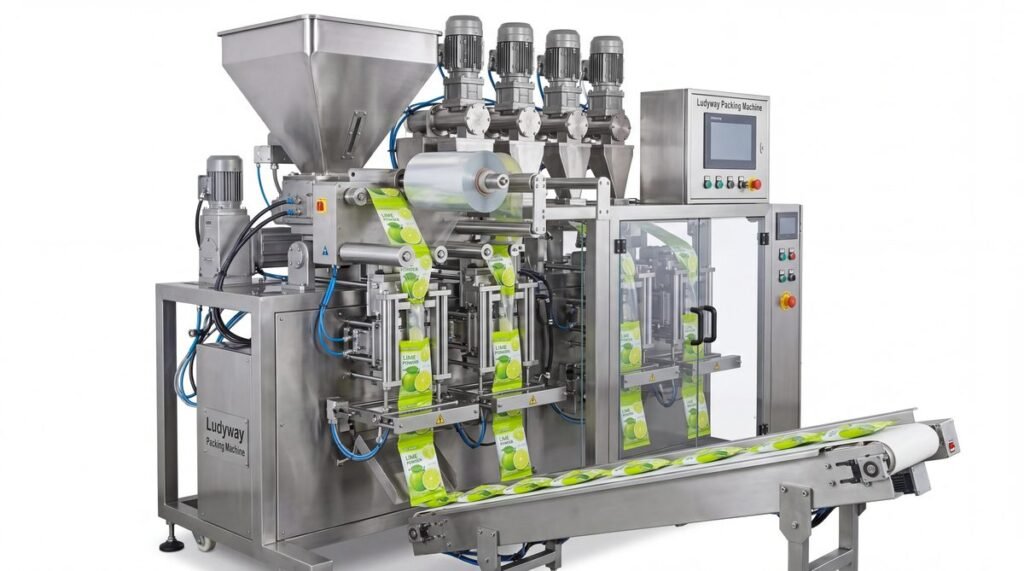
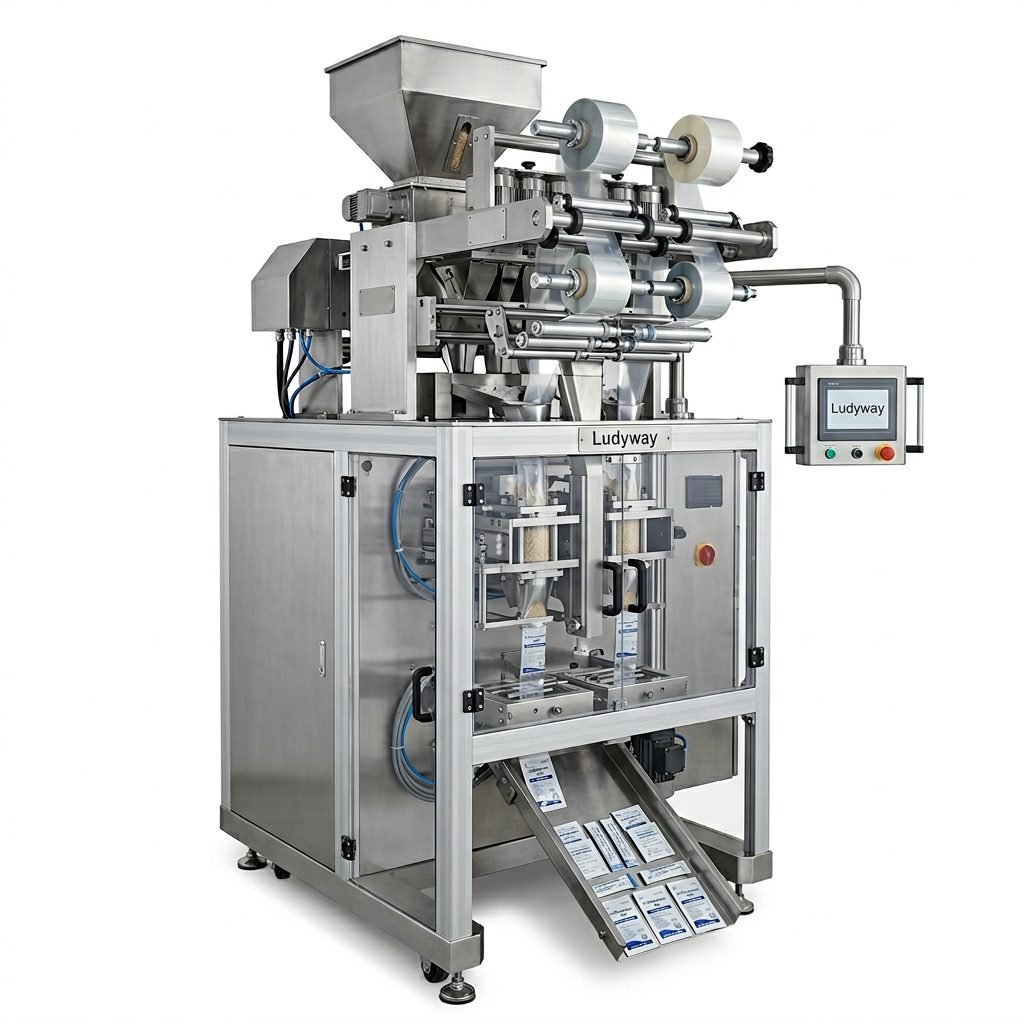
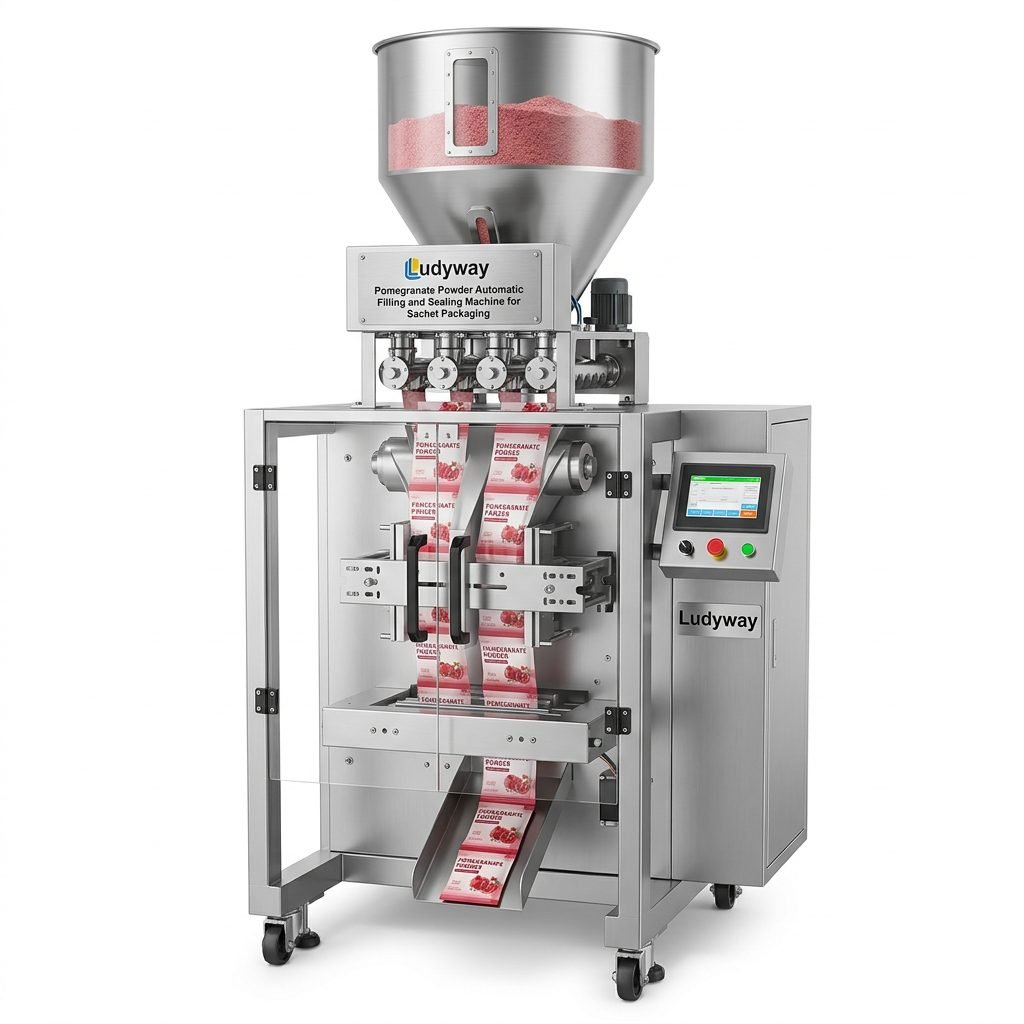
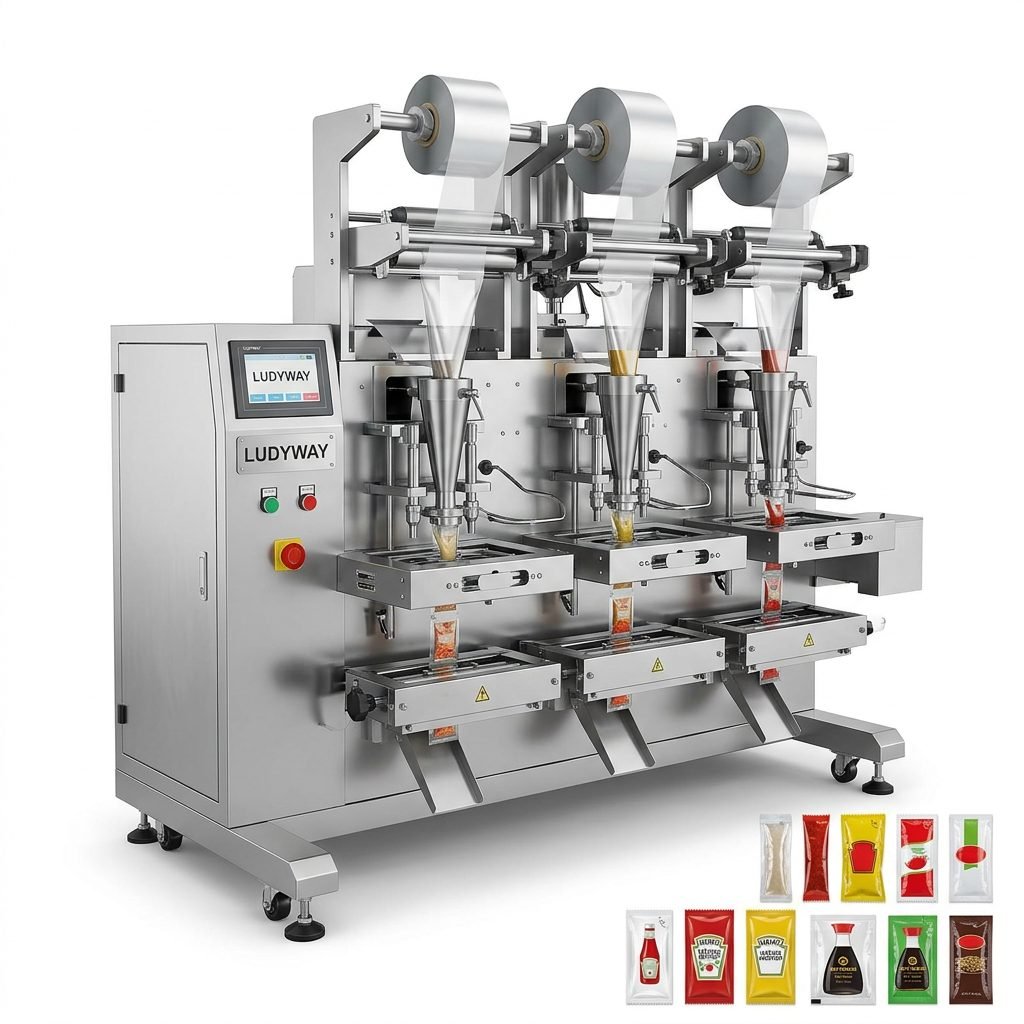
Your ability to reliably print expiration dates depends heavily on the quality and capabilities of your packaging machine. When selecting equipment, consider suppliers with proven expertise in integrated coding solutions. Ludyway Machinery, with over 30 years of industry experience, specializes in advanced packaging equipment for food, pharmaceutical, and consumer goods. Their machines are designed with robust printing subsystems and intuitive controls, making date coding setup and management straightforward. They offer a range of pillow type packaging machines suitable for various production needs. Furthermore, their focus on turnkey production solutions means they can provide the printer, the software integration, and the technical support as a complete package, ensuring your line meets all compliance requirements from day one.
Implementing a reliable expiration date printing process is not just a technical task; it’s a commitment to quality and safety. By understanding the components, following a meticulous setup procedure, anticipating common challenges, and leveraging advanced features, manufacturers can protect their consumers and their brand. Partnering with an experienced equipment provider brings invaluable expertise to this critical aspect of production.
Frequently Asked Questions (FAQs)
1. What is the most reliable type of printer for expiration dates on flexible film?
Thermal transfer printers are widely considered the most reliable for continuous operation on packaging films. They produce sharp, smudge-resistant prints and are well-suited for integrated, high-speed machinery environments.
2. Can the printing system be updated for different date formats for export markets?
Yes, on modern computerized machines. The date format is a software parameter that can typically be changed quickly via the control panel. Some machines even allow storing multiple format presets for different products or markets.
3. How often should the printing head or consumables be maintained?
A preventive maintenance schedule is best. For thermal transfer heads, cleaning should occur weekly during high-volume production. Ribbons should be replaced before they are completely exhausted, based on meter readings or operator alerts from the machine.
4. What happens if the printer fails during production?
A well-configured system should have alarms. The machine can often be set to stop automatically if a printing error is detected (e.g., by a vision system or internal fault check) to prevent non-compliant packages from being produced.
5. Is it possible to print both an expiration date and a QR code on a pillow pack?
Absolutely. Many advanced printing systems support variable data printing and can handle multiple text fields and graphics simultaneously. This requires a printer with sufficient resolution and memory, and proper software configuration.