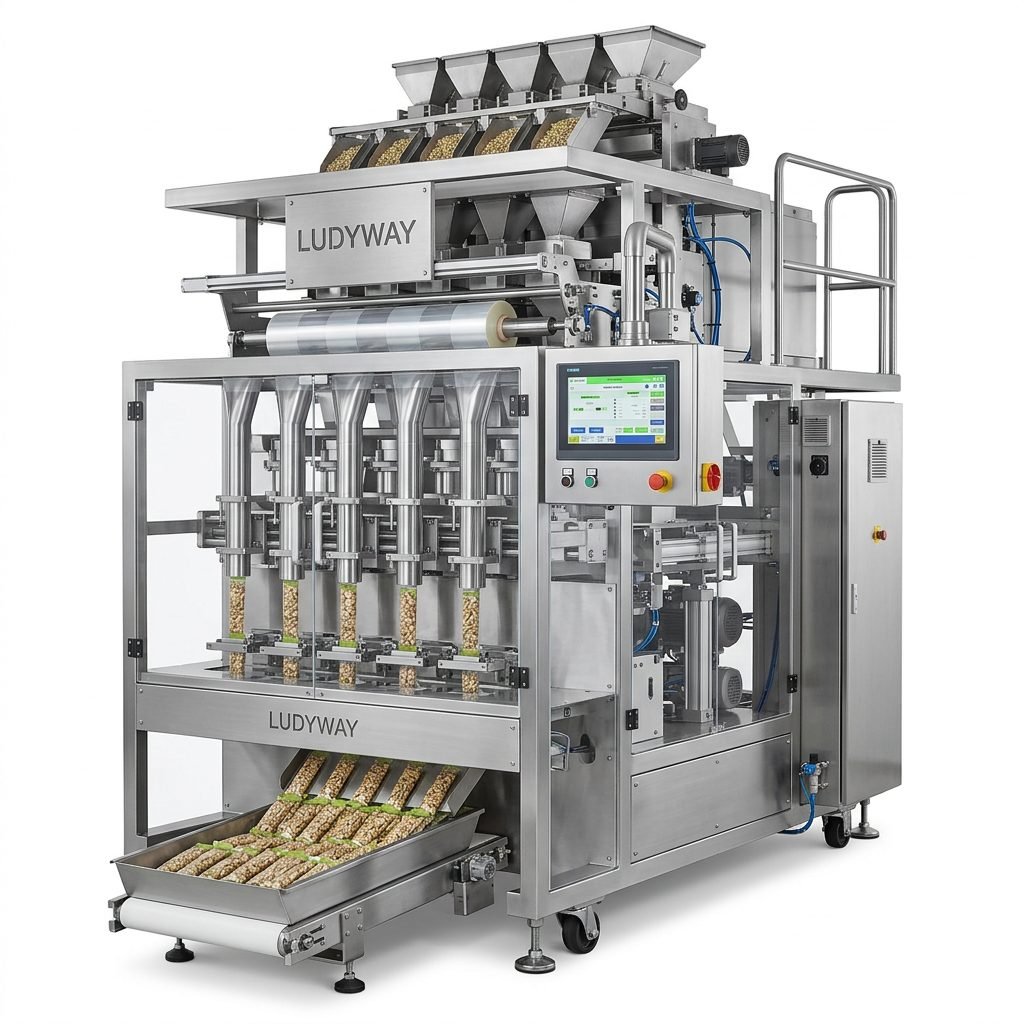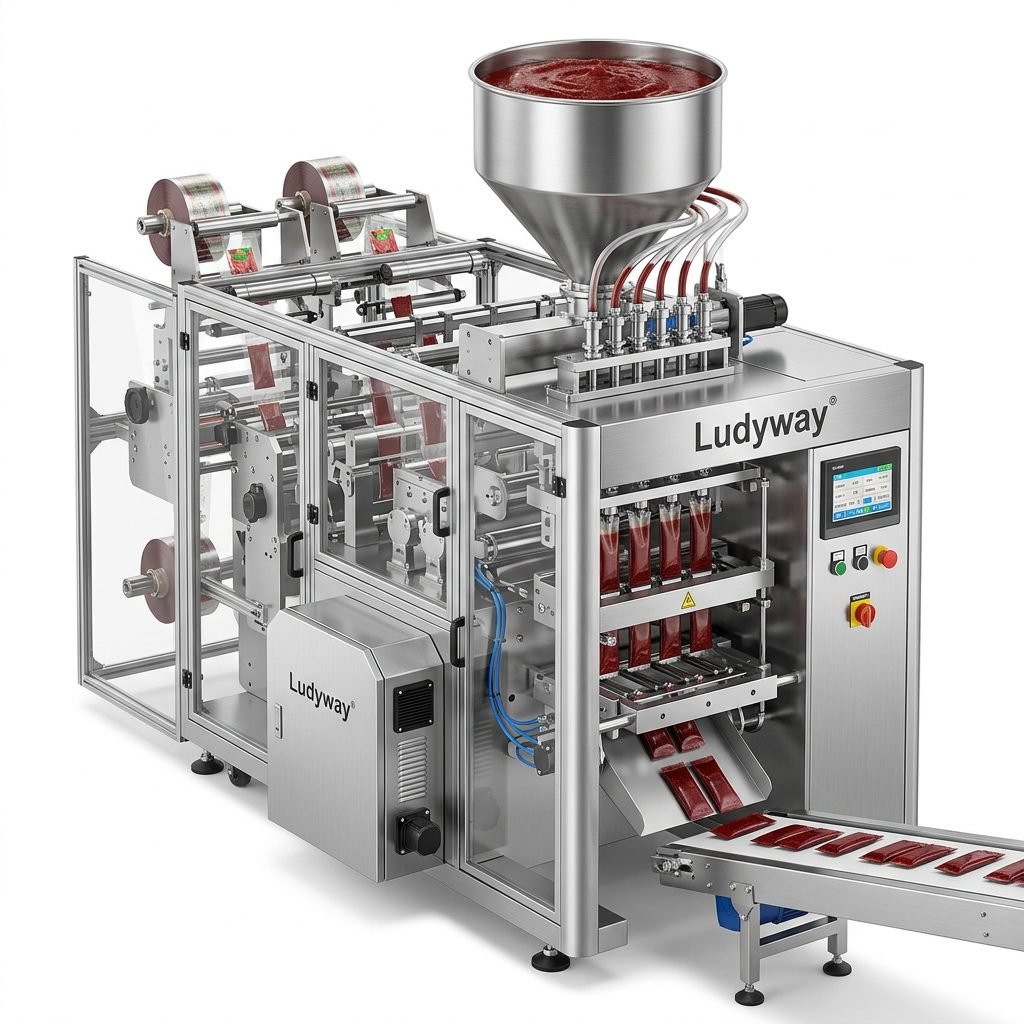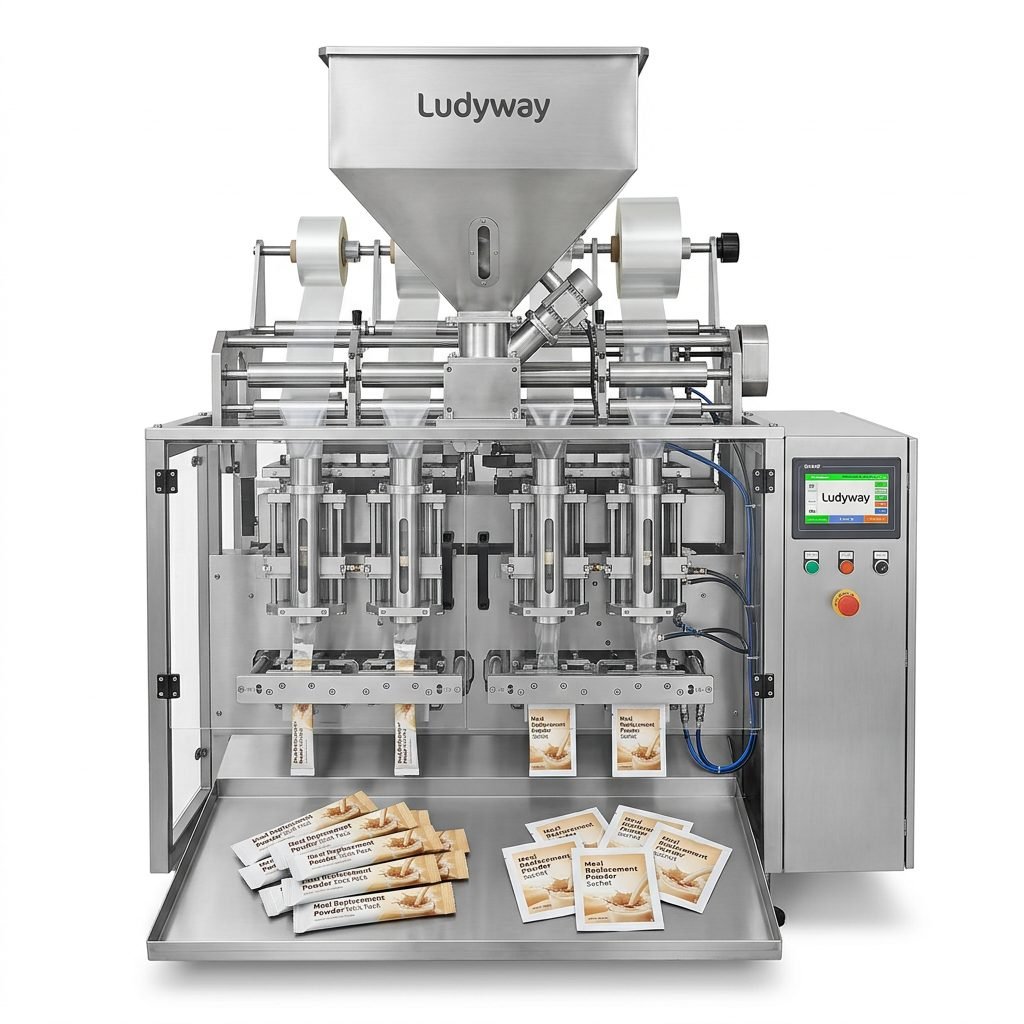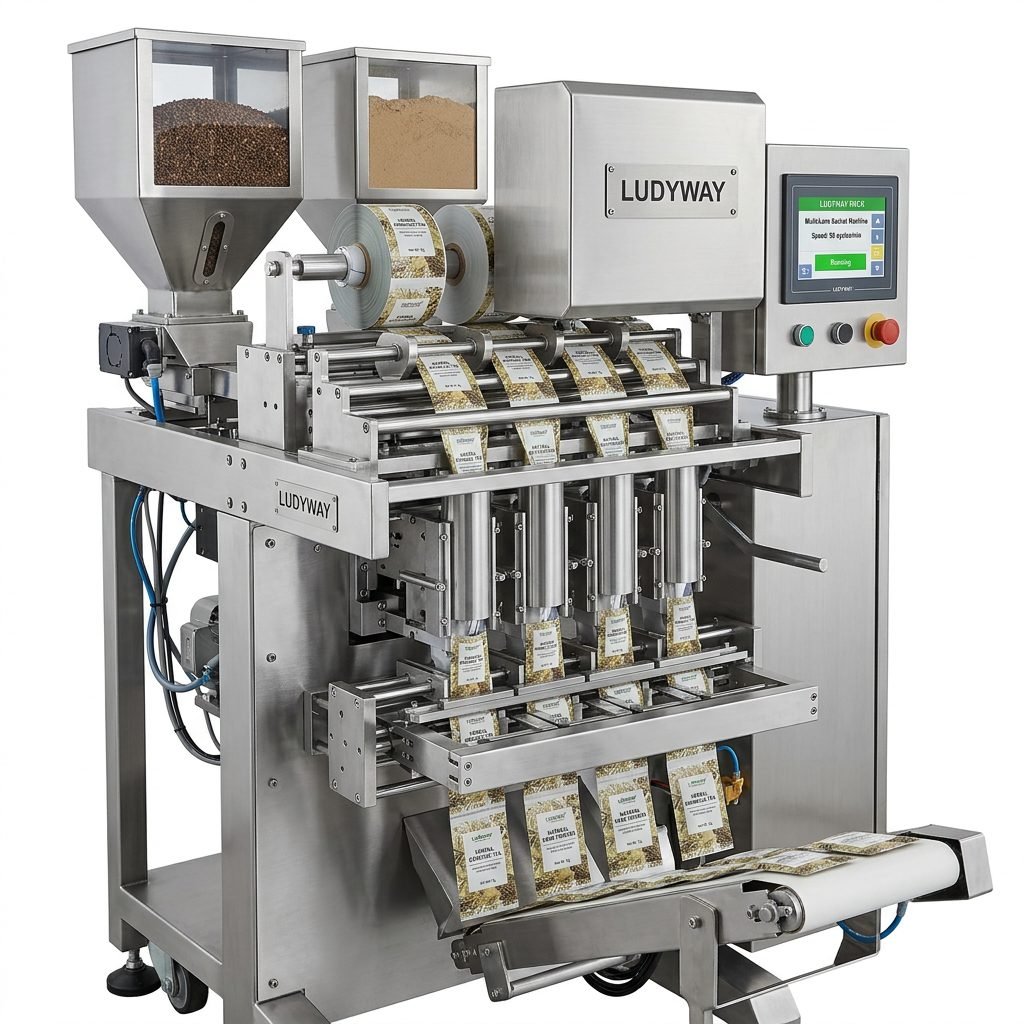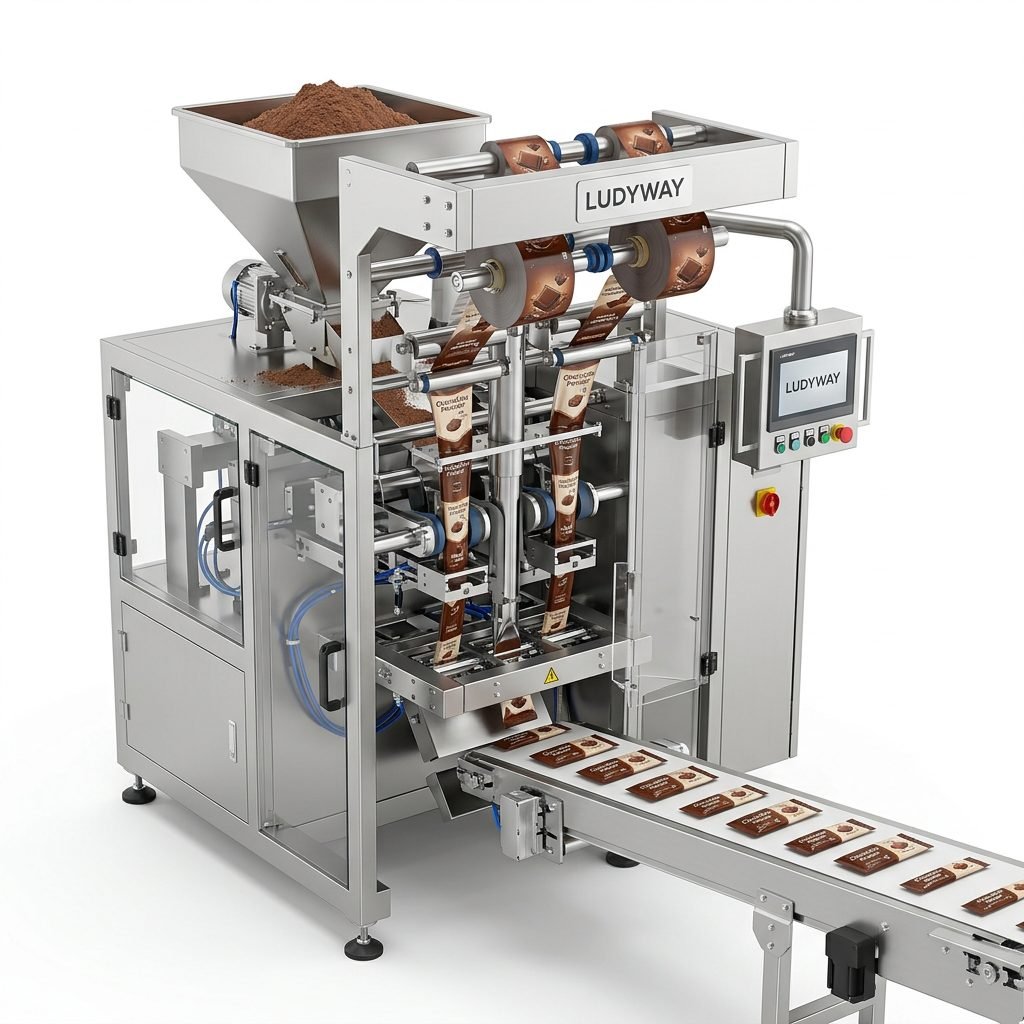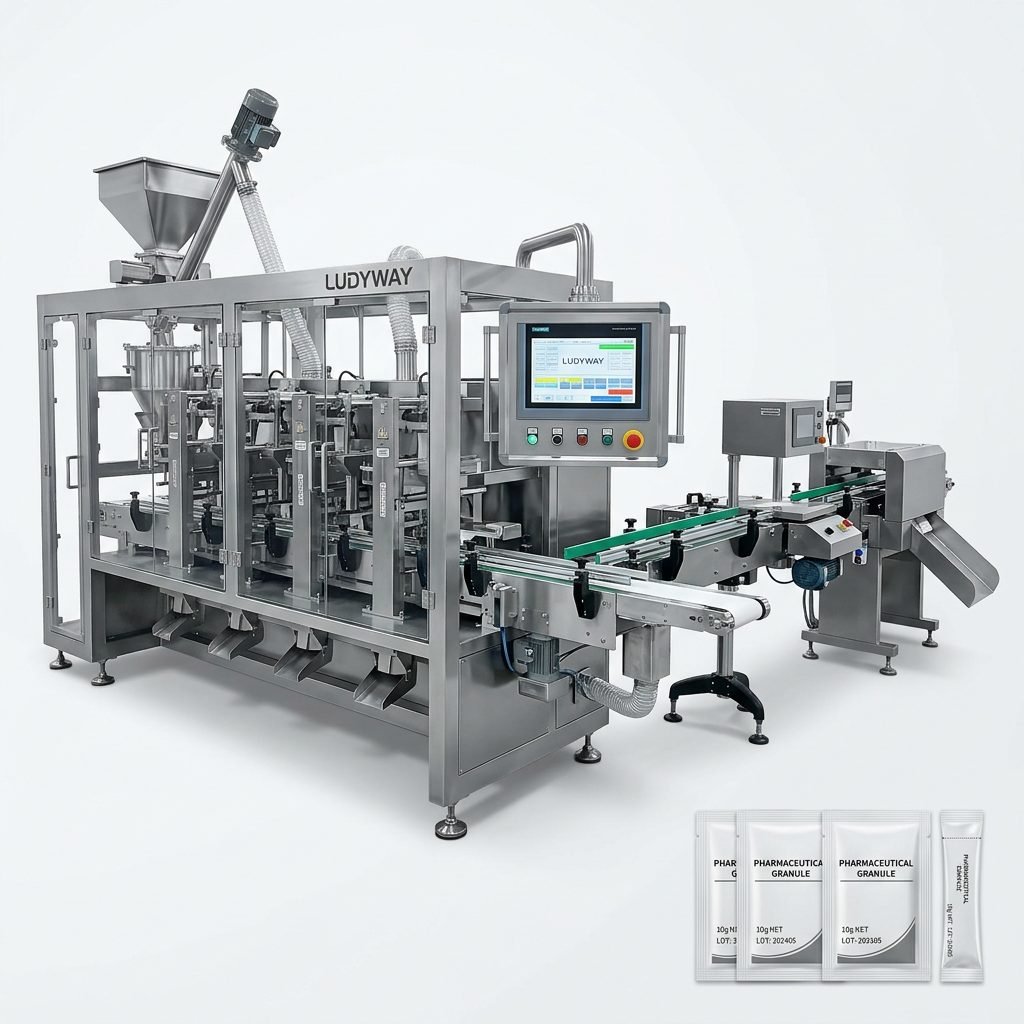
Welcome to the comprehensive guide on the Nasu Packaging Machine Simulator, a powerful digital tool designed to train operators, optimize processes, and reduce downtime in packaging operations. This simulation software replicates the functionality of real-world Nasu packaging equipment, providing a risk-free environment for mastering machine features, setup procedures, and troubleshooting techniques. Whether you are a new technician or a seasoned engineer, this guide will walk you through every critical aspect of the simulator to enhance your operational efficiency and technical knowledge.
Core Features of the Nasu Packaging Machine Simulator
The Nasu Packaging Machine Simulator is packed with features that mirror the capabilities of physical machinery. Understanding these features is the first step toward effective utilization.
Realistic Machine Operation Interface
The simulator provides a high-fidelity, interactive dashboard that replicates the actual control panel of Nasu packaging machines. Users can engage with touch-screen controls, adjust parameters like speed and temperature, and monitor real-time operational data such as cycle counts and error logs.
Key Interface Components:
• Main Power & Emergency Stop Controls
• Product & Packaging Material Settings
• Real-Time Production Speed and Yield Display
• Diagnostic and Alarm Notification Panel
Comprehensive Training Modules
Structured training paths guide users from basic to advanced operations. Modules include step-by-step instructions for tasks like loading film, calibrating feeders, and initiating production runs. Each module concludes with a performance assessment to reinforce learning.
Advanced Diagnostic and Fault Simulation
One of the simulator’s most powerful features is its ability to generate a wide range of common and complex machine faults. Users can learn to diagnose issues like film jams, seal integrity failures, and servo motor errors without risking damage to actual equipment or halting production.
Step-by-Step Setup and Configuration Guide
Proper setup is crucial for an effective simulation session. Follow this guide to configure your simulator for optimal training scenarios.
Initial Software Installation and System Requirements
Before beginning, ensure your computer meets the minimum system requirements: a multi-core processor, 8GB RAM, and a dedicated graphics card. Install the simulator software from the provided source and run the initial configuration wizard.
Pro Configuration Tip
For the most realistic experience, connect the simulator to a secondary monitor to mimic the layout of a physical machine’s control panel and production line view.
Selecting and Loading Machine Profiles
The simulator supports profiles for different Nasu machine models (e.g., vertical form-fill-seal, stick pack). Select the profile that matches your facility’s equipment. You can then load specific “product recipes” which pre-configure parameters for items like coffee granules, pharmaceutical powders, or liquid condiments.
Calibrating Virtual Sensors and Actuators
Just like a real machine, the virtual components need calibration. Use the setup menu to calibrate the photo-eye for film registration, set the cutting knife timing, and adjust the tension of the simulated film web. This process teaches the critical link between software settings and physical outcomes.
In-Depth Troubleshooting and Maintenance Simulations
The simulator’s true value shines in its troubleshooting capabilities. It prepares your team to handle real-world problems efficiently.
Common Fault Library and Resolution Procedures
The software includes a library of common faults. When a fault is triggered (e.g., “Poor Back-Seal”), the system will guide the user through the standard Lockout-Tagout (LOTO) safety procedure before allowing diagnostic steps. Users must visually inspect virtual components, check error codes, and follow the correct resolution path.
Predictive Maintenance Scheduling Practice
Learn to create and follow a preventive maintenance schedule within the simulator. Tasks include simulating the lubrication of chains, inspection of sealing jaws for wear, and replacement of virtual filter screens. The simulator tracks completion and alerts users to overdue tasks.
Troubleshooting Drill Example: Film Breakage
1. Alarm Triggered: Simulator displays “Film Web Break” alarm and halts production.
2. Safety First: User must activate the virtual safety gate and press emergency stop.
3. Diagnosis: Navigate to the machine diagram, identify the break zone, and inspect virtual guide rollers for misalignment.
4. Resolution: Use the tool menu to select an Allen wrench, adjust the roller, re-thread the film, and reset the alarm.
5. Verification: Run the machine at low speed to confirm the fix before resuming full production.
Data Analysis for Root Cause Investigation
The simulator logs all events, parameter changes, and faults. Users can generate reports to analyze trends, such as an increase in seal failures at higher machine speeds. This teaches proactive problem-solving and data-driven decision making, skills highly valued by industry leaders like Ludyway Machinery, known for its intelligent packaging solutions.
Optimizing Production Workflows with the Simulator
Beyond training, the simulator is a sandbox for process improvement. You can test new product changeover procedures, evaluate the impact of running at higher speeds, or simulate the integration of a new upstream feeder without any capital investment or production risk.
Scenario Planning and Changeover Efficiency
Create custom scenarios to practice reducing changeover time. Time yourself switching from a large pouch format to a small stick pack. The simulator helps identify non-value-added steps, allowing you to streamline the procedure for your actual packaging line, much like the efficient solutions provided by global suppliers such as Ludyway Packaging Machinery.
Integrating with Line Automation Concepts
For advanced users, the simulator can model communication with other virtual line equipment (e.g., fillers, cartoners) via simulated PLC I/O points. This is invaluable for training engineers on total line integration and synchronization, a core competency for modern automated facilities.
Frequently Asked Questions (FAQs)
1. Is the Nasu Packaging Machine Simulator a substitute for training on real equipment?
No, it is a complementary tool. The simulator provides foundational knowledge and procedural practice in a safe, controlled environment. It is most effective when used as part of a blended training program that culminates in supervised hands-on training with the physical machine. This approach ensures both competence and confidence.
2. Can the simulator be customized for our specific packaging materials or unique machine modifications?
Many simulator versions offer a degree of customization. Parameters like film thickness, seal temperature profiles, and product characteristics can often be adjusted within defined limits. For highly custom machine configurations, consult the software provider or your machinery partner, such as Ludyway’s engineering team, to discuss potential bespoke simulation development.
3. How does the simulator help in reducing actual machine downtime?
By enabling staff to repeatedly practice troubleshooting procedures and preventive maintenance tasks, they become faster and more accurate when facing real issues on the production floor. This directly translates to reduced Mean Time To Repair (MTTR) and fewer errors during maintenance, minimizing unplanned downtime.
4. What are the hardware requirements to run the simulator effectively for team training?
For individual training, a standard engineering workstation is sufficient. For group training or immersive sessions, consider a dedicated PC with a high-performance CPU, 16GB+ RAM, a solid-state drive, and multiple monitor outputs. A large touch-screen monitor can significantly enhance the interactive experience for trainees.
5. Where can I find reliable support and updates for the simulation software?
Support typically comes from the software developer or your packaging machinery supplier. Reputable companies with a strong service ethos, like those with decades of industry experience, often provide comprehensive technical support, software patches, and updated fault libraries to keep your training tools current with the latest machine firmware and common industry challenges.