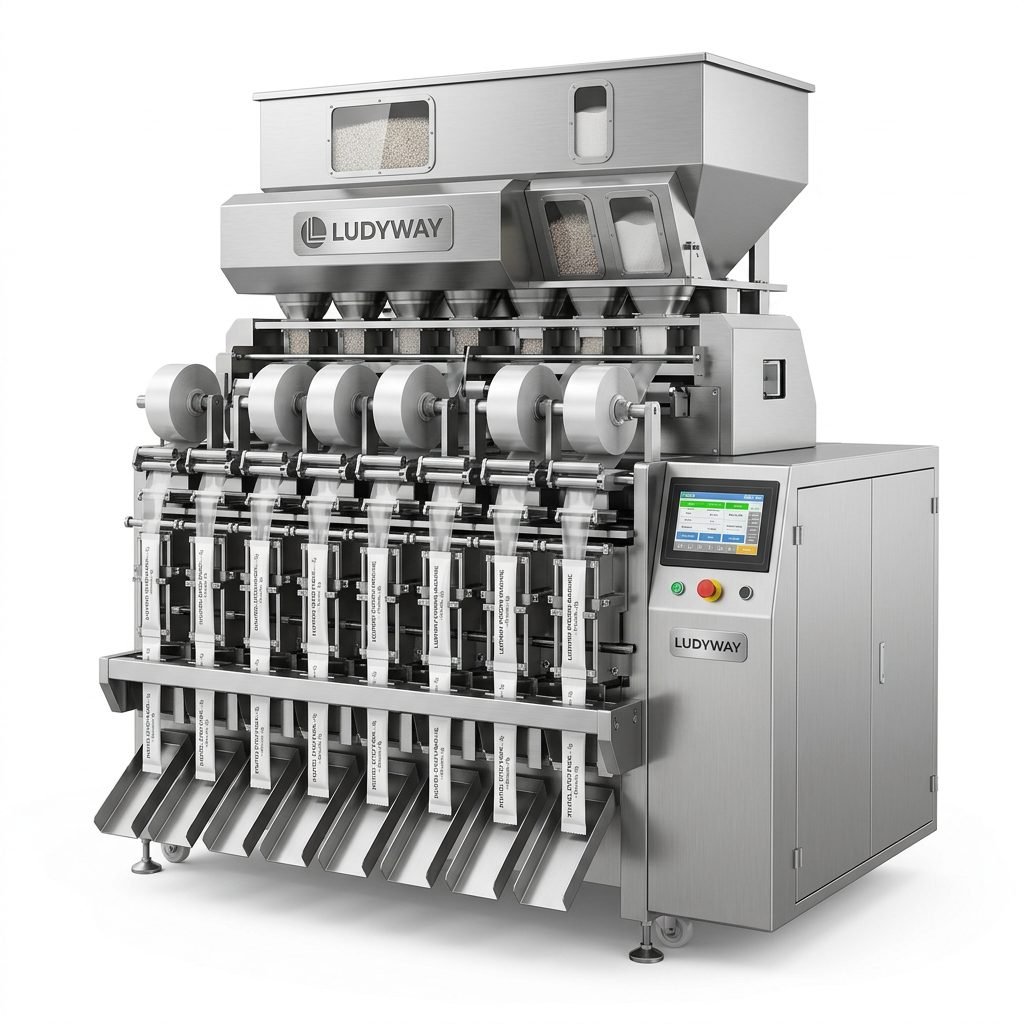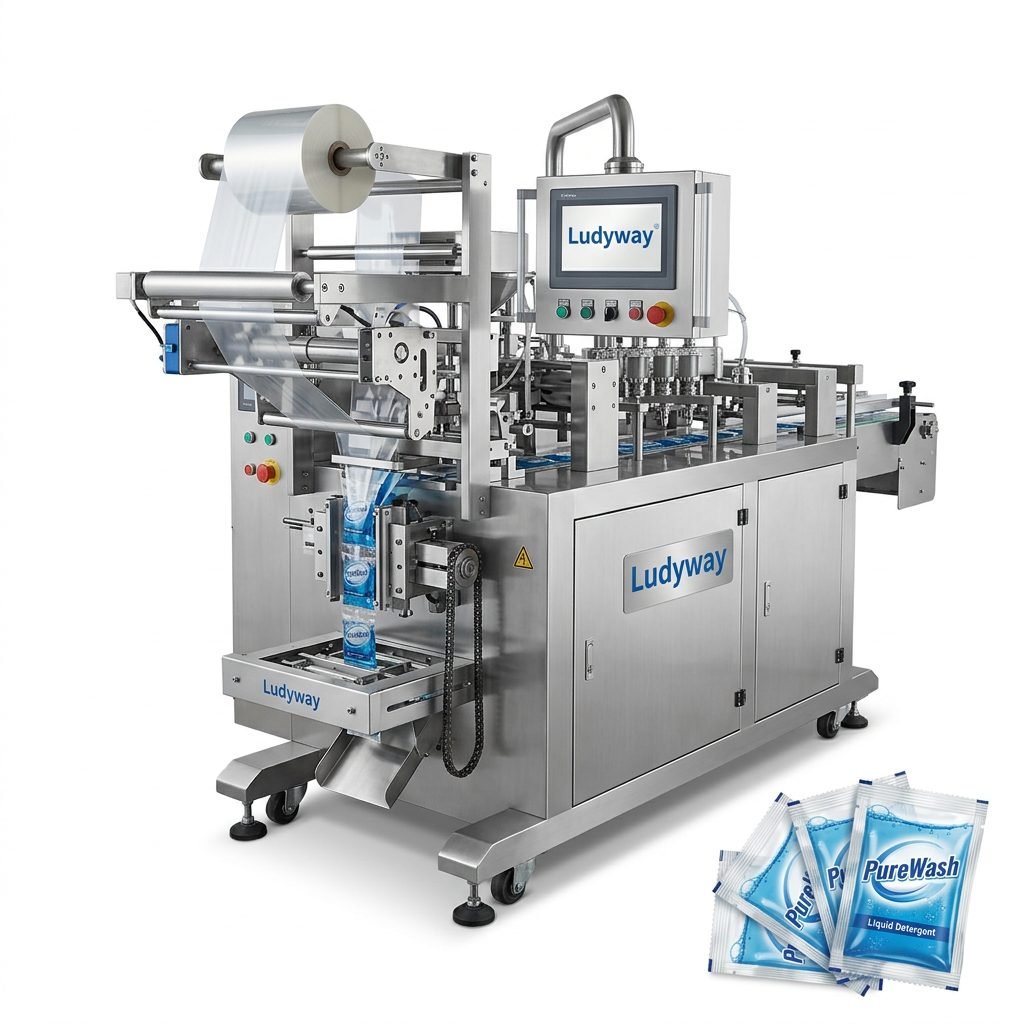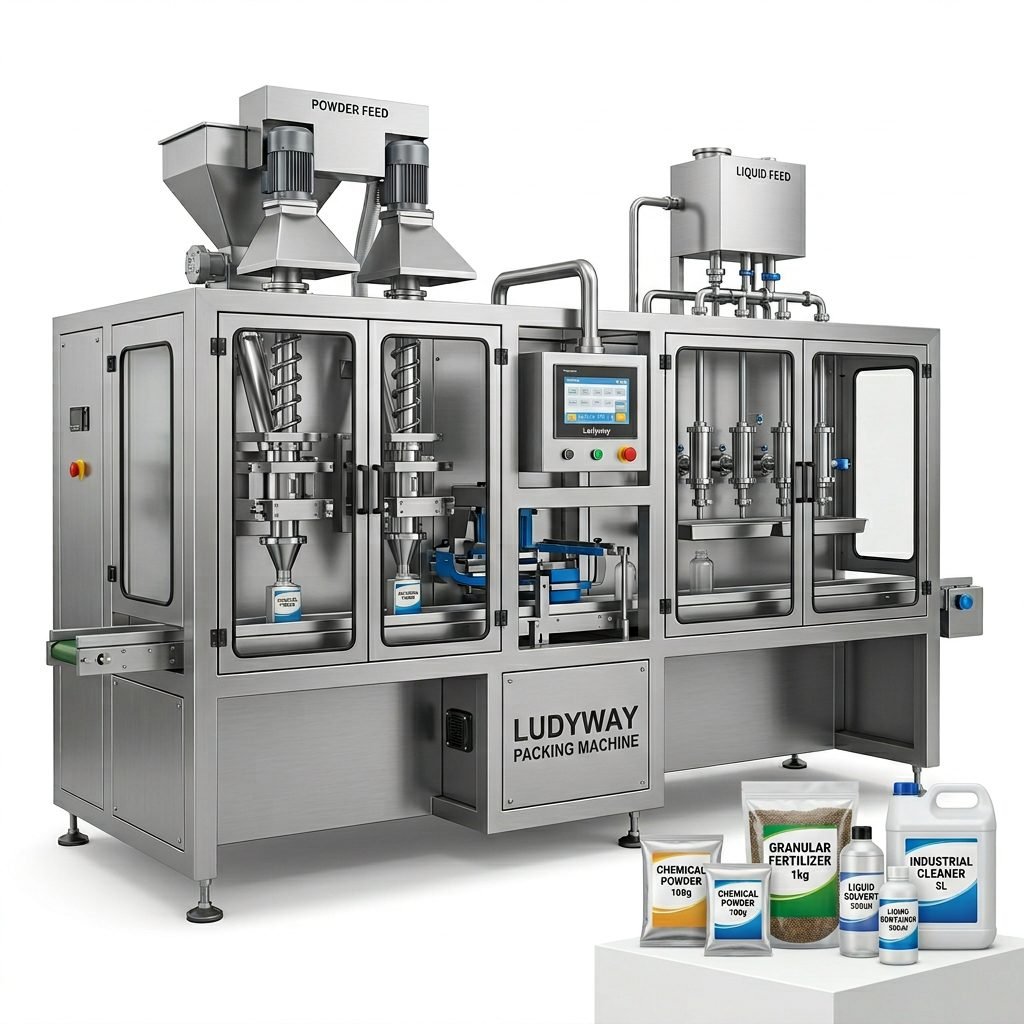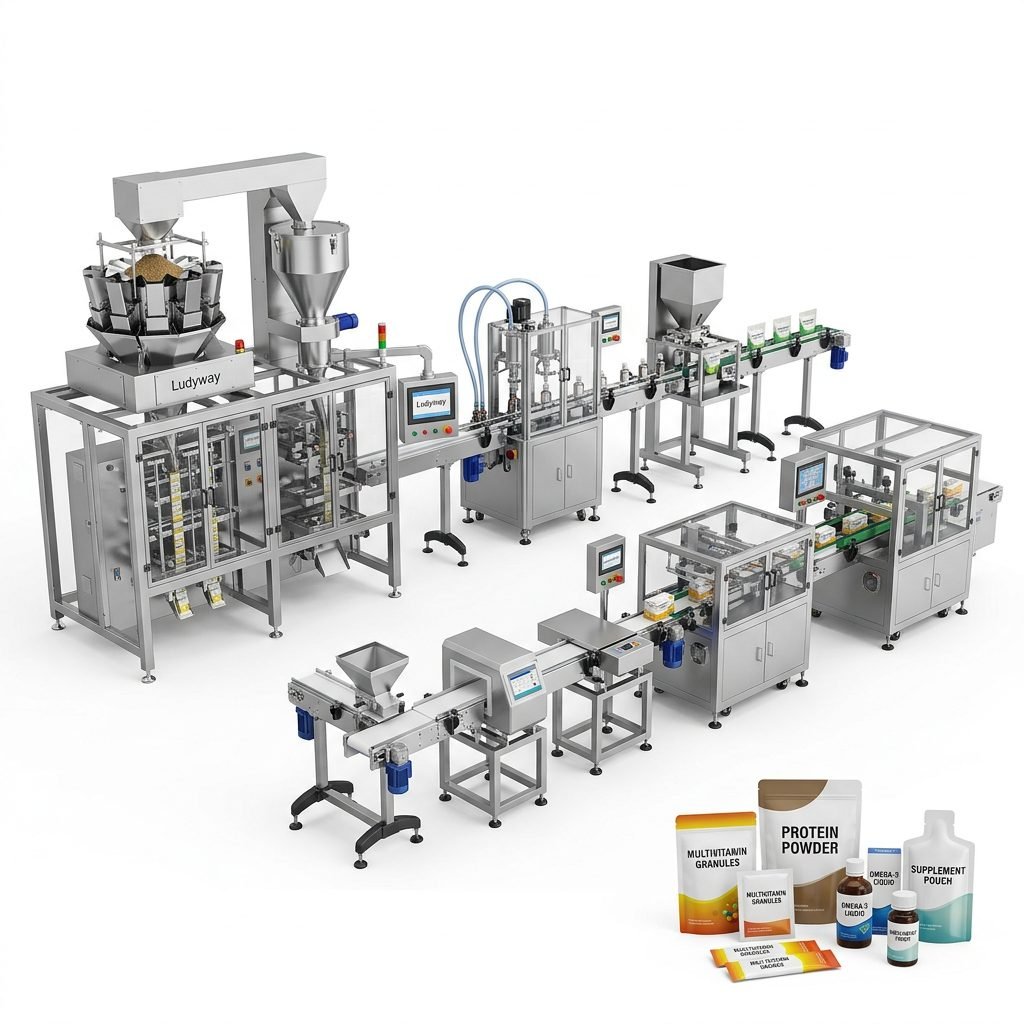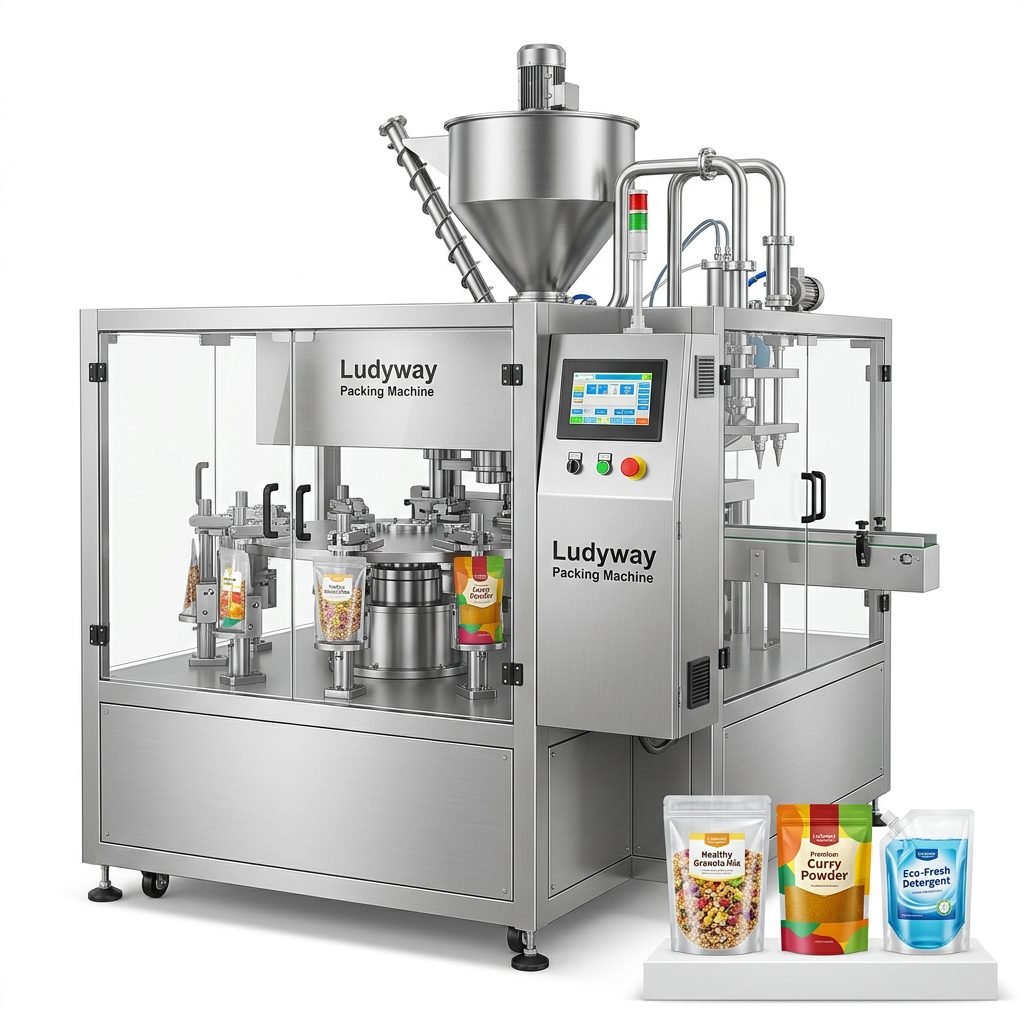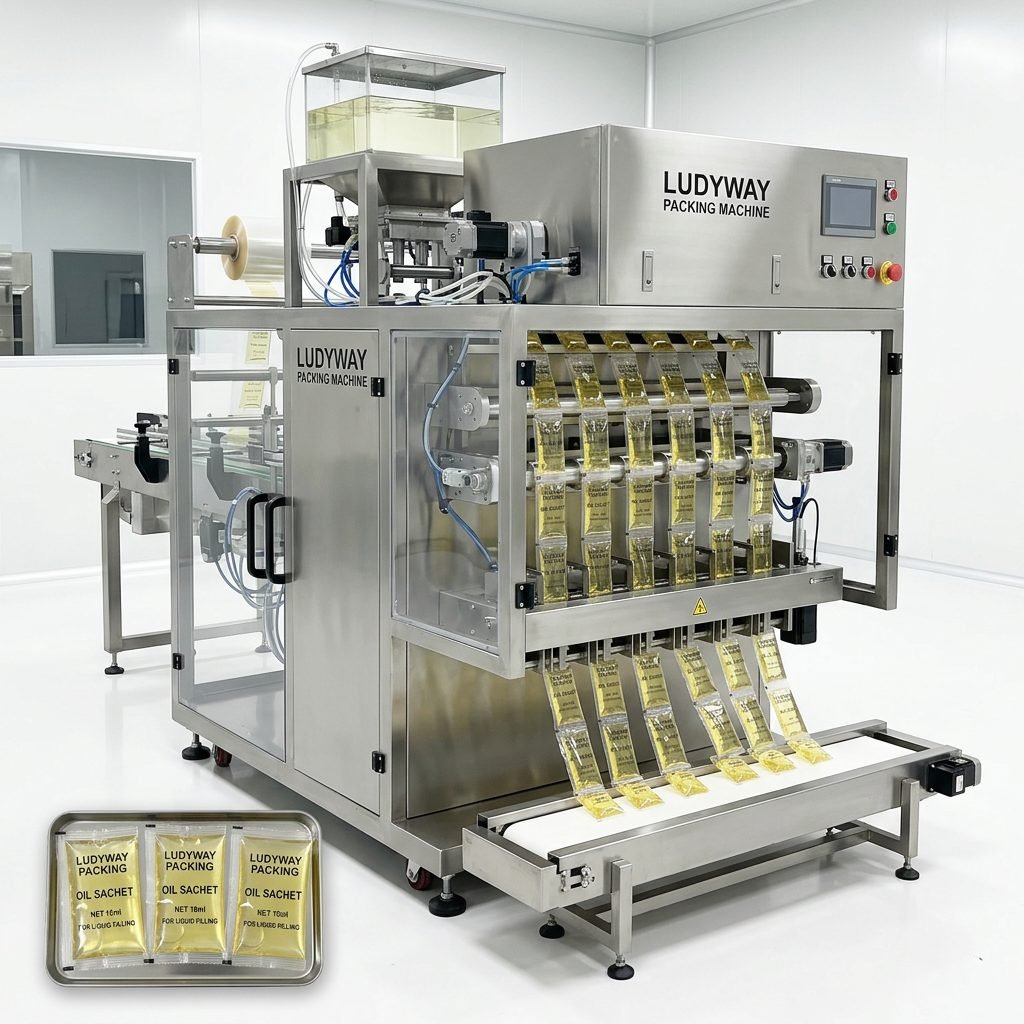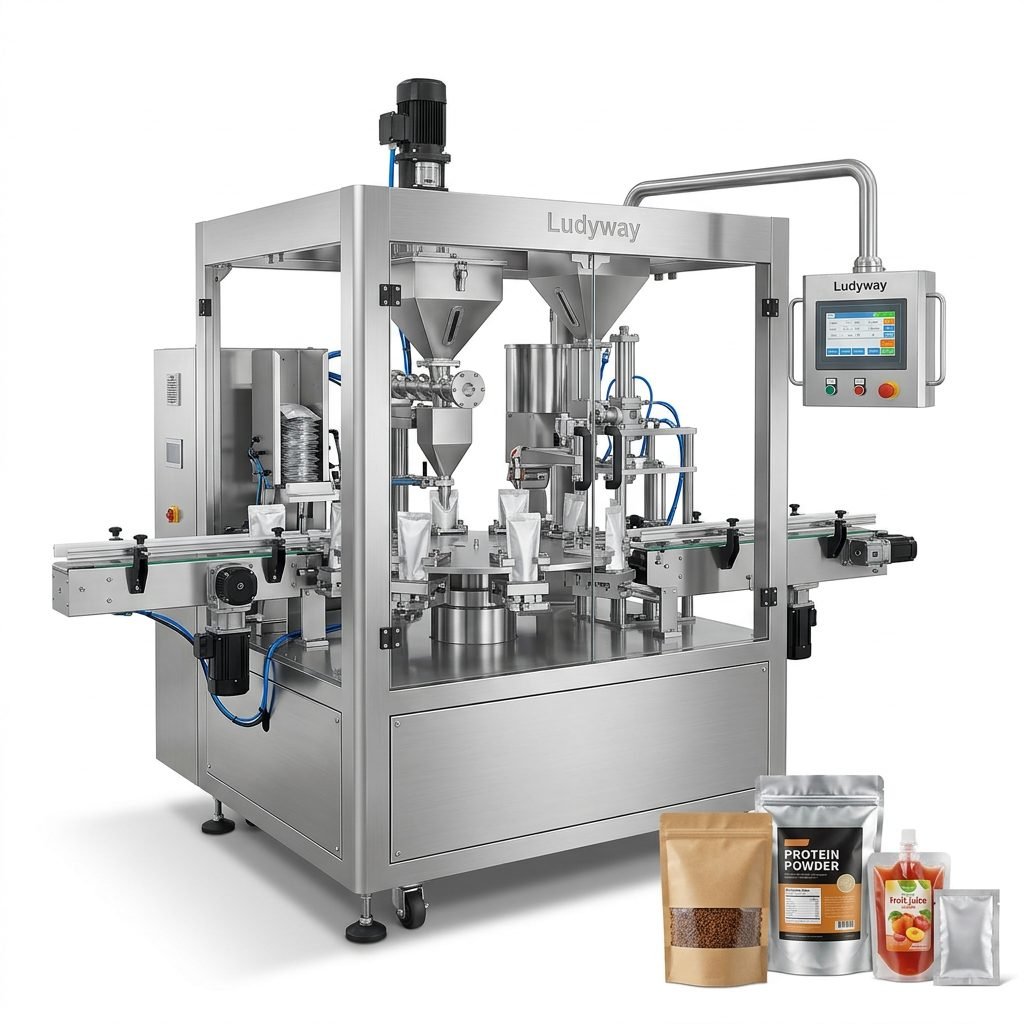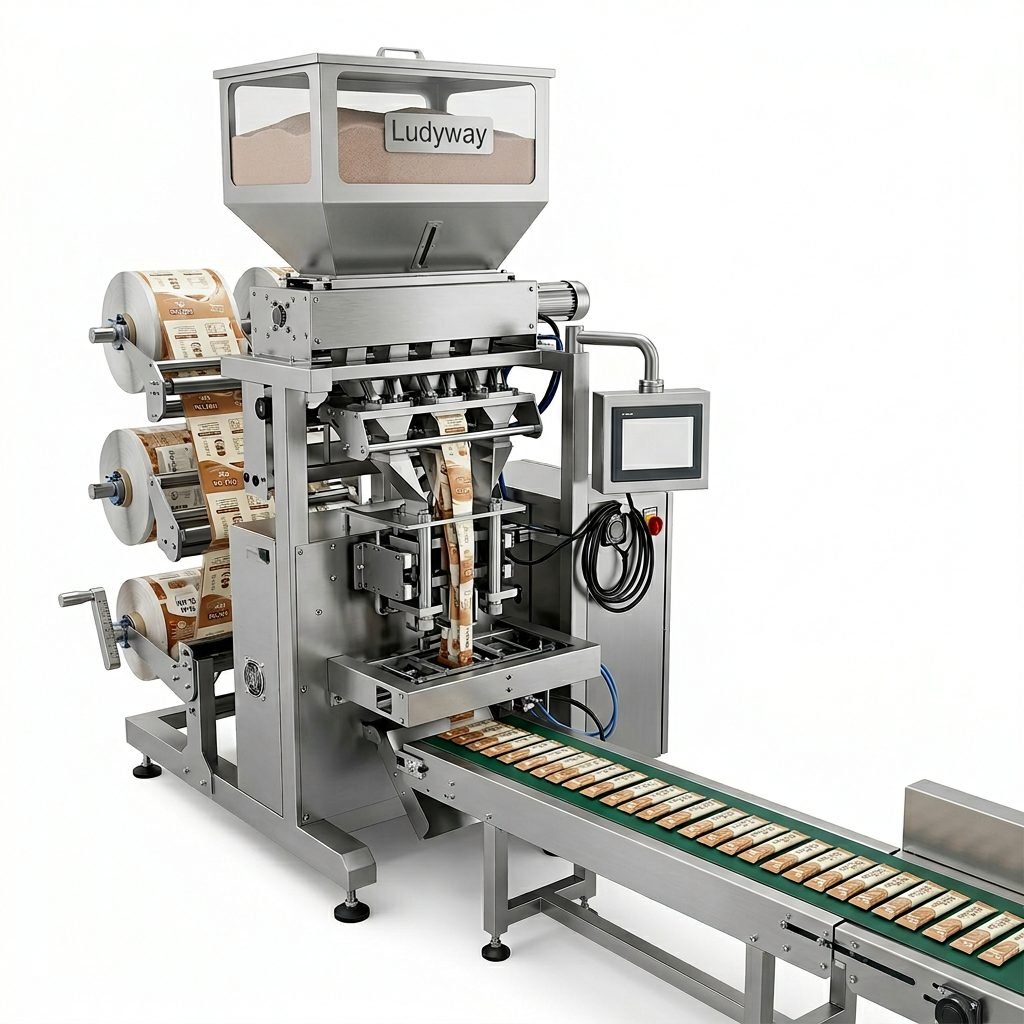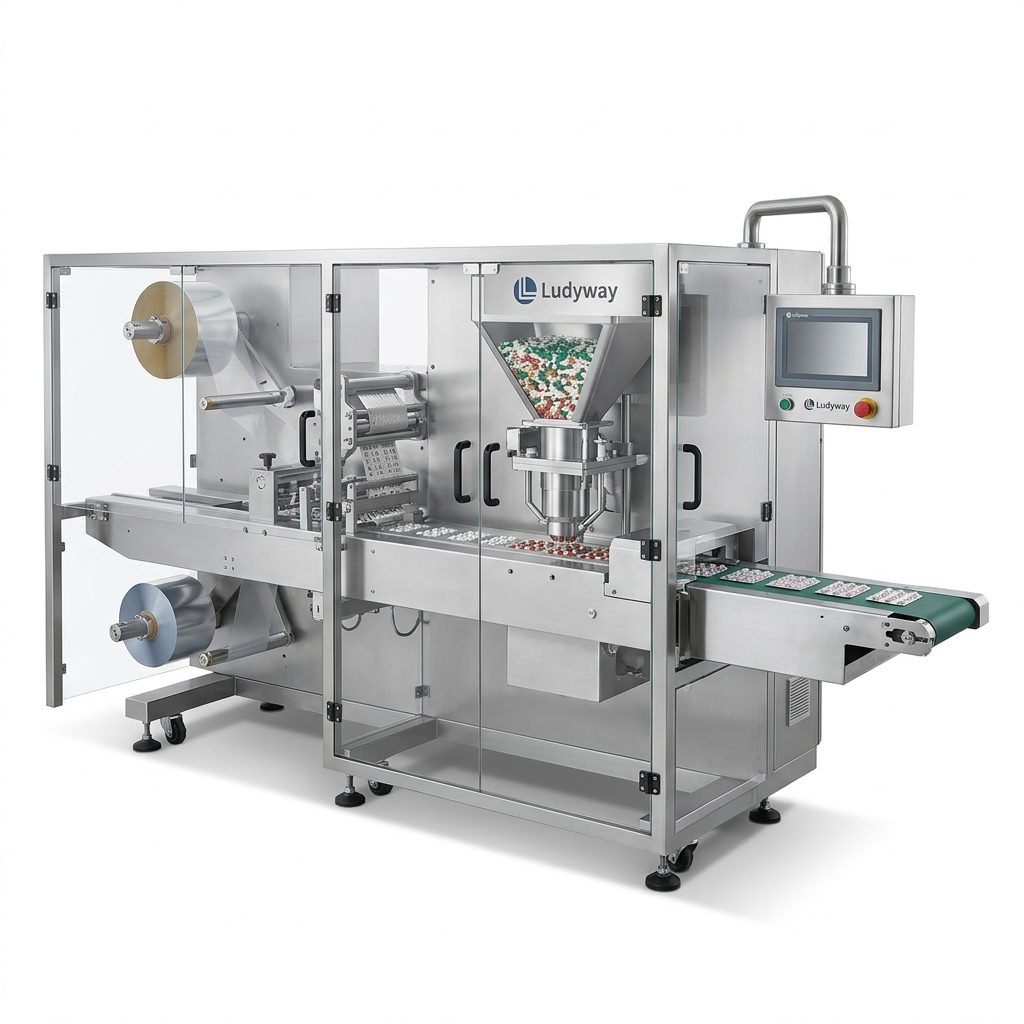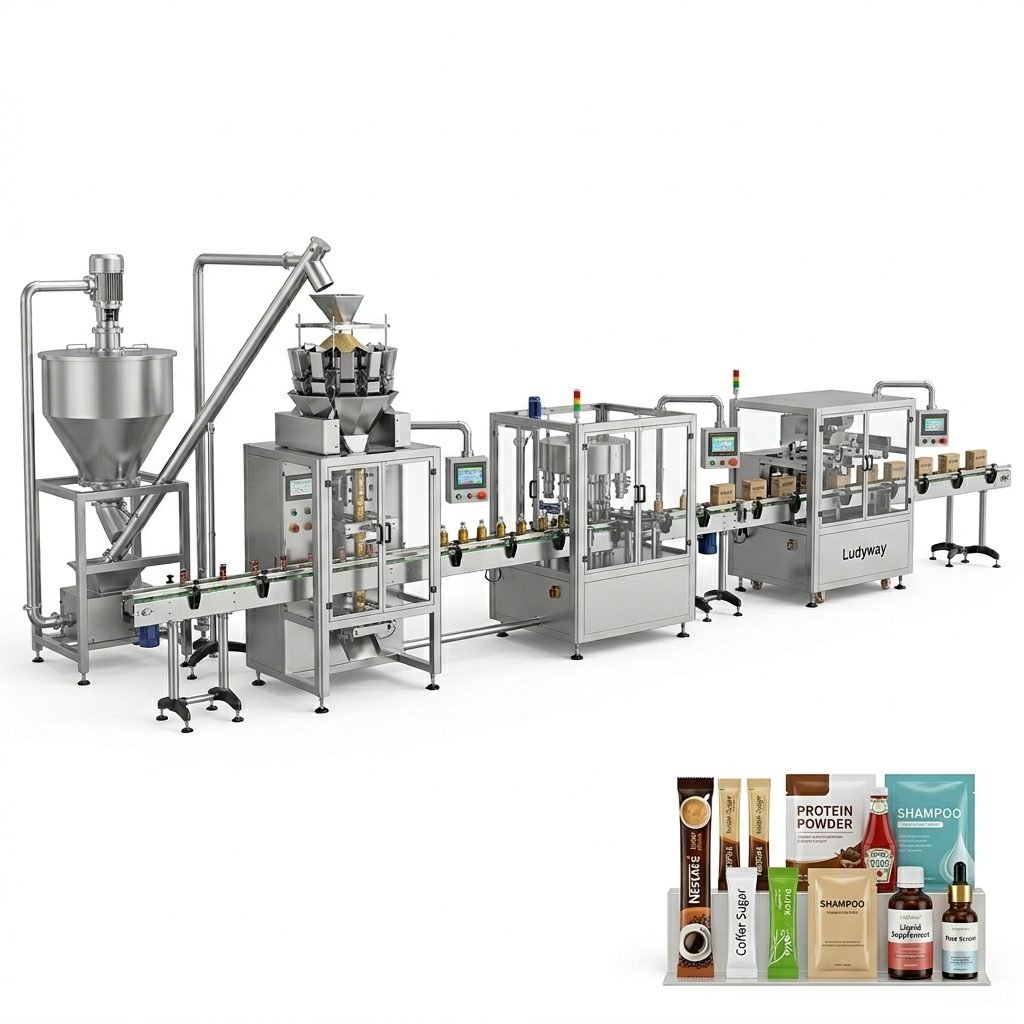
Operating an Ulma packaging machine effectively requires a thorough understanding of its manual. This guide provides a comprehensive walkthrough for both routine use and troubleshooting common issues, ensuring optimal performance and longevity of your equipment.
Getting Started with Your Ulma Machine
Before initiating any packaging operations, a proper setup is crucial. Begin by carefully unpacking the machine and verifying all components against the packing list provided in the manual. Ensure the installation site is level, clean, and has adequate power supply and ventilation.
Key Initialization Step: Always perform a manual test run without product to check all mechanical movements. This helps identify any transit-related issues before full-scale production begins.
Familiarize yourself with the control panel. Modern Ulma machines often feature touch-screen interfaces with multi-language support. Navigate through the main menu to understand settings for speed, temperature (for sealing units), and package length.
Daily Operation Procedures
Establishing a consistent daily routine minimizes downtime and maintains quality.
- Start-up Sequence: Power on the main switch, initialize the control system, and allow the machine to complete its self-check.
- Material Loading: Correctly thread the packaging film through the designated guides and tension rollers as per the diagram in section 3.2 of your manual.
- Parameter Setting: Input the specific parameters for your product, such as fill weight, package dimensions, and sealing temperature. Save these as a recipe for future use.
- Production Run & Monitoring: Start at a low speed, gradually increasing while monitoring for consistent filling and sealing. Conduct periodic checks on seal integrity and weight accuracy.
Essential Maintenance Schedule
Preventive maintenance is the key to avoiding major breakdowns. Adhere to the schedule outlined in your manual.
Daily Tasks
Clean all product contact surfaces, remove dust and debris from moving parts, and check lubrication points on chains and guides.
Weekly Tasks
Inspect and clean the sealing jaws with approved solvents, check pneumatic filters for moisture, and verify the tightness of critical bolts and nuts.
Monthly/Quarterly Tasks
Perform a more detailed inspection of wear parts like cutting blades and gaskets. Calibrate the weighing system if applicable. Refer to the official Ludyway support resources for detailed calibration guides.
Troubleshooting Common Operational Issues
Even with proper maintenance, issues can arise. Here’s how to diagnose and resolve frequent problems.
Poor Seal Quality
Weak or inconsistent seals are often related to temperature, pressure, or film quality.
- Check 1: Sealing Temperature. Verify the set temperature matches the film manufacturer’s recommendation. Use a contact thermometer to confirm actual jaw temperature.
- Check 2: Sealing Pressure. Inspect the pneumatic pressure gauge. Adjust the regulator if pressure is outside the manual’s specified range (typically 4-6 bar).
- Check 3: Jaw Condition & Dwell Time. Clean jaws of any residue. Ensure the sealing dwell time is sufficient for the film type and machine speed.
Inaccurate Filling
Variations in fill weight lead to product giveaway or compliance issues.
Primary Cause: For volumetric fillers, inconsistent product density or aeration is common. For auger fillers, worn augers or incorrect RPM settings are likely culprits.
First, ensure the product hopper is adequately agitated to maintain a consistent bulk density. For auger systems, inspect the auger for wear and confirm the tooling size is correct for the target weight. Re-calibrate the filling system following the procedure in chapter 7 of your manual. For complex system integration, our engineering team’s expertise can be invaluable.
Film Web Breaks or Misalignment
This causes stoppages and material waste.
- Misalignment: Re-thread the film, ensuring it passes through all sensors and guides correctly. Check and adjust the edge guide or ultrasonic sensor.
- Breaks: Examine the film roll for nicks or weak spots. Check all rollers and guides for burrs or damage that could snag the film. Ensure the unwinding brake tension is not set too high.
Machine Stops Unexpectedly (Fault Alarms)
Modern machines display error codes. Always note the code and refer to the fault diagnosis chapter.
Common alarms include “Safety Door Open“, “Phase Failure“, or “Motor Overload“. Reset the machine after resolving the root cause. For persistent electrical faults, consult a qualified technician. Leveraging global technical support can expedite resolution.
Advanced Troubleshooting & Professional Support
For issues beyond basic fixes, a systematic approach is necessary.
- Isolate the Problem: Determine if the issue is mechanical, electrical, pneumatic, or related to software/settings.
- Consult Specific Manual Sections: Use the detailed exploded-view diagrams and parts lists to identify components.
- Gather Information: Before calling support, have the machine model, serial number, error code, and a description of the operating conditions when the fault occurred ready.
- Utilize Manufacturer Resources: Reputable suppliers like Ludyway offer deep technical knowledge built on 30+ years of industry experience, which can be critical for solving complex, intermittent problems.
Frequently Asked Questions (FAQs)
Q1: How often should I replace the sealing jaw Teflon coating?
A: There’s no fixed interval. Inspect it weekly for scratches, cuts, or residue that cannot be cleaned. Replace immediately if the coating is damaged to prevent poor seals and film sticking.
Q2: My machine is making an unusual noise. What should I do first?
A: Stop the machine immediately. Identify the source of the noise (e.g., gearbox, chain drive, bearing). Check for loose components, lack of lubrication, or foreign objects. Do not run the machine until the cause is found and resolved.
Q3: Can I use any packaging film with my Ulma machine?
A: No. The machine is calibrated for specific film types (laminate structures, thickness). Using an incompatible film can cause sealing problems, misfeeds, and void the warranty. Always consult the manual or your supplier for approved film specifications.
Q4: The control panel is unresponsive. Is this an electrical fault?
A: Not always. First, perform a complete power cycle. If it remains unresponsive, check the main circuit breaker and the low-voltage power supply to the PLC. If you lack electrical training, contact a service technician.
Q5: Where can I find genuine spare parts?
A: Always source parts through the original equipment manufacturer or their authorized distributors, like Ludyway. Using non-genuine parts can lead to machine damage, safety risks, and inconsistent performance.