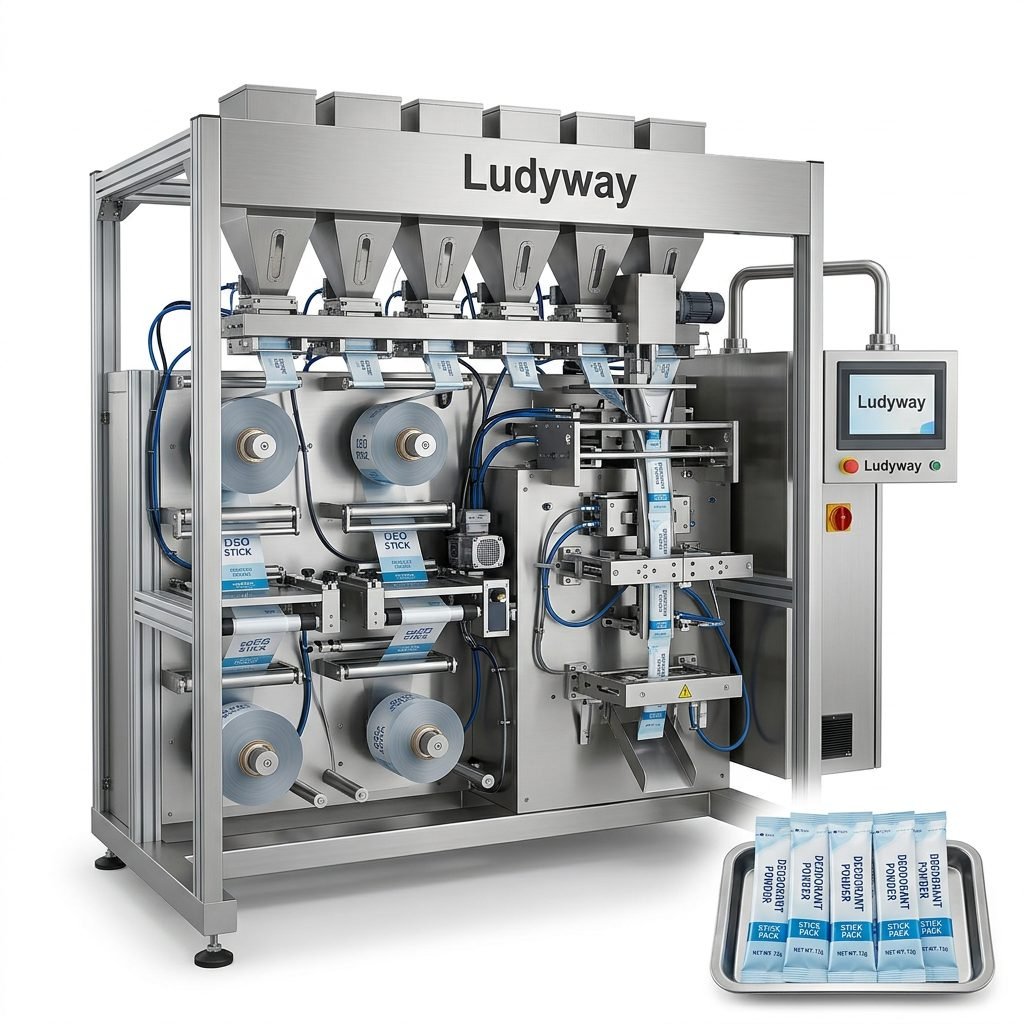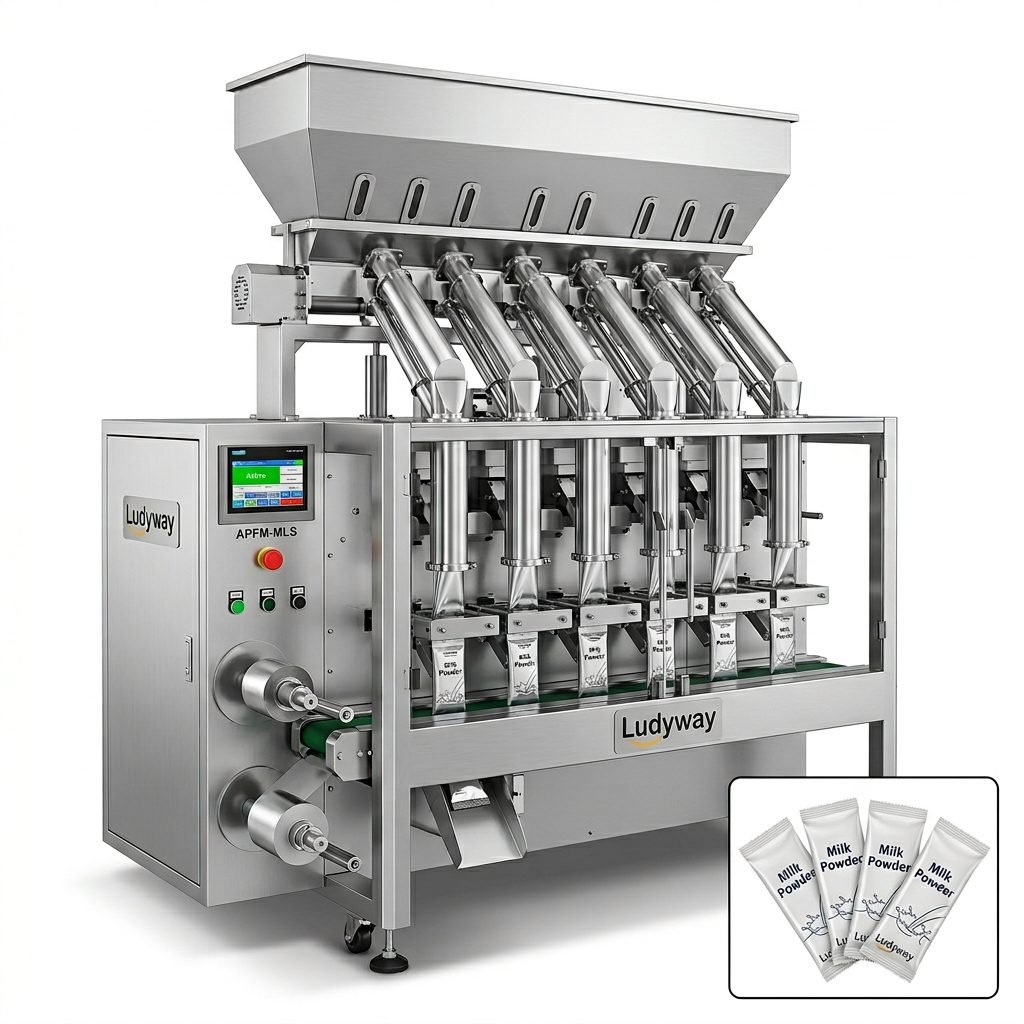
Choosing the right packaging printer machine is not just about putting text on a pouch, carton, or label. It directly affects traceability, compliance, branding, production speed, and overall operating cost. Whether you package food, pharmaceuticals, cosmetics, chemicals, or nicotine pouch products, the right printing system helps you maintain clear coding, reduce downtime, and keep your packaging line running efficiently.
This guide explains what a packaging printer machine is, the main machine types, how to compare technologies, and what factors matter most before you invest.
What Is a Packaging Printer Machine?
A packaging printer machine is equipment used to print variable or fixed information onto packaging materials or finished packs. This information may include:
- Production dates
- Expiry dates
- Batch or lot numbers
- Barcodes and QR codes
- Product names and specifications
- Regulatory and traceability data
- Brand graphics or promotional messages
Packaging printers can be integrated into different stages of production, including film unwinding, pouch forming, filling and sealing, labeling, cartoning, and case packing.
Why the Right Printing Solution Matters
A poor printer choice can create smudged codes, unreadable barcodes, wasted film, rejected products, and line stoppages. A properly matched solution helps manufacturers achieve:
- Reliable code legibility across different package materials
- Better compliance with food, pharma, and export market requirements
- Lower consumable waste and maintenance interruptions
- Higher packaging line efficiency
- More professional shelf presentation
- Improved downstream scanning and warehouse traceability
Main Types of Packaging Printer Machines
1. Thermal Transfer Overprinter (TTO)
TTO printers are widely used for flexible packaging films, sachets, stick packs, and pouches. They transfer ink from a ribbon onto the substrate through heat and pressure.
Best for: high-resolution printing on flexible films before or during packaging.
Advantages
- Sharp text, logos, and barcodes
- Excellent for flexible packaging applications
- Clean and consistent print quality
- Suitable for intermittent and continuous motion machines
Limitations
- Requires ribbon consumables
- Usually best on film-based materials rather than rough cartons
2. Continuous Inkjet Printer (CIJ)
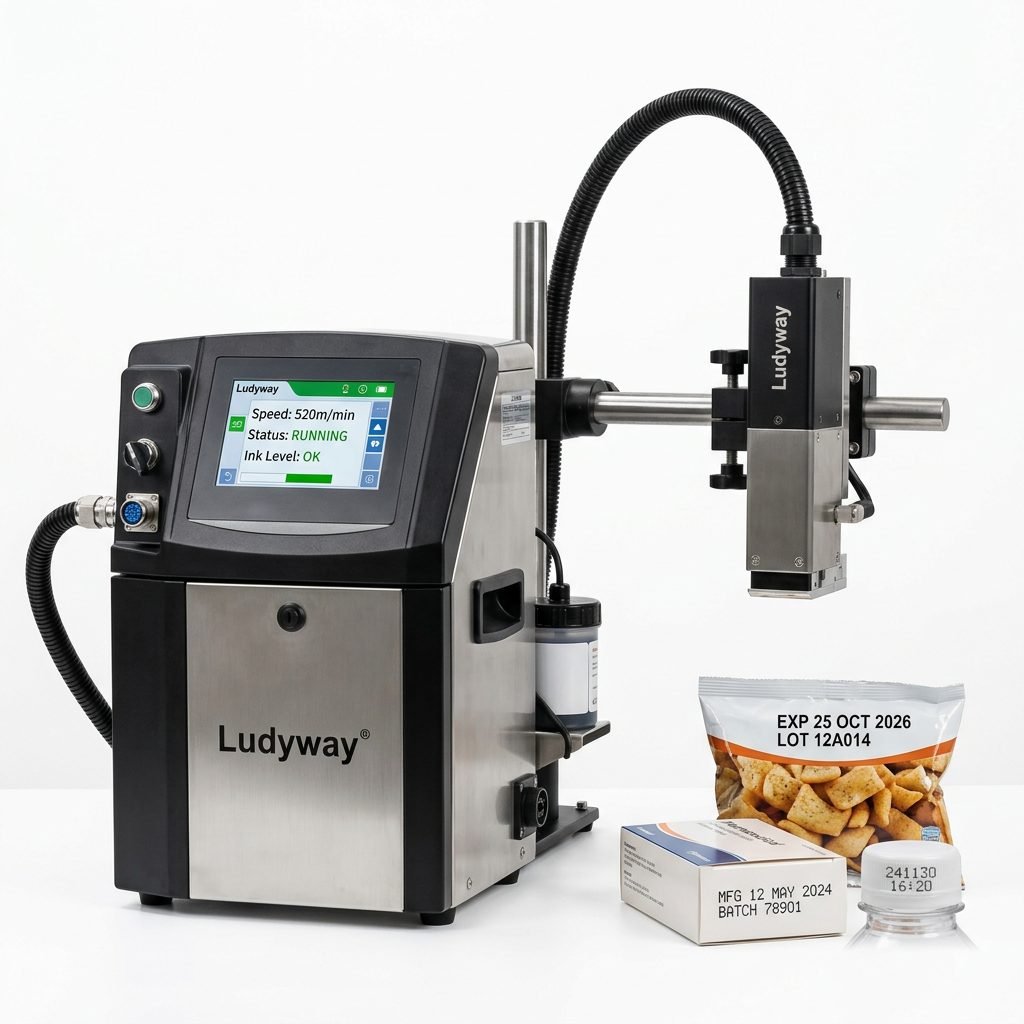
CIJ technology uses a continuous stream of ink droplets for fast, non-contact coding. It is common for bottles, jars, pouches, cartons, and moving production lines.
Best for: high-speed coding with variable data on many substrates.
Advantages
- Works well at high line speeds
- Prints on curved and uneven surfaces
- Flexible for dates, lots, and simple codes
- Non-contact printing reduces substrate damage
Limitations
- Requires ink and solvent management
- Regular maintenance is important
- Not always ideal for large-format graphics
3. Thermal Inkjet Printer (TIJ)
TIJ printers use cartridge-based technology and are often selected for high-resolution coding on cartons, labels, and secondary packaging.
Best for: clean, high-resolution coding with relatively simple maintenance.
Advantages
- High print resolution
- Compact design
- Easy cartridge replacement
- Good for text, logos, and scannable codes
Limitations
- Print distance is more limited than CIJ
- Cartridge cost can be higher depending on usage
4. Laser Marking Machine
Laser marking machines create permanent marks on packaging surfaces without using ink. They are common in pharmaceutical, beverage, and premium packaging operations.
Best for: durable, high-speed, consumable-free coding on compatible materials.
Advantages
- No ink or ribbon consumables
- Permanent and tamper-resistant codes
- Low running costs over time
- Very suitable for traceability-focused industries
Limitations
- Higher initial investment
- Material compatibility must be checked carefully
- May require extraction and shielding systems
5. Label Printing and Print-and-Apply Systems
These systems print labels and automatically apply them to products, cartons, or pallets. They are often used in warehousing, logistics, and secondary packaging lines.
Best for: cartons, cases, shipping labels, and serialized packaging operations.
Quick Comparison of Packaging Printing Technologies
| Technology | Best Substrates | Print Quality | Speed Suitability | Consumables |
|---|---|---|---|---|
| TTO | Flexible film, sachets, stick packs | Very high | Medium to high | Ribbon |
| CIJ | Bottles, pouches, cartons, containers | Good | High | Ink and solvent |
| TIJ | Cartons, labels, coated surfaces | High | Medium to high | Cartridges |
| Laser | Selected films, cartons, plastics, glass | High and permanent | High | No ink |
| Print-and-Apply | Labels, cartons, pallets | High | Medium | Labels and ribbons |
How to Choose the Right Packaging Printer Machine
1. Identify Your Packaging Material
The first question is what surface you need to print on. Different materials require different technologies:
- Flexible laminated film
- PE, PET, aluminum foil, or paper-based film
- Rigid plastic containers
- Glass bottles
- Folding cartons
- Corrugated cases
- Labels or sleeves
For example, TTO is often ideal for films, while TIJ and label systems may be more suitable for cartons and cases.
2. Define What You Need to Print
Some production lines only need date and batch coding, while others require high-resolution QR codes, multilingual text, serialized data, or brand graphics. Your required print content determines the right printer resolution and data integration level.
3. Match the Printer to Line Speed
A printer that works well at low speed may fail on a fast-moving automatic line. Be sure to evaluate:
- Products per minute
- Film feed speed
- Intermittent or continuous machine motion
- Required print window timing
4. Consider the Production Environment
Packaging environments vary greatly. Dust, humidity, washdown requirements, and temperature can all affect printer reliability. For food, pharma, and chemical plants, environmental compatibility is critical.
5. Think About Compliance and Traceability
Industries such as pharmaceuticals, nutraceuticals, medical devices, and export food products often require strict coding standards. Your printer should support accurate, consistent, scannable codes and easy connection with production data systems.
6. Evaluate Consumable and Maintenance Costs
The purchase price is only one part of the total cost. Also compare:
- Ribbon, ink, solvent, or cartridge cost
- Maintenance frequency
- Operator training needs
- Expected printhead life
- Downtime risk and spare parts availability
7. Check Integration with Your Existing Packaging Line
A packaging printer machine should integrate smoothly with your filler, pouch machine, conveyor, checkweigher, cartoner, or palletizing system. Good integration improves synchronization and reduces installation complexity.
Best Printer Choices by Packaging Application
| Application | Recommended Printer Type | Why |
|---|---|---|
| Sachets and stick packs | TTO | High-resolution coding on flexible film |
| Bottles and jars | CIJ or laser | High-speed non-contact printing |
| Cartons and boxes | TIJ or label printer | Clean text, logos, and barcode printing |
| Pharma traceability | Laser, TIJ, or serialized label system | Permanent or high-resolution traceable codes |
| Secondary and shipping packaging | Print-and-apply | Accurate label printing and application |
Industry-Specific Buying Tips
Food Packaging
Food manufacturers need fast, clean, legible coding on sachets, pouches, bottles, and cartons. Look for:
- Food-safe integration design
- Reliable date and batch coding
- Resistance to humid or dusty environments
- Good barcode readability for logistics
Pharmaceutical Packaging
Pharma operations require higher accuracy, validation support, and traceability. Priorities include:
- Stable variable data printing
- Serialization capability
- Audit-friendly code consistency
- Compatibility with regulated production environments
Cosmetic Packaging
Cosmetic brands often care about both coding quality and packaging appearance. Printer selection should consider:
- Small sachets or sample pack formats
- Premium print clarity
- Compatibility with glossy or laminated packaging materials
- Support for short-run product variations
Chemical Packaging
Chemical products may be packed in corrosive, dusty, or industrial environments. The printer should be robust, easy to maintain, and compatible with chemical-resistant packaging surfaces.
Questions to Ask Before You Buy
- What material and package format will I print on?
- Do I need simple date coding or high-resolution traceable codes?
- What is my actual line speed now and in the future?
- How much downtime can my production tolerate?
- What are the annual consumable costs?
- Can the printer integrate with my current HMI, PLC, or MES system?
- Does the supplier offer installation, training, and after-sales support?
Common Mistakes When Selecting a Packaging Printer Machine
- Choosing based only on initial purchase price
- Ignoring substrate compatibility testing
- Underestimating line speed requirements
- Overlooking maintenance and consumable costs
- Not planning for future product expansion
- Buying a standalone printer without considering full line integration
Should You Choose a Standalone Printer or an Integrated Solution?
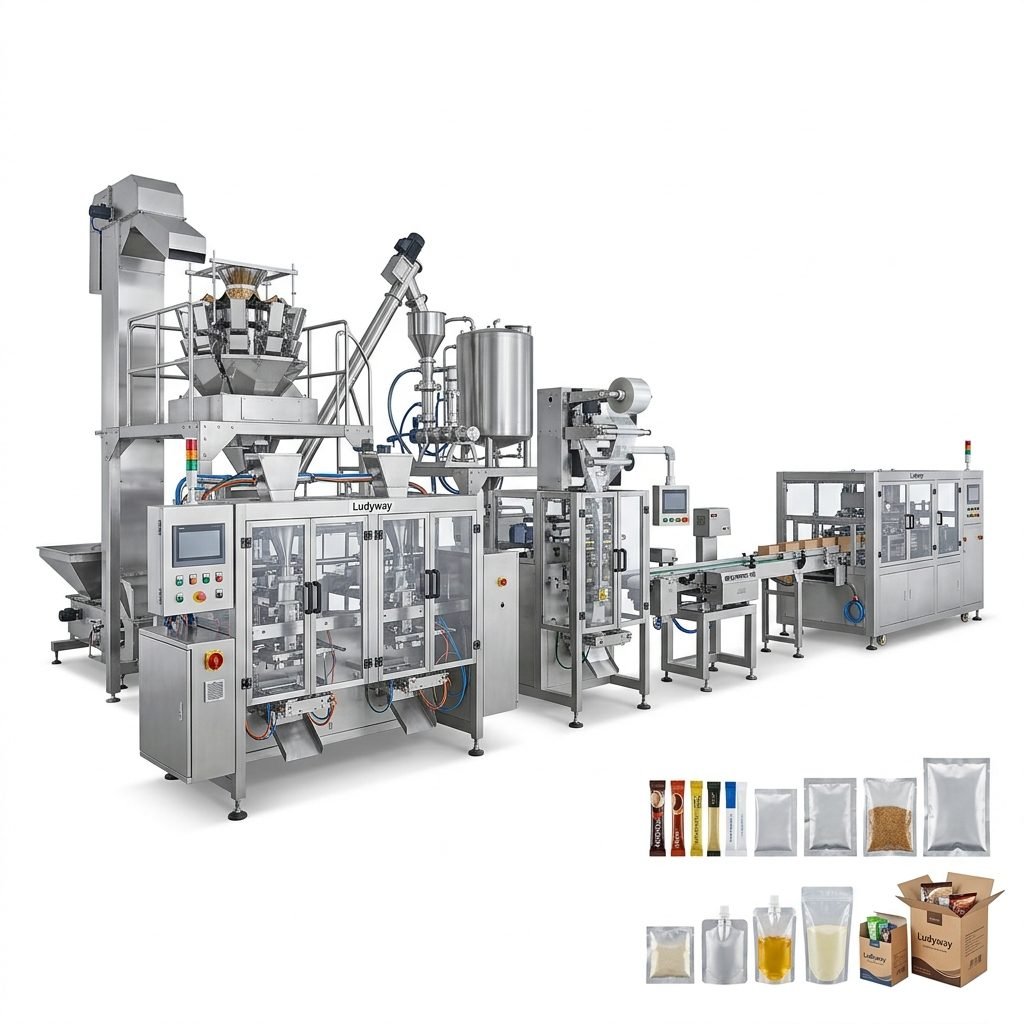
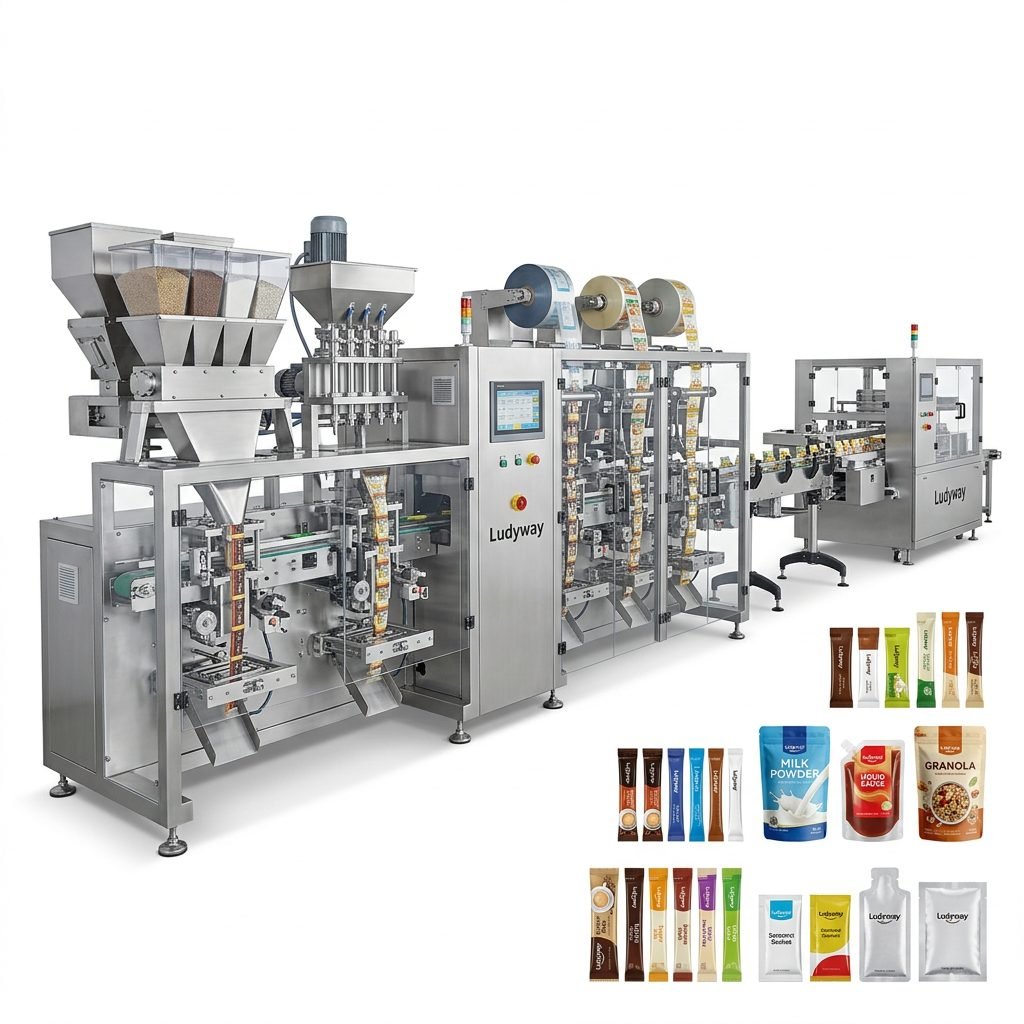
If you already have an operating line and only need coding, a standalone printer may be enough. But if you are building or upgrading an automated line, an integrated solution is often more efficient. Integrated packaging systems provide better synchronization among feeding, filling, sealing, coding, inspection, cartoning, and end-of-line handling.
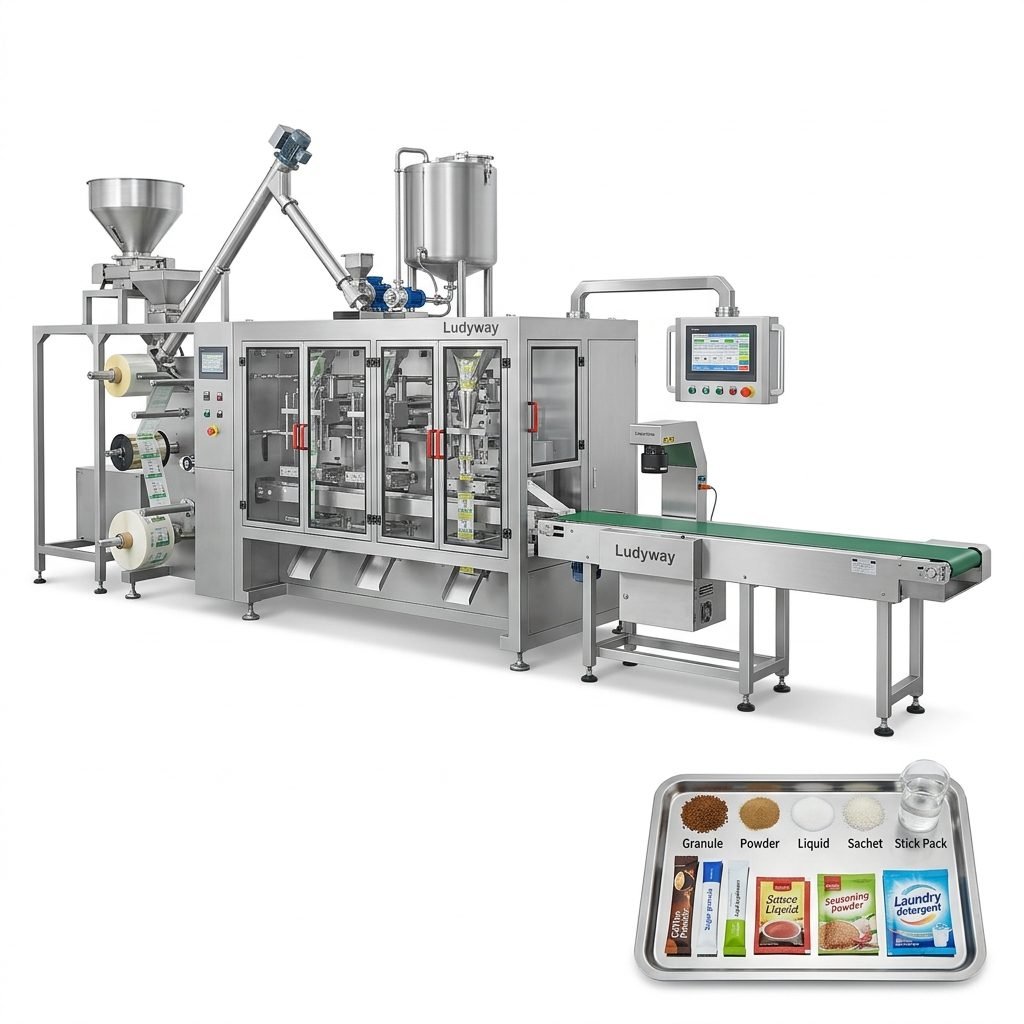
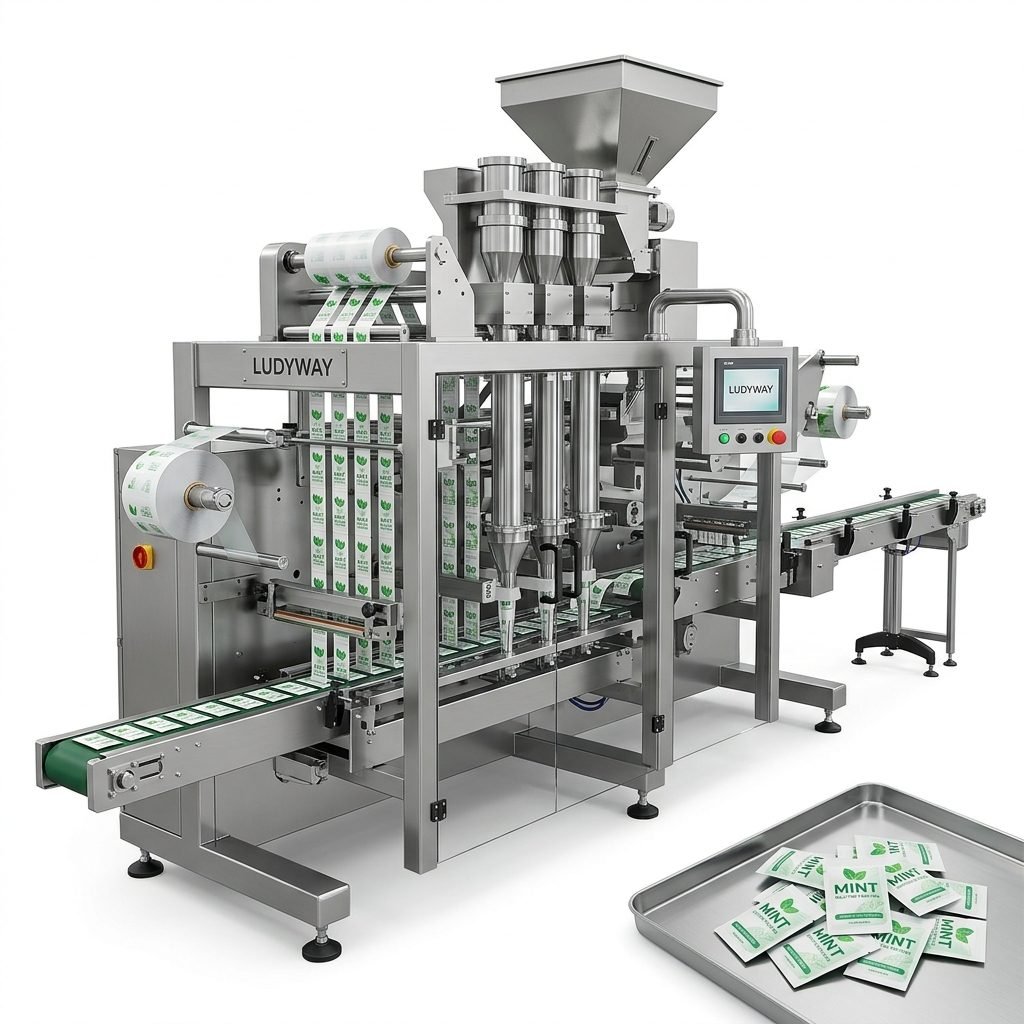
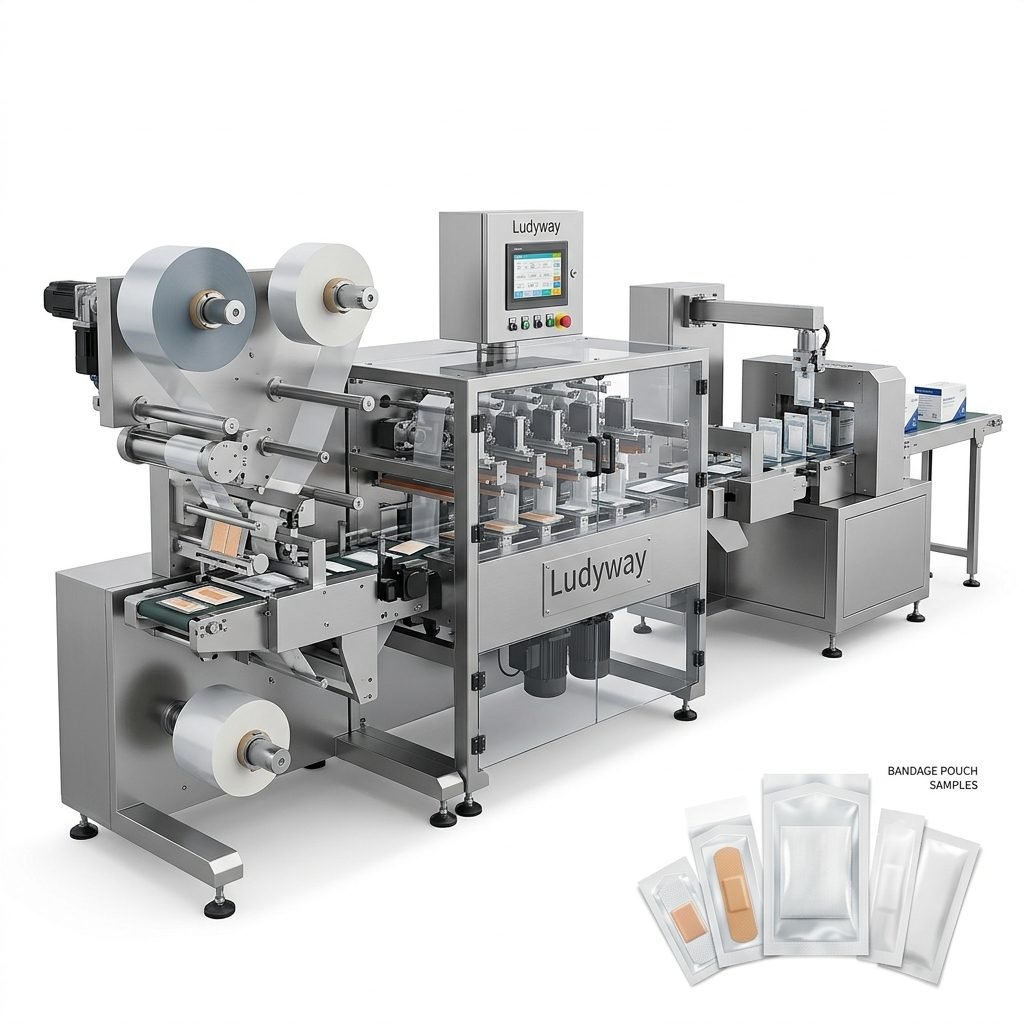
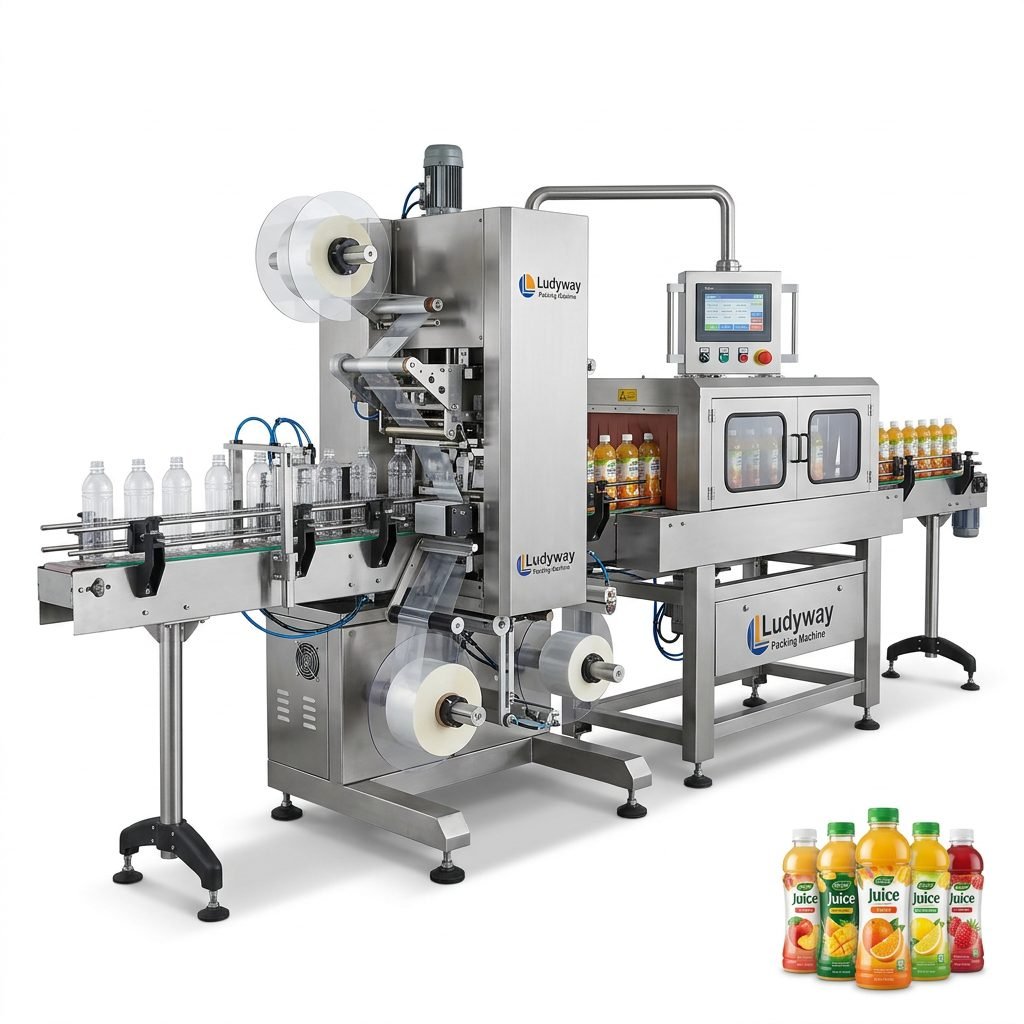
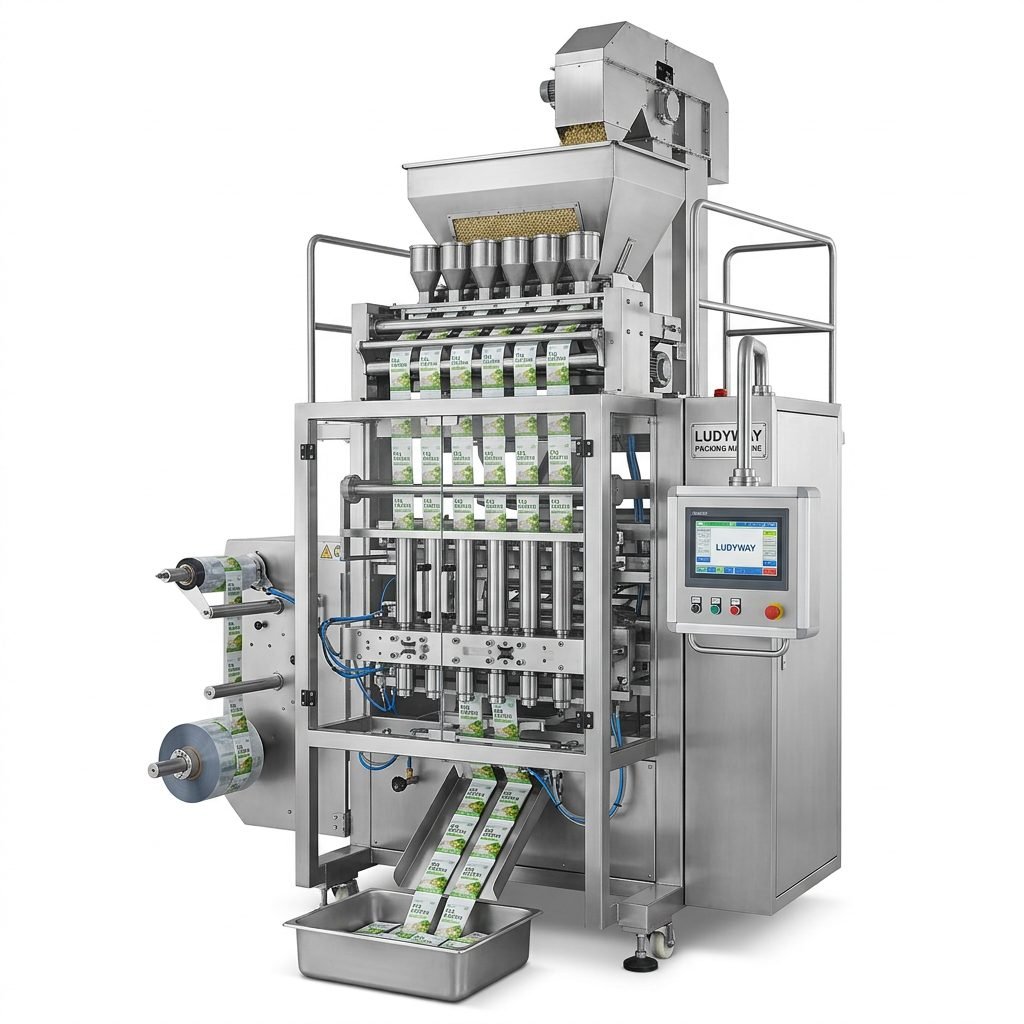
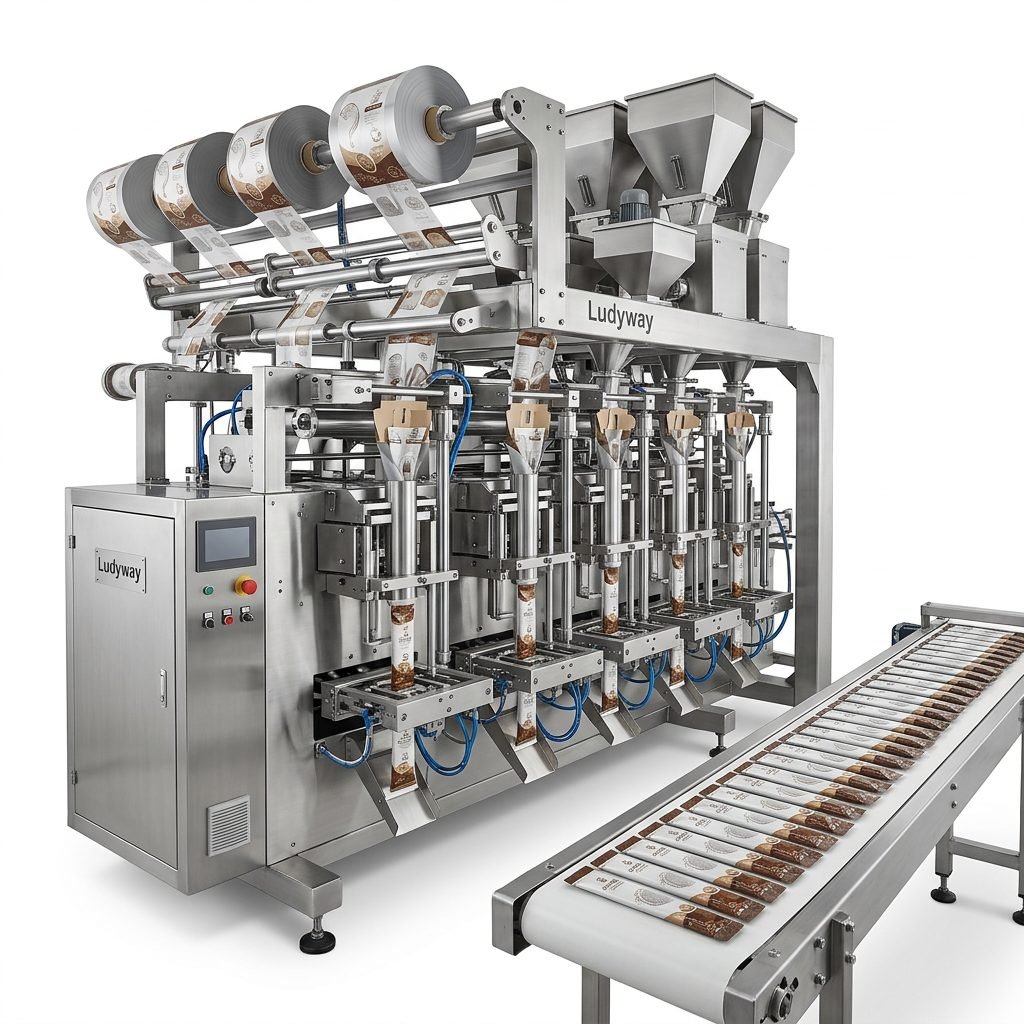
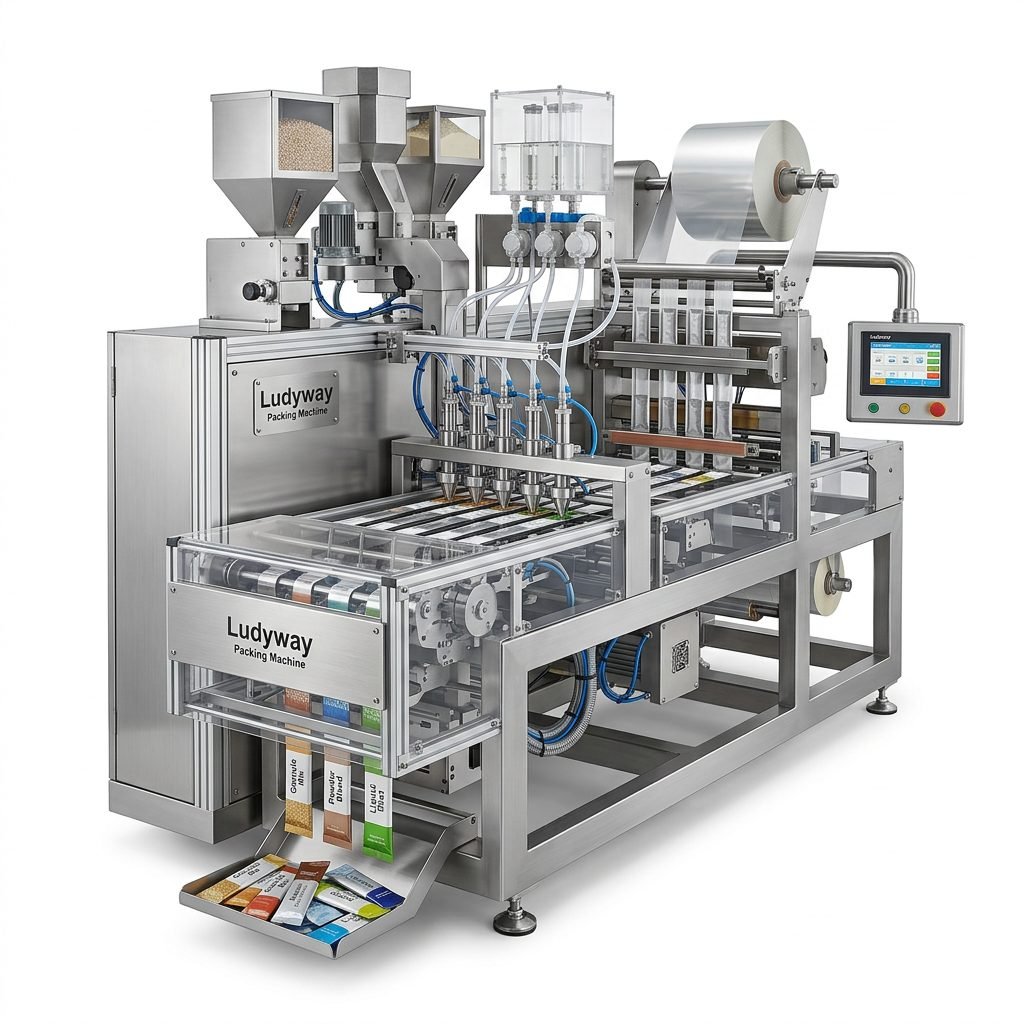
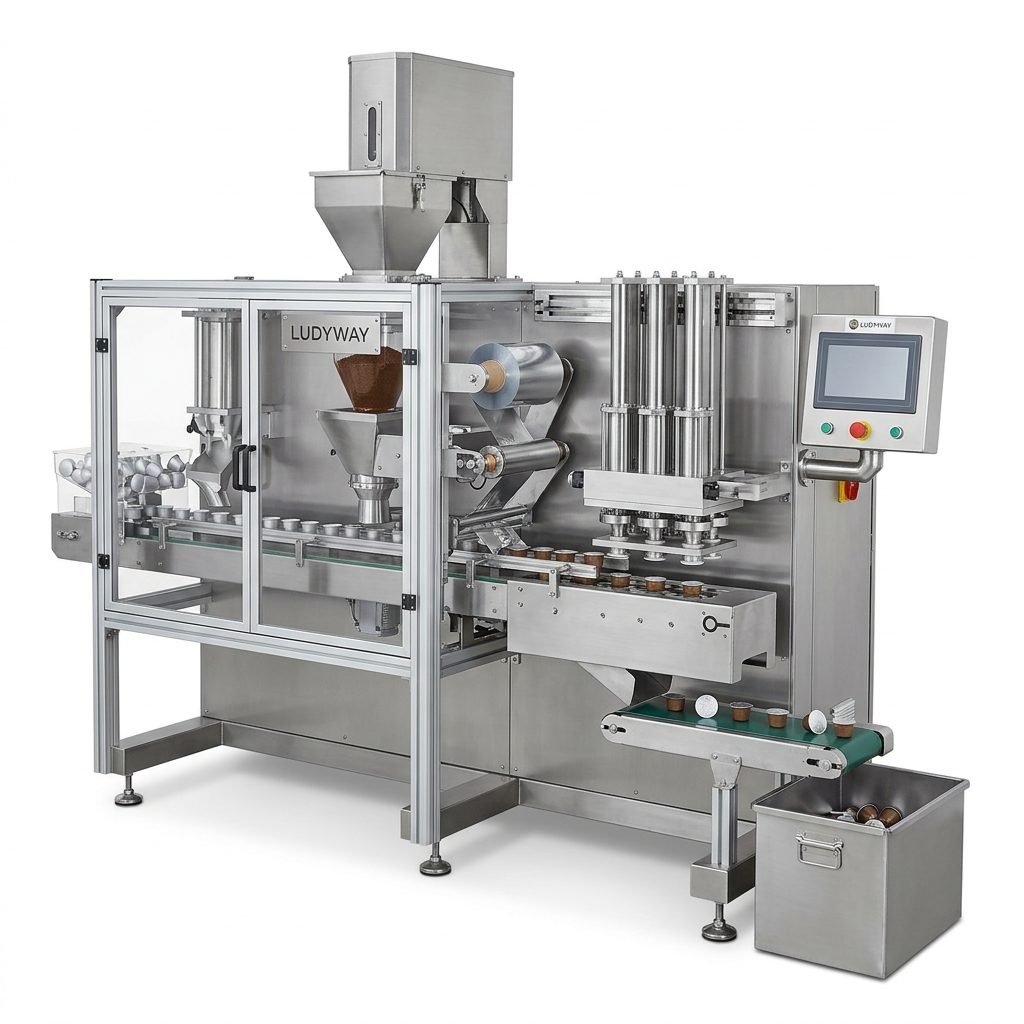
For manufacturers seeking packaging machinery with full-line coordination, Ludyway packaging printer machine and turnkey packaging line solutions are often considered for food, pharmaceutical, health supplement, cosmetic, chemical, and pouch-based production needs.
Signs You Need to Upgrade Your Current Printing System
- Frequent unreadable codes or customer complaints
- High rework rates due to poor print quality
- Printer downtime slowing the entire packaging line
- Difficulty handling new package sizes or substrates
- Lack of support for QR codes, serialization, or export labeling needs
- Rising consumable costs with aging equipment
Final Buying Checklist
| Check Item | Why It Matters |
| Packaging material compatibility | Ensures print adhesion and readability |
| Print content requirements | Determines required resolution and software features |
| Production speed | Prevents missed prints and line bottlenecks |
| Operating environment | Supports long-term reliability |
| Maintenance needs | Affects uptime and labor demand |
| Consumable costs | Impacts total cost of ownership |
| Integration capability | Improves line efficiency and data accuracy |
| Supplier support | Reduces risk during installation and operation |
Conclusion
The best packaging printer machine is the one that matches your material, coding needs, line speed, and long-term production goals. There is no single solution for every factory. TTO, CIJ, TIJ, laser, and print-and-apply systems each serve different packaging environments, and the right choice depends on both your current application and your future expansion plan.
Before making a decision, test your substrates, review your production data requirements, and compare the total cost of ownership instead of focusing only on the purchase price. A well-selected printing solution will improve code quality, reduce waste, support compliance, and strengthen the performance of your entire packaging line.