In the fast-paced world of manufacturing and product distribution, clear and accurate product identification is paramount. For packaging lines, this often translates into the need for reliable date coding and batch information printing directly onto products, pouches, sachets, or their outer packaging. Selecting the best date printer for your packaging machine is not merely about buying a piece of equipment; it’s about integrating a critical coding solution that ensures compliance, traceability, and brand integrity.
The Critical Role of Date Printing in Packaging
Date coding serves multiple essential functions on a production line. Primarily, it provides consumers with vital information such as the production date, expiry date, or batch number, which is often mandated by regulatory bodies in sectors like food, pharmaceuticals, and cosmetics. Beyond compliance, it is a key tool for inventory management, quality control, and recall procedures. A malfunctioning or inadequate printer can lead to mislabeled products, regulatory penalties, consumer mistrust, and costly operational delays.
Key Functions of Packaging Date Coding:
➤ Regulatory Compliance: Meets strict labeling laws for expiry dates and batch tracking.
➤ Supply Chain Traceability: Enables precise tracking of products from production to point of sale.
➤ Brand Protection & Consumer Trust: Clear, legible codes assure customers of product freshness and authenticity.
➤ Operational Efficiency: Facilitates automated sorting, warehousing, and inventory management.
Understanding Different Types of Date Printing Technologies
The “best” printer depends heavily on your specific application. Packaging environments vary greatly in terms of substrate (material being printed on), line speed, required code quality, and operational conditions. Here are the primary technologies available.
1. Inkjet Printers (Continuous Inkjet & Thermal Inkjet)
Inkjet technology is widely used for its versatility and speed. Continuous Inkjet (CIJ) printers are robust, capable of printing on uneven surfaces and at very high line speeds. They are often used for coding on bottles, cans, and primary packaging. Thermal Inkjet (TIJ) printers, often more compact and using disposable ink cartridges, offer excellent print quality for secondary packaging like cartons and labels, with lower maintenance requirements.
2. Laser Coders
Laser coding systems use a concentrated beam to etch or mark the substrate directly. This method produces permanent, high-resolution codes without consumables like ink or labels. They are ideal for applications requiring tamper-proof, indelible marks on materials like plastics, metals, and glass. However, their effectiveness can depend on the color and composition of the packaging material.
3. Label Applicators & Print-and-Apply Systems
For operations where direct printing is unsuitable, a print-and-apply system generates a pre-printed label and automatically applies it to the product. This is perfect for variable data on standardized labels or for packaging materials that cannot be printed directly (e.g., certain flexible films).
4. Thermal Transfer Overprinters (TTO)
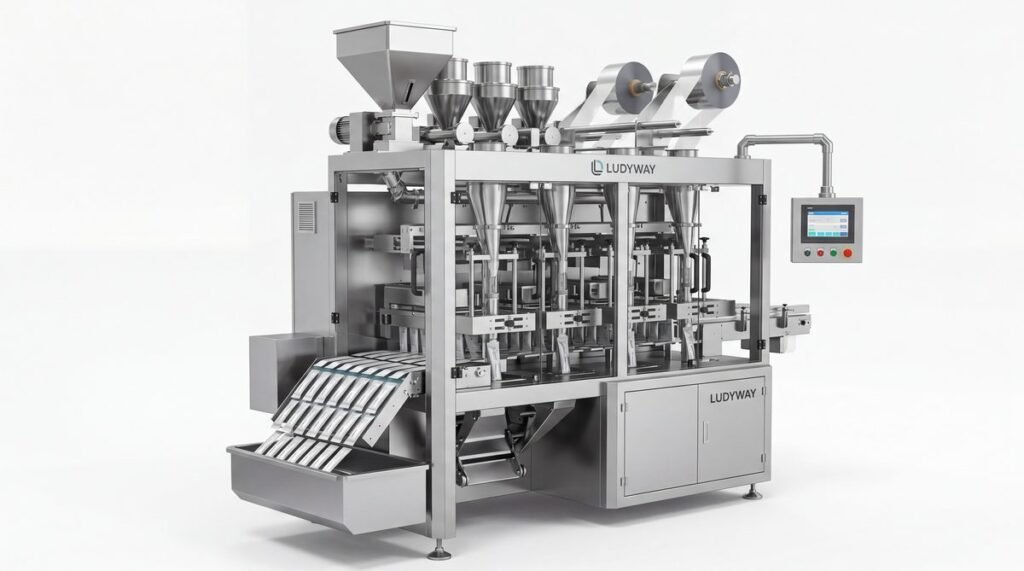
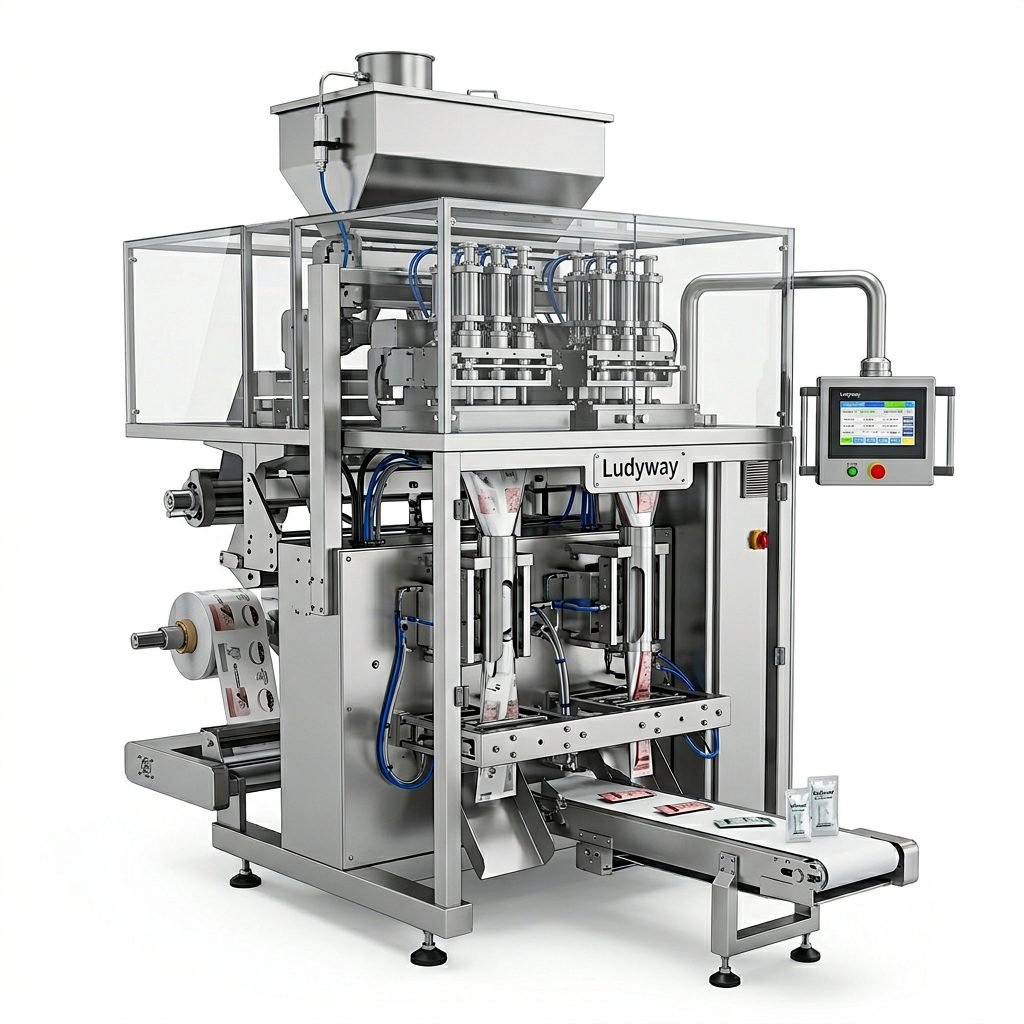
TTO systems are specifically designed for flexible packaging films, such as those used in sachet, stick pack, or pouch filling lines. They print directly onto the film web before it is formed into packages, offering crisp, high-quality codes for dates, lot numbers, and barcodes. This integration is seamless for many modern automated packaging machines.
Technology Selection Checklist:
✅ Substrate Compatibility: Does it work on your specific packaging material (film, cardboard, plastic, metal)?
✅ Print Quality & Legibility: Does the code meet your quality and regulatory standards?
✅ Line Speed Match: Can the printer operate at your production line’s maximum speed?
✅ Operating Environment: Is it resistant to dust, moisture, or temperature variations in your facility?
✅ Consumables & Maintenance: What are the ongoing costs for ink, ribbons, or laser gas, and the required maintenance downtime?
How to Choose the Right Coding Solution: A Step-by-Step Guide
Making an informed decision requires a systematic evaluation of your needs against the available solutions.
Step 1: Define Your Application Requirements
Start with the basics. What are you printing (expiry date, batch code, barcode)? On what material (polyester film, paper label, plastic bottle)? At what speed (packages per minute)? What is the required code size and resolution? Answering these questions narrows down the technology field immediately.
Step 2: Evaluate Integration with Your Packaging Machine
The printer must be a harmonious part of your line. Consider physical integration: space constraints, mounting options, and connection to the machine’s control system (e.g., PLC). For instance, a TTO printer is often integrated directly into the film path of a sachet packaging machine. The coding solution should receive triggers from the main machine to print synchronously with each product cycle.
Step 3: Consider Operational Costs and Reliability
The initial purchase price is only part of the cost. Evaluate the Total Cost of Ownership (TCO): cost of consumables (ink, solvent, ribbons), expected maintenance frequency, ease of operator use, and mean time between failures. A reliable printer that minimizes downtime and consumable waste often proves more cost-effective long-term, even with a higher upfront cost.
Step 4: Prioritize Compliance and Future-Proofing
Ensure the technology meets all current regional and industry regulations for legibility, permanence, and data content. Also, consider future needs: could you require 2D barcodes, QR codes, or more complex data in the future? Choosing a flexible system that can adapt saves you from another capital investment soon.
Step 5: Seek Expert Consultation and Support
Partnering with an experienced provider is invaluable. A knowledgeable supplier, like Ludyway Packing Machine, can assess your entire line, recommend the optimal technology, and ensure proper integration. Their support extends beyond installation to training, maintenance, and troubleshooting, which is crucial for continuous operation. Explore their expertise in providing turnkey packaging solutions that include perfectly matched coding systems.
Common Integration Challenges and Solutions
Even with the right technology, integration can present hurdles.
Challenge: Synchronization Errors. Codes printing off-position or missing triggers. Solution: Ensure robust electrical communication between the printer and machine PLC, often using direct encoder signals or reliable proximity sensors.
Challenge: Code Quality on Variable Materials. Print fading or smearing on different film batches. Solution: Work with your supplier to test materials and adjust printer settings (heat, ink viscosity, laser power) for a robust “recipe” that handles normal material variations.
Challenge: High Consumable Waste. Excessive ink or ribbon usage. Solution: Modern printers often have efficient recycling systems or low-waste designs. Regular maintenance and correct parameter settings also minimize waste.
Conclusion: Investing in the Right Foundation
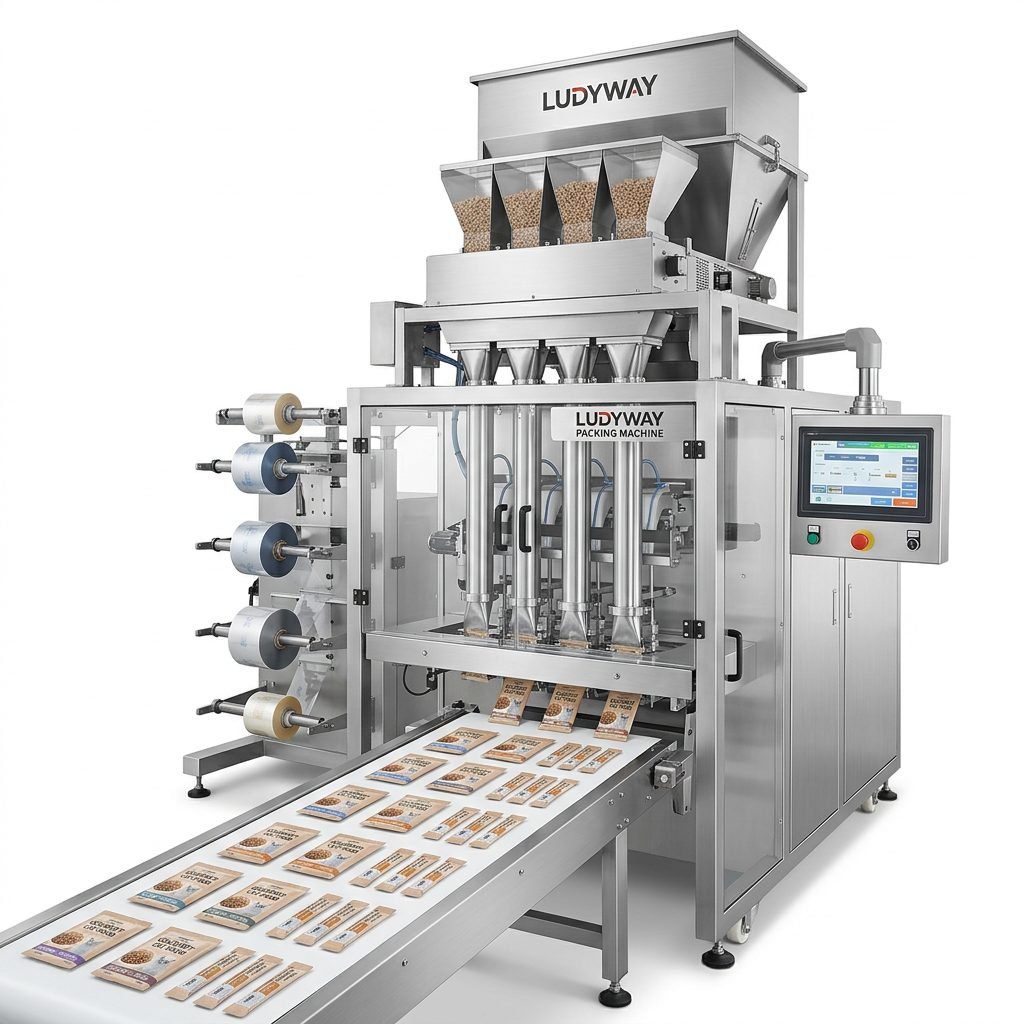
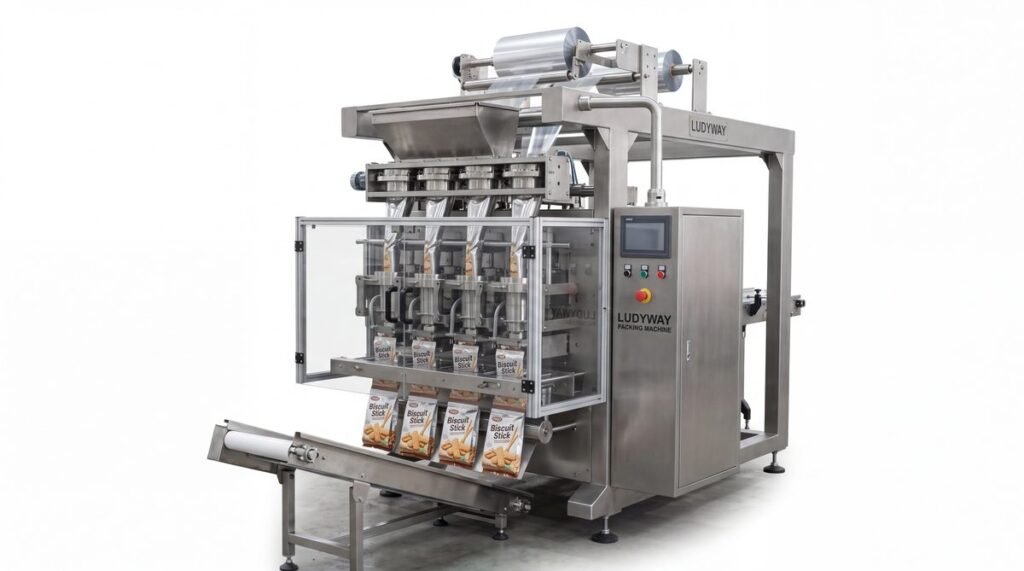
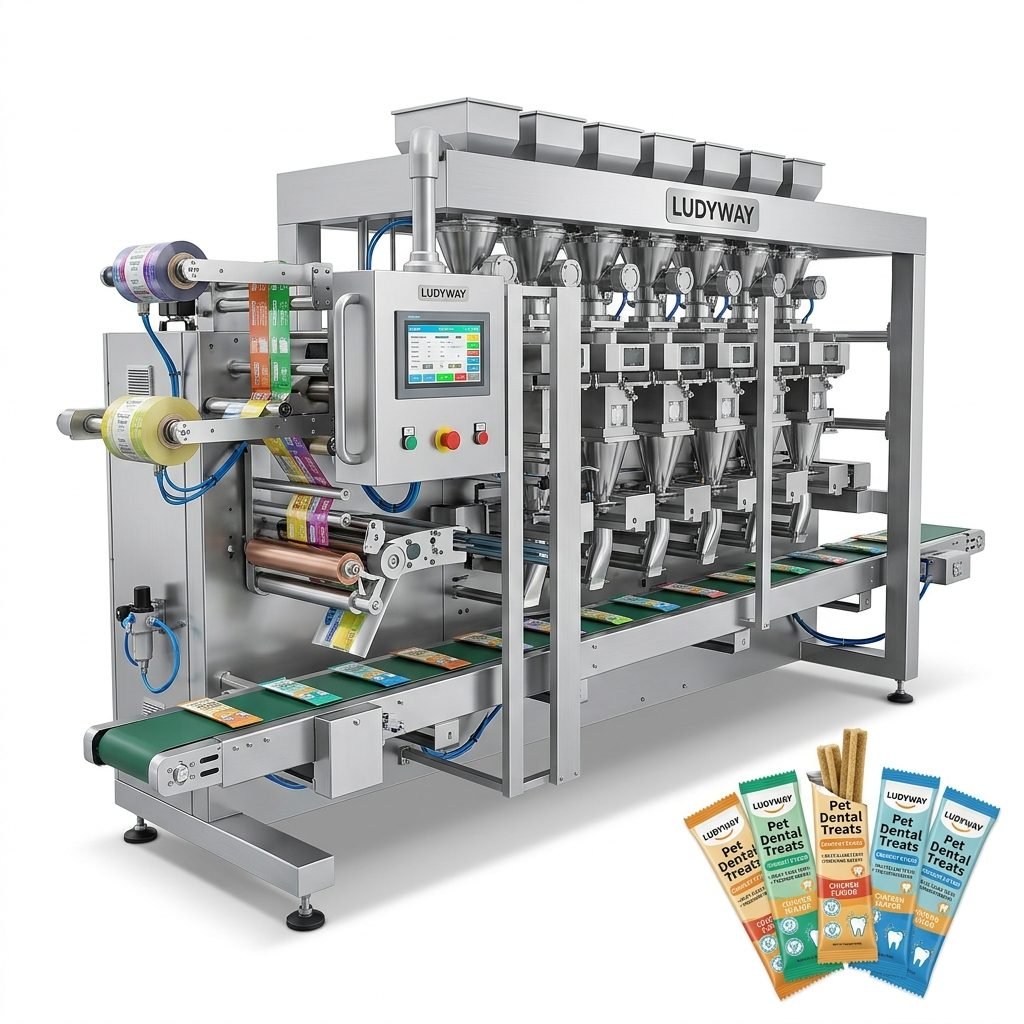
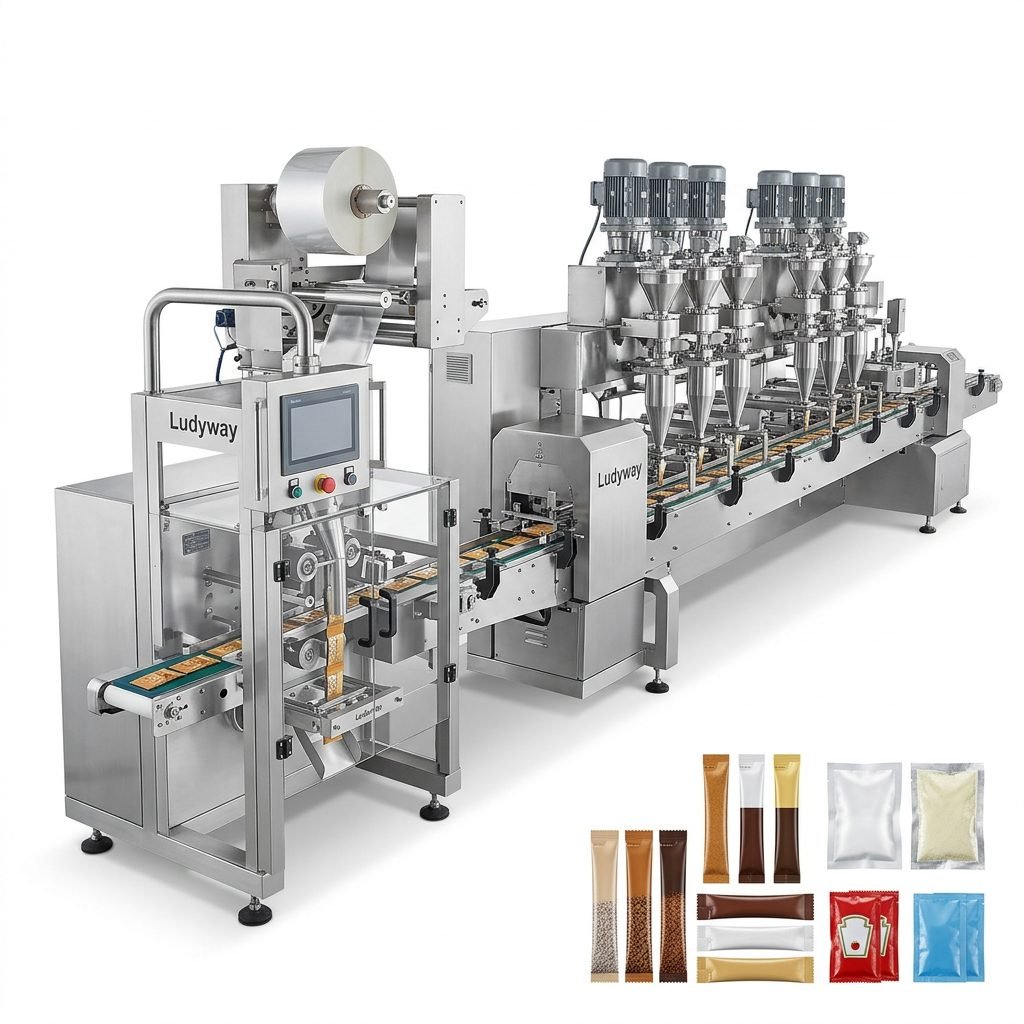
Choosing the best date printer for your packaging machine is a strategic investment in your operation’s efficiency, compliance, and brand reputation. By thoroughly analyzing your application needs, understanding the different technologies, and focusing on integration and total cost, you can select a coding solution that not only solves today’s labeling requirements but also supports your growth and adaptation tomorrow. Leveraging the experience of specialized packaging machinery providers ensures this critical component works seamlessly as part of your automated production line, delivering clear, accurate, and reliable codes on every single package you produce. For insights into how such solutions are implemented in complex lines, review cases of multi-lane stick pack packaging systems.
Frequently Asked Questions (FAQs)
Q1: Can one date printer handle different packaging materials on the same line?
A: It depends on the technology. Some inkjet printers can adapt to various surfaces with parameter changes, while others like TTO are specialized for films. If your line runs multiple substrates, discuss this specifically with your supplier to find a versatile or multi-head solution.
Q2: How important is printer resolution for my application?
A: Extremely important if you print small text, complex logos, or high-density barcodes (like Data Matrix codes). Laser and some TTO systems offer very high resolution. For simple date text, standard resolution may suffice.
Q3: What is the typical maintenance schedule for a CIJ inkjet printer?
A: Regular maintenance includes daily nozzle cleaning, weekly filter checks, and periodic pump and head service (often every 6-12 months). Proper maintenance is key to preventing clogging and ensuring consistent print quality.
Q4: Can I integrate a date printer into an older, existing packaging machine?
A: Yes, retrofitting is common. It requires mechanical mounting design and establishing an electrical trigger signal from the machine. An experienced integrator can often adapt a new printer to an old machine successfully.
Q5: Are there “all-in-one” solutions that combine filling, sealing, and coding?
A: Absolutely. Many modern packaging machines, especially for sachets and stick packs, are designed as integrated systems where the date printer (often a TTO) is a built-in module. This offers the highest level of synchronization and ease of operation.