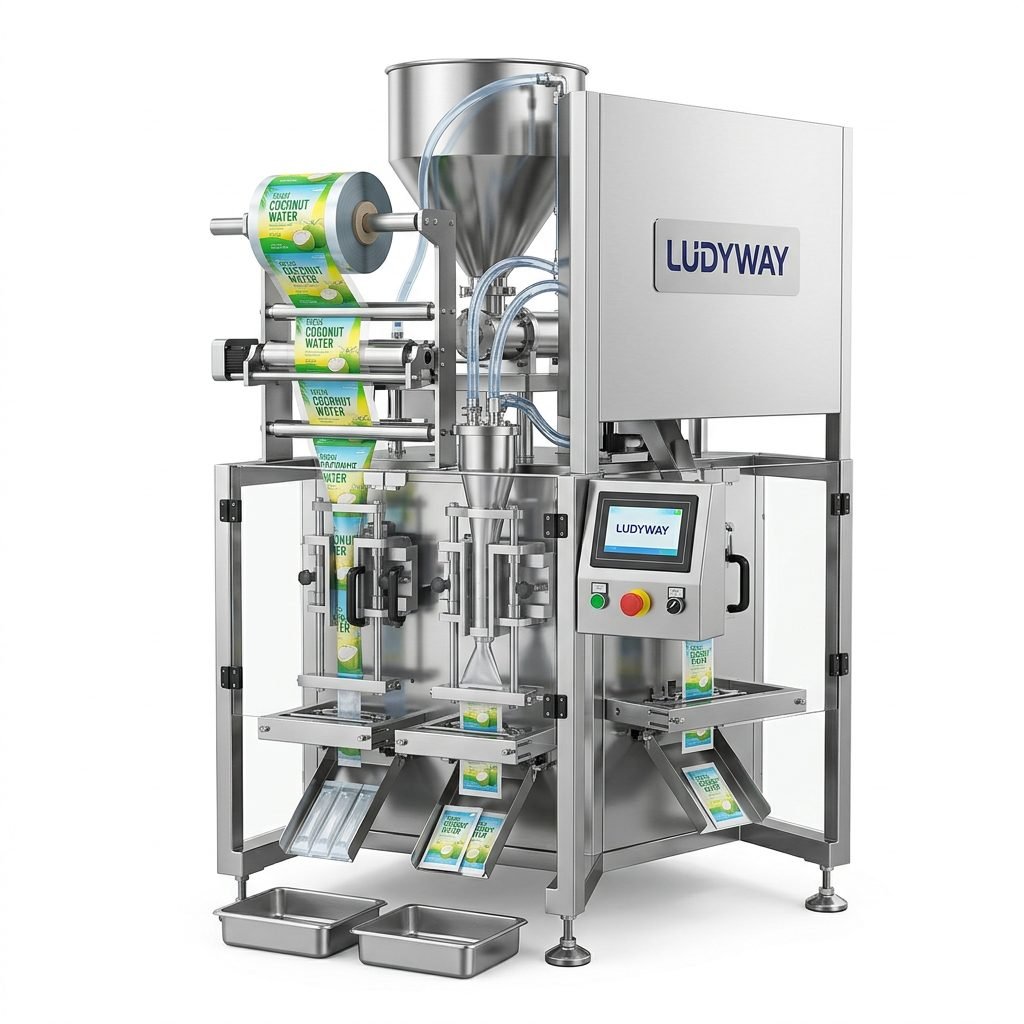
An Ishida packing machine manual is more than a reference book—it is the fastest way to improve uptime, reduce operator errors, and keep packaging quality consistent. Whether you run a single unit or a complete automated line, understanding the user guide, common troubleshooting steps, and preventive maintenance practices can help your team protect production output and minimize unexpected downtime.
This guide explains how to use an Ishida packing machine manual effectively, what operators should check first when faults appear, and which maintenance tasks have the biggest impact on long-term reliability.
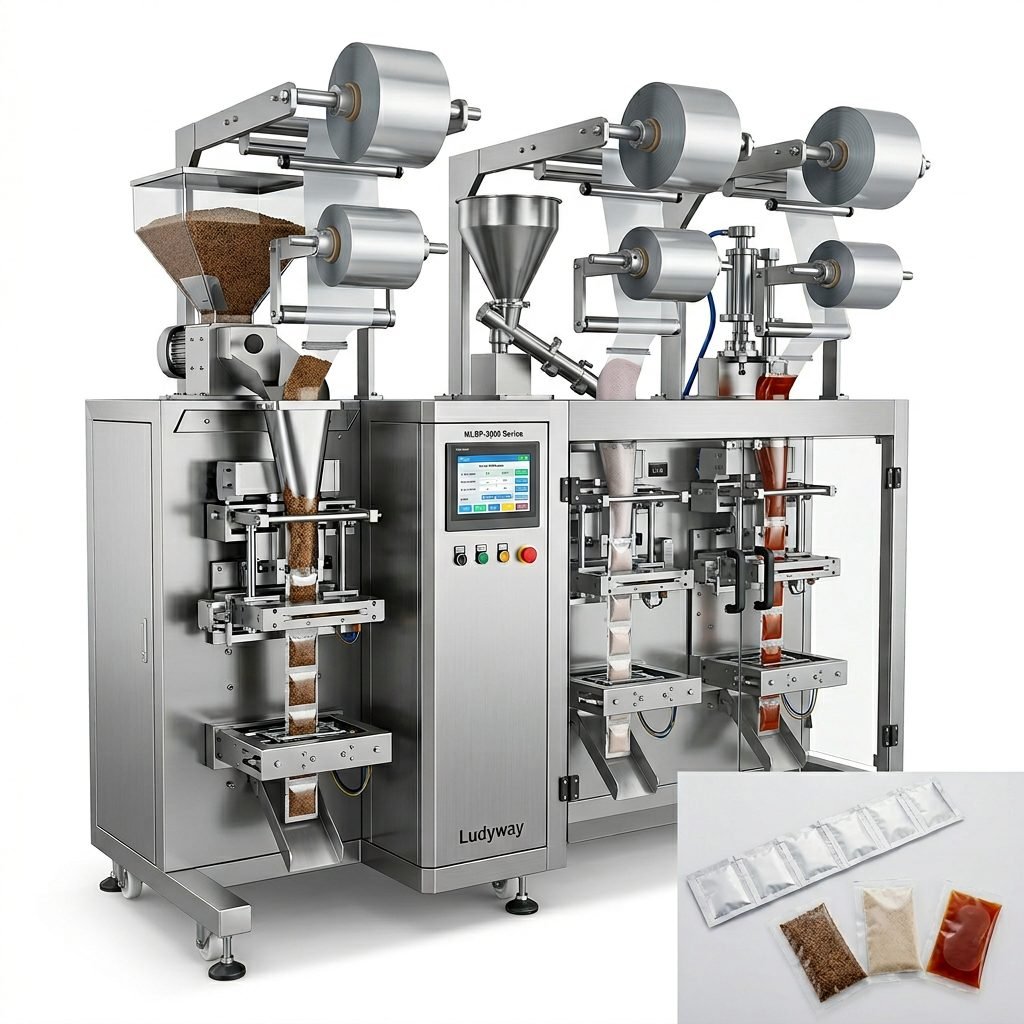
Why the Ishida Packing Machine Manual Matters
A proper machine manual helps operators and maintenance teams do three critical things:
- Understand startup, shutdown, and parameter adjustment procedures
- Identify alarms, faults, and performance deviations quickly
- Carry out routine maintenance before wear turns into failure
In many factories, issues such as inaccurate weighing, poor sealing, film tracking errors, or unstable output are not caused by serious machine defects. They often come from incorrect settings, skipped inspections, or poor cleaning discipline. That is why the manual should be treated as a daily production tool, not a document that stays in a drawer.
What You Will Usually Find in an Ishida Packing Machine Manual
While the exact contents depend on the model, most manuals include the following sections:
| Manual Section | Purpose |
|---|---|
| Safety instructions | Prevents injury and improper machine use |
| Machine overview | Explains main assemblies, controls, and workflow |
| Operating procedures | Covers startup, production, changeover, and shutdown |
| Parameter settings | Guides product recipes, speed, timing, and sensitivity |
| Alarm and error list | Helps diagnose abnormal machine conditions |
| Maintenance instructions | Supports cleaning, lubrication, inspection, and replacement planning |
| Wiring or pneumatic diagrams | Assists technicians during repairs and system checks |
How to Use the User Guide Efficiently
The most effective approach is to organize the manual around real production tasks. Instead of reading it from start to finish once, train operators to use it during daily work.
Before Startup
- Confirm power, air supply, and safety guards are normal
- Check product-contact parts are installed correctly
- Verify settings match the current product format and packaging material
- Inspect sensors, sealing surfaces, and moving parts for contamination
During Operation
- Monitor output speed, reject rate, and package consistency
- Watch for unusual vibration, noise, or heat buildup
- Compare actual performance with target settings in the manual
- Record recurring alarms for later technical review
During Changeover
- Use model-specific setup instructions rather than operator memory
- Reset recipe values carefully
- Check film alignment, product feed, and sealing timing after the first trial packs
At Shutdown
- Clean the machine thoroughly
- Remove residual product from feeding and sealing areas
- Inspect wear parts and document any abnormal findings
- Shut down according to the recommended sequence to avoid faults on restart
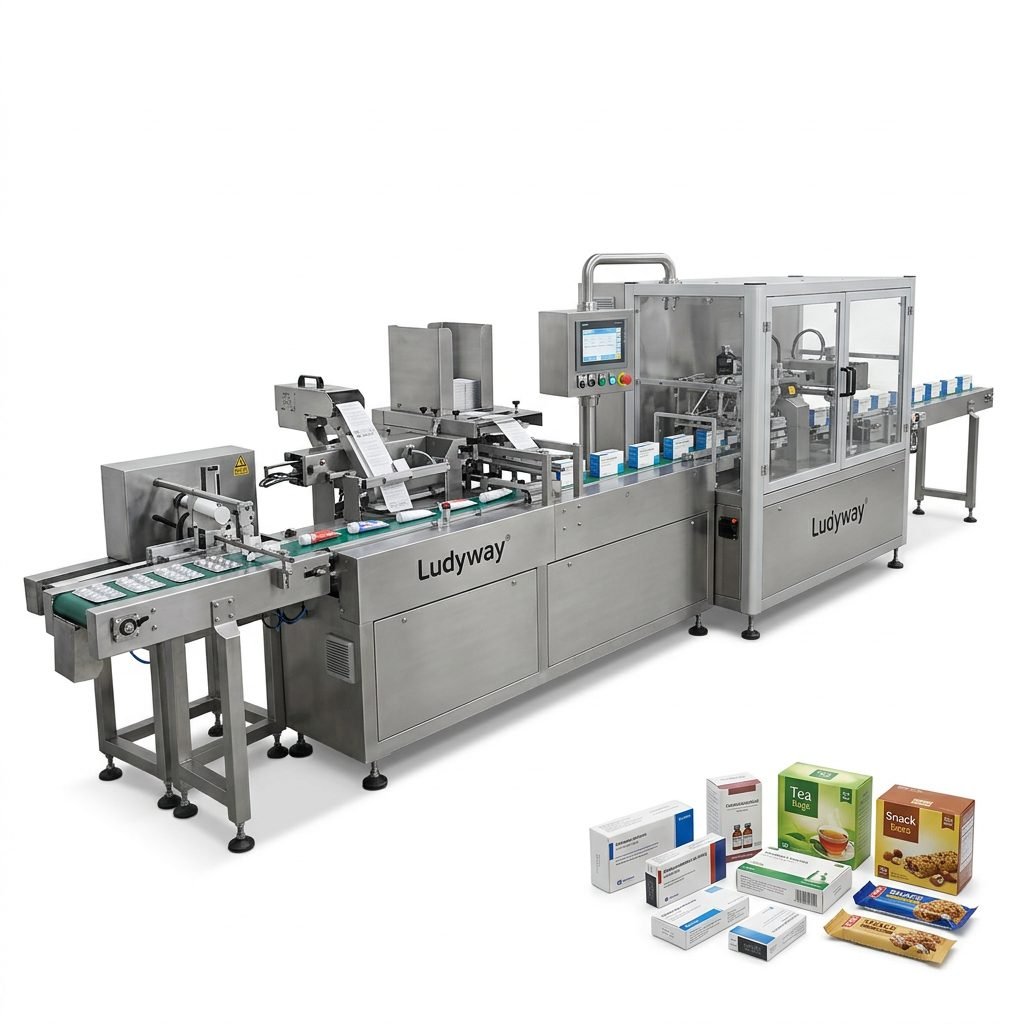
Common Ishida Packing Machine Problems and Troubleshooting Tips
When a machine stops or performs below standard, troubleshooting should be systematic. The manual provides the alarm definitions, but the practical checks below help speed up diagnosis.
1. Machine Will Not Start
Possible causes: emergency stop engaged, door safety switch open, power supply issue, air pressure too low, or startup sequence error.
What to check:
- Main power indicator and control panel status
- Emergency stop reset condition
- Safety interlock and guarding positions
- Pneumatic pressure reading
- Alarm history on the HMI
2. Inaccurate Weighing or Filling
Possible causes: product buildup, incorrect calibration, unstable feed, vibration, or sensor drift.
What to check:
- Load cells or weighing heads for contamination
- Feed timing and product flow consistency
- Calibration values against the manual recommendations
- External vibration sources affecting accuracy
- Environmental changes such as humidity or temperature
3. Poor Seal Quality
Possible causes: wrong temperature, pressure imbalance, sealing jaw contamination, or incompatible film.
What to check:
- Sealing temperature settings
- Jaw surface cleanliness and wear
- Seal dwell time and pressure settings
- Film specification and storage condition
- Product contamination entering the seal zone
4. Film Tracking or Registration Errors
Possible causes: misaligned film roll, faulty sensor reading, worn pull belts, or incorrect mark detection settings.
- Confirm film roll installation is centered
- Clean photoelectric sensors
- Check registration mark contrast
- Inspect rollers and pull belts for wear or slippage
- Review parameter values in the user guide
5. Frequent Product Jams
Possible causes: wrong product size setting, feed system blockage, excessive speed, or mechanical misalignment.
- Inspect infeed path and discharge area
- Check guide rails and transfer components
- Reduce speed to isolate whether the issue is process-related
- Remove damaged or irregular product from the system
6. Unexpected Alarm Messages
Never clear recurring alarms without understanding the root cause. Use the alarm code list in the manual and compare the event with actual machine behavior. A repeated reset may hide a developing failure.
| Symptom | First Check | Likely Action |
|---|---|---|
| No startup response | Power, E-stop, safety doors | Reset safely and verify utility supply |
| Weight variation | Calibration and product buildup | Clean, recalibrate, stabilize feeding |
| Weak or leaking seals | Temperature and jaw condition | Adjust heat, clean jaws, inspect film |
| Misaligned print marks | Sensor and film path | Clean sensor and correct tracking |
| Frequent jams | Infeed path and speed | Clear obstruction and review setup |
Preventive Maintenance Tips for Better Reliability
Preventive maintenance is the most practical way to extend machine life and protect packaging quality. The manual usually lists service intervals, but many factories benefit from a simple maintenance rhythm built around daily, weekly, and monthly checks.
Daily Maintenance
- Clean product-contact areas and remove residue
- Inspect sealing jaws, cutters, belts, and rollers
- Check sensor surfaces and cable connections
- Listen for abnormal mechanical sounds
- Confirm air pressure and basic utility conditions
Weekly Maintenance
- Inspect fasteners, chains, and moving assemblies
- Lubricate designated points according to the manual
- Check alignment of feeding and film transport components
- Review alarm records and recurring stoppages
- Verify accuracy through test runs or calibration checks
Monthly Maintenance
- Inspect wear parts for replacement planning
- Check pneumatic hoses and fittings for leaks
- Review electrical terminals for looseness or overheating signs
- Back up machine parameters if the model allows it
- Compare current output performance with baseline data
Important: Use only the lubrication type, replacement interval, and cleaning method recommended for the machine. Over-lubrication or harsh cleaning chemicals can create new problems instead of preventing them.

Best Practices for Operators and Maintenance Teams
Even the best manual cannot replace good operating habits. Factories with the fewest stoppages usually follow these habits consistently:
- Train every operator on the same startup and shutdown sequence
- Keep a printed or digital alarm reference near the machine
- Document all parameter changes during production
- Separate temporary fixes from permanent corrective actions
- Replace worn parts before they fail during peak production
When to Request Technical Support
If the same alarm returns after cleaning, reset, and parameter verification, it may indicate a deeper issue involving a sensor, drive component, PLC logic, sealing assembly, or weighing system. In those cases, the machine manual is still useful because it helps your technician provide clear information to support teams:
- Machine model and serial number
- Exact alarm code or screen message
- Production product and packaging material used
- What happened immediately before the fault
- What checks were already completed
Improving Line Performance Beyond a Single Machine
Many packaging issues are not caused by one machine alone. Infeed instability, inconsistent upstream dosing, poor packaging material quality, and unbalanced downstream cartoning can all affect the performance of an Ishida system. For factories planning upgrades, it is often worth evaluating the entire line instead of only the problematic station.
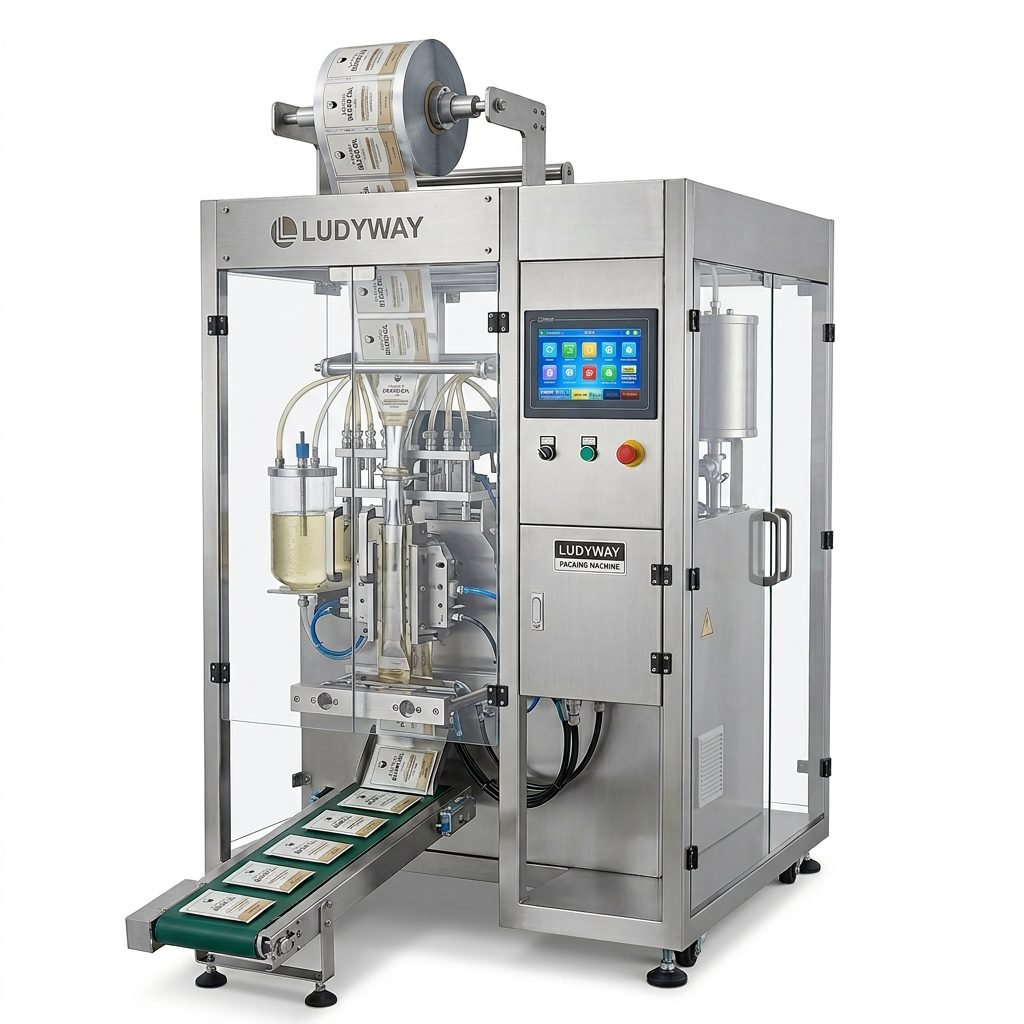
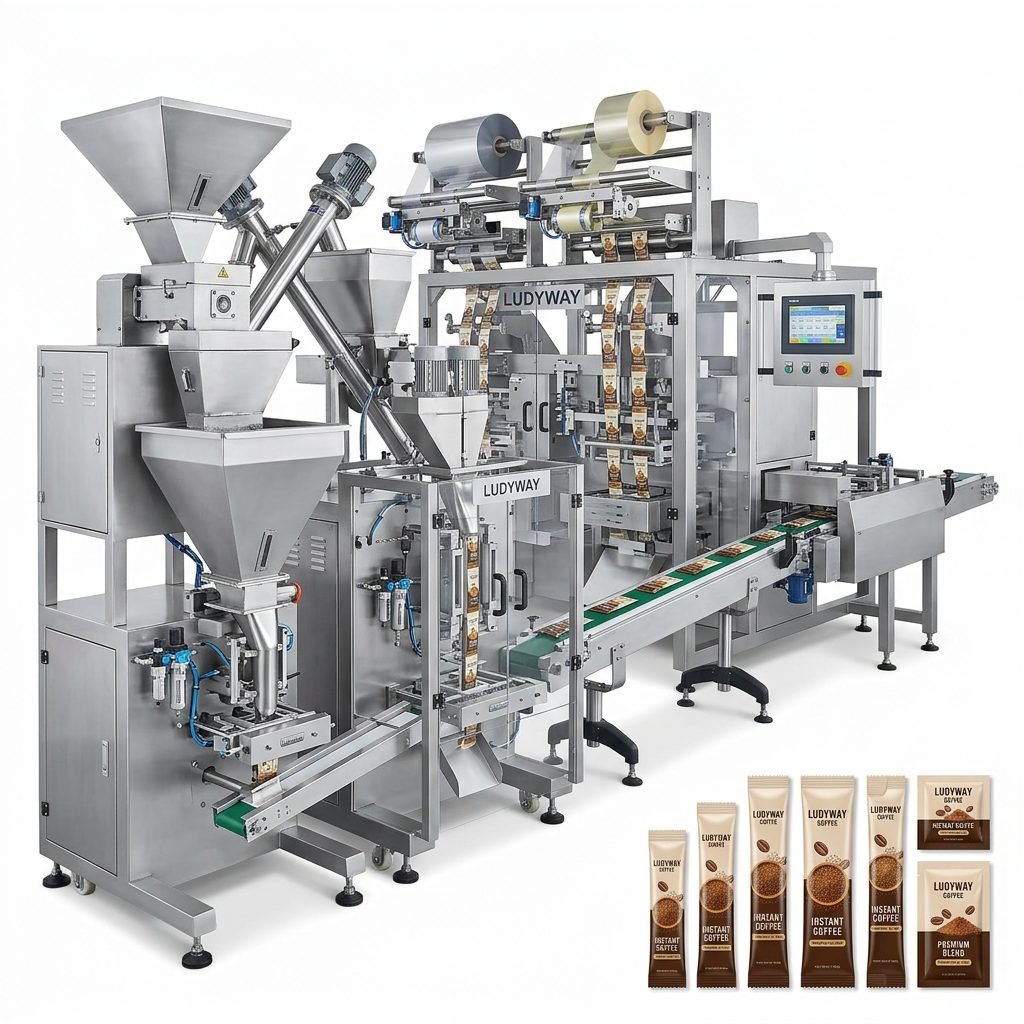
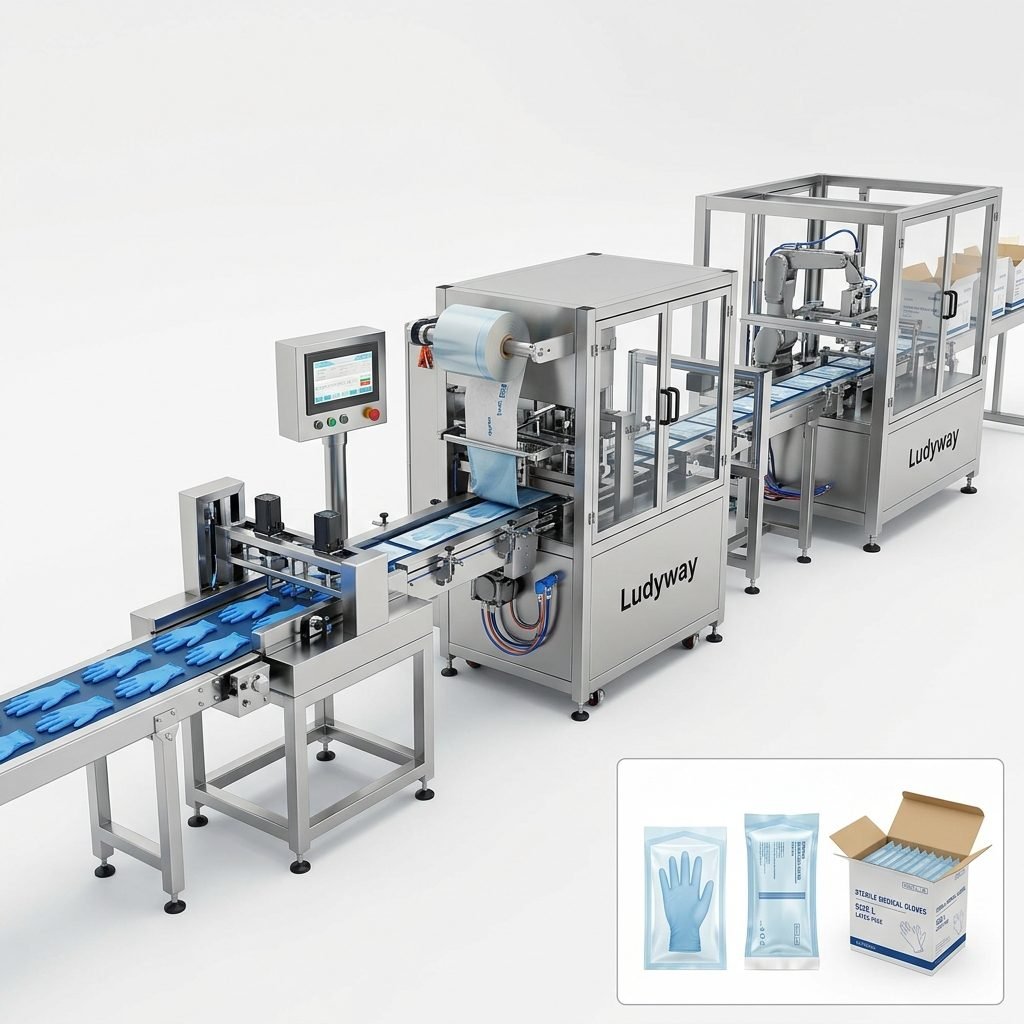
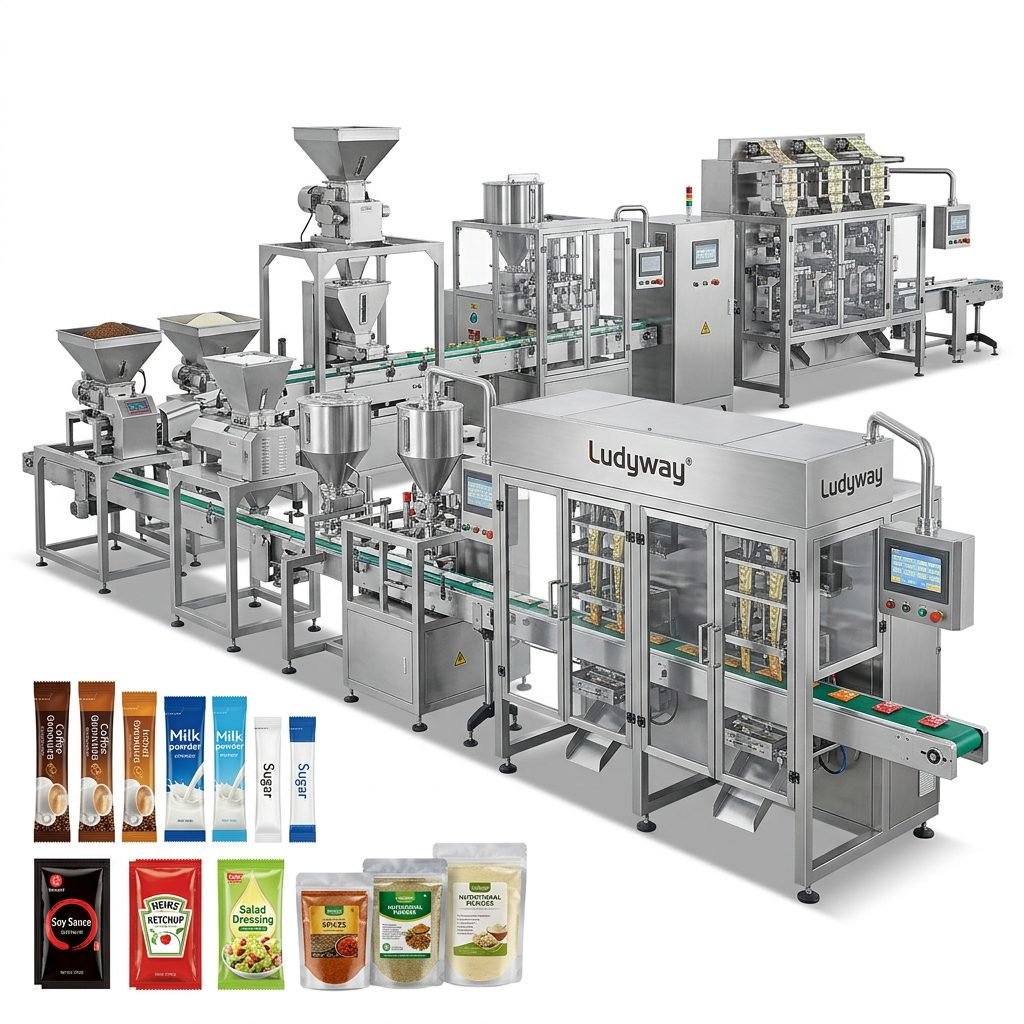
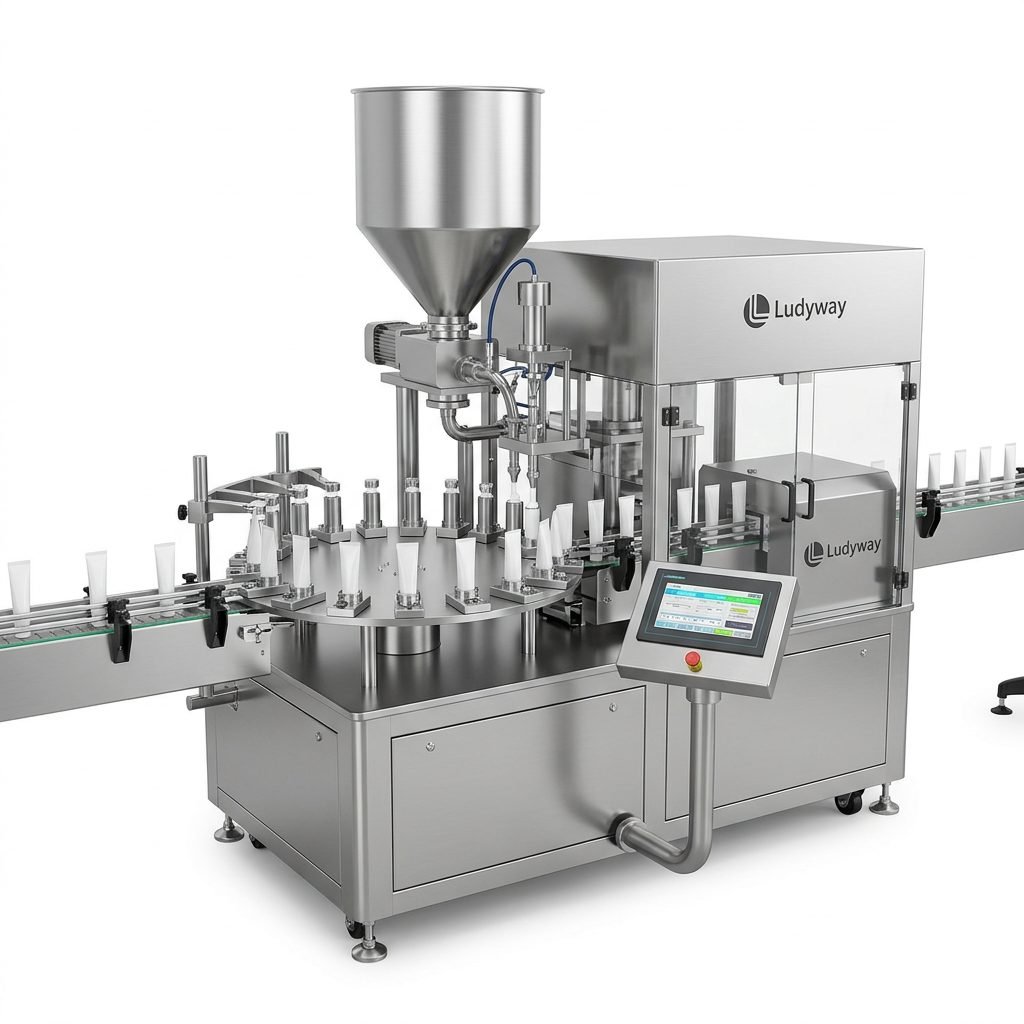
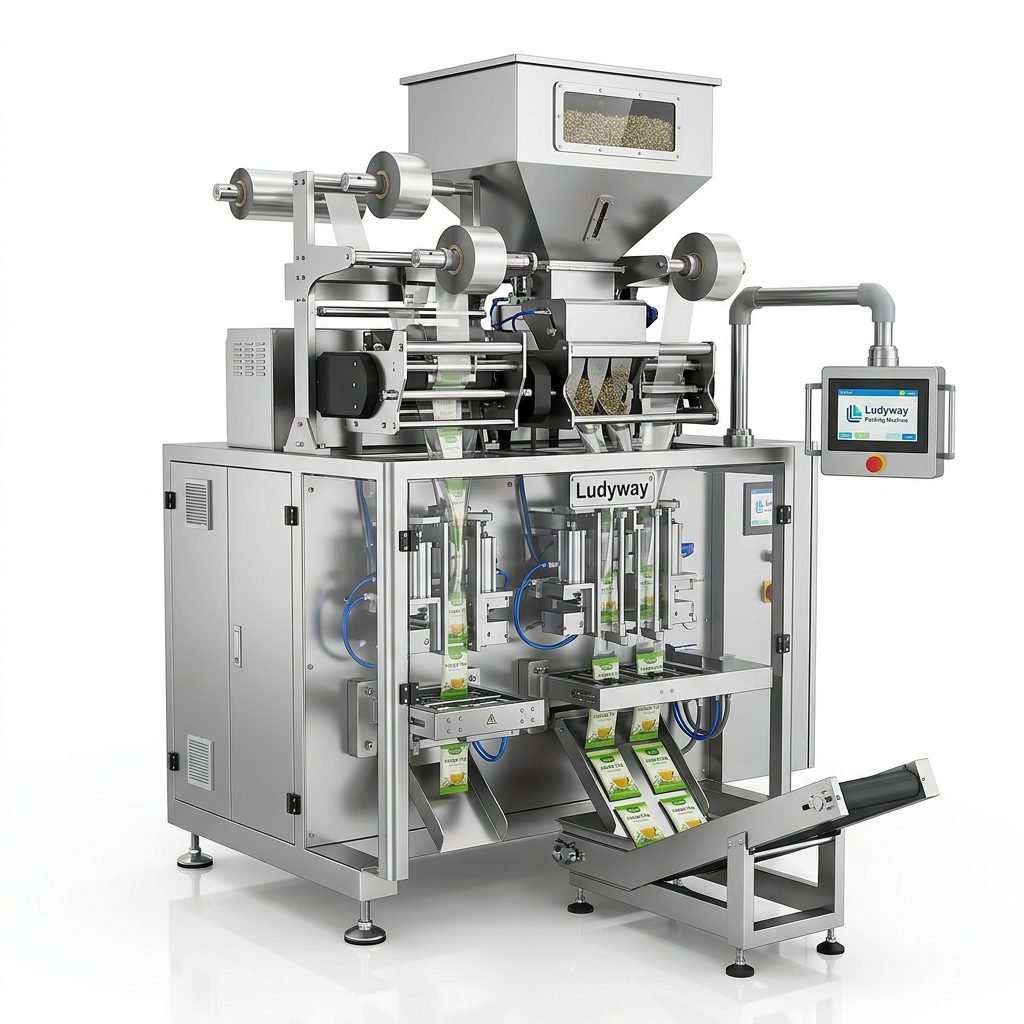
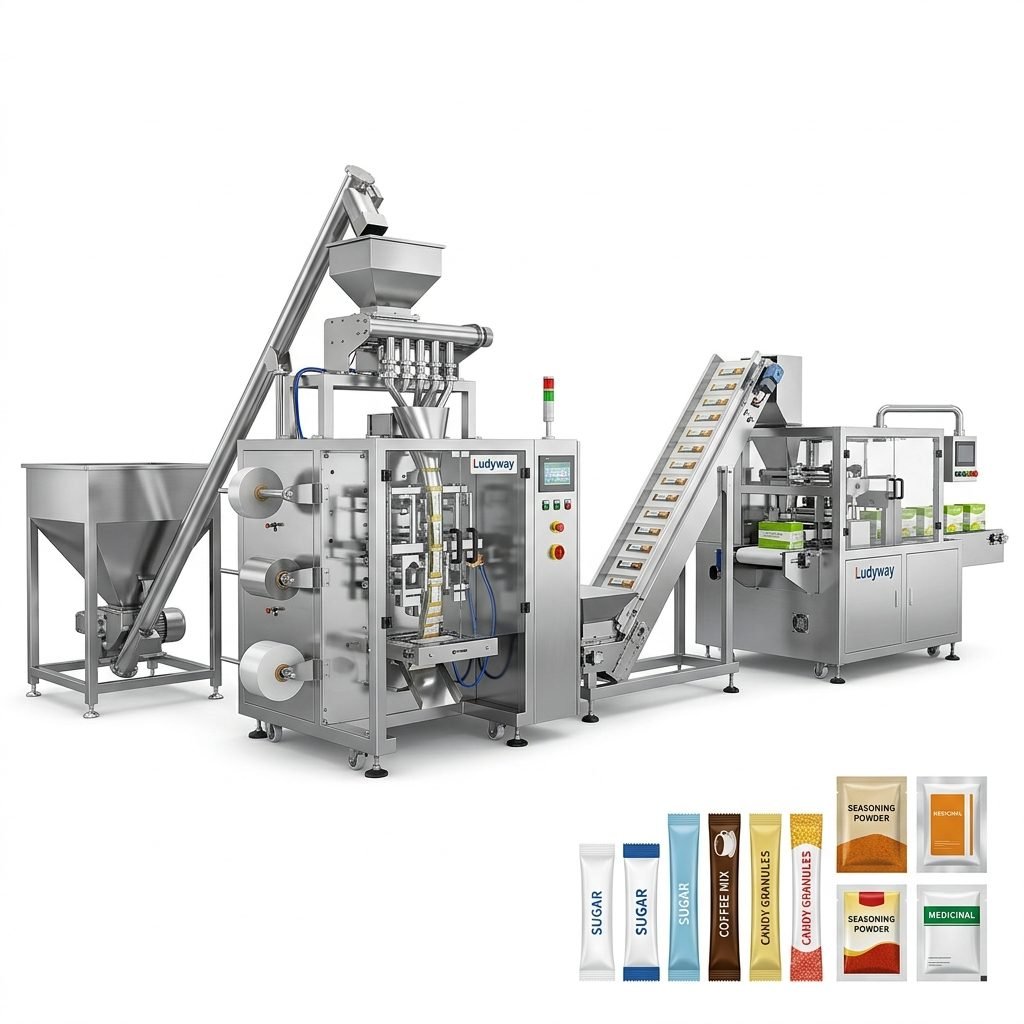
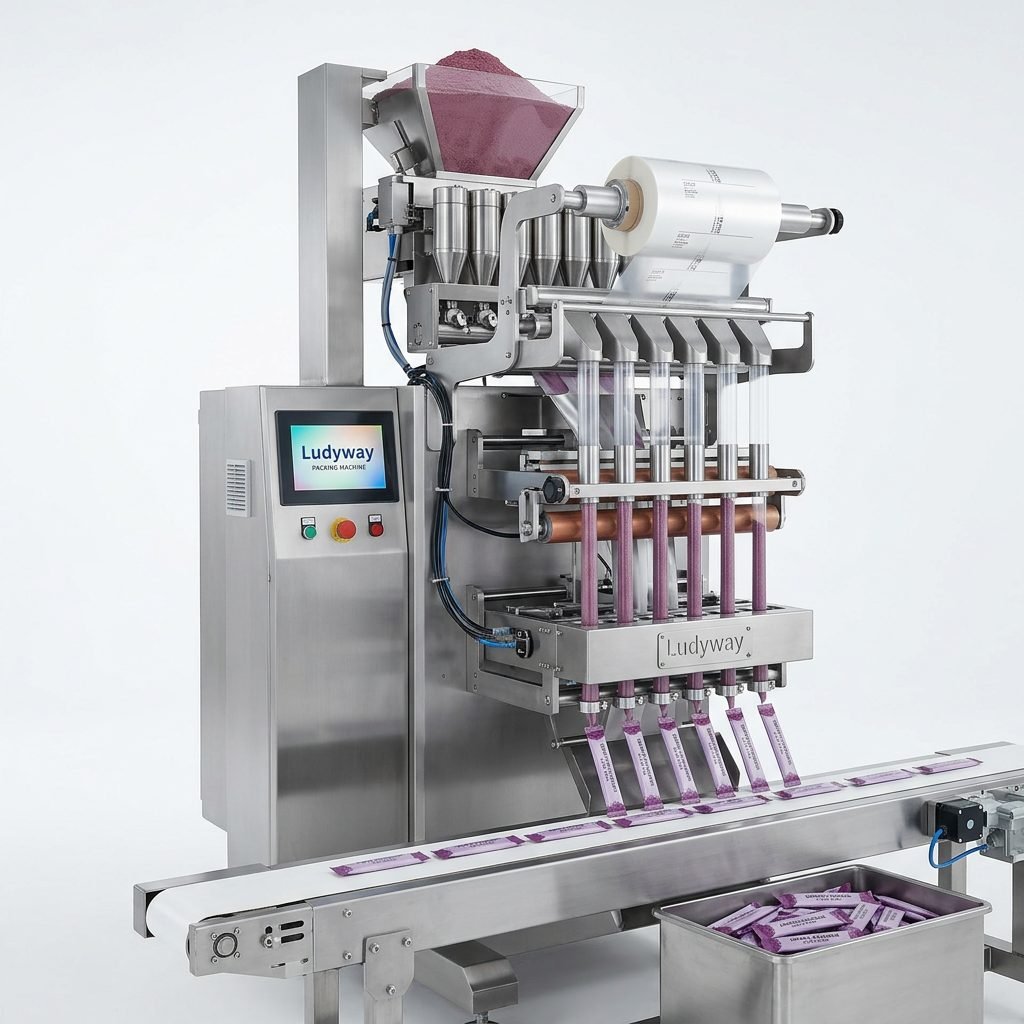
For businesses looking at broader automation, Ludyway packaging machine solutions are widely used for food, pharmaceutical, health supplement, and multi-format packaging applications, including standalone machines and turnkey packaging lines.
Final Checklist for Daily Use
| Task | Why It Matters |
|---|---|
| Review product recipe before startup | Prevents setup mismatch and waste |
| Inspect sealing and feeding zones | Reduces jams and quality defects |
| Clean sensors and contact parts | Improves detection and filling accuracy |
| Record alarms and interventions | Helps identify recurring root causes |
| Follow scheduled maintenance | Extends service life and lowers downtime risk |
Using an Ishida packing machine manual correctly can make a major difference in production stability. With a disciplined approach to operation, troubleshooting, and preventive maintenance, your team can improve efficiency, maintain package quality, and keep the line running with fewer interruptions.