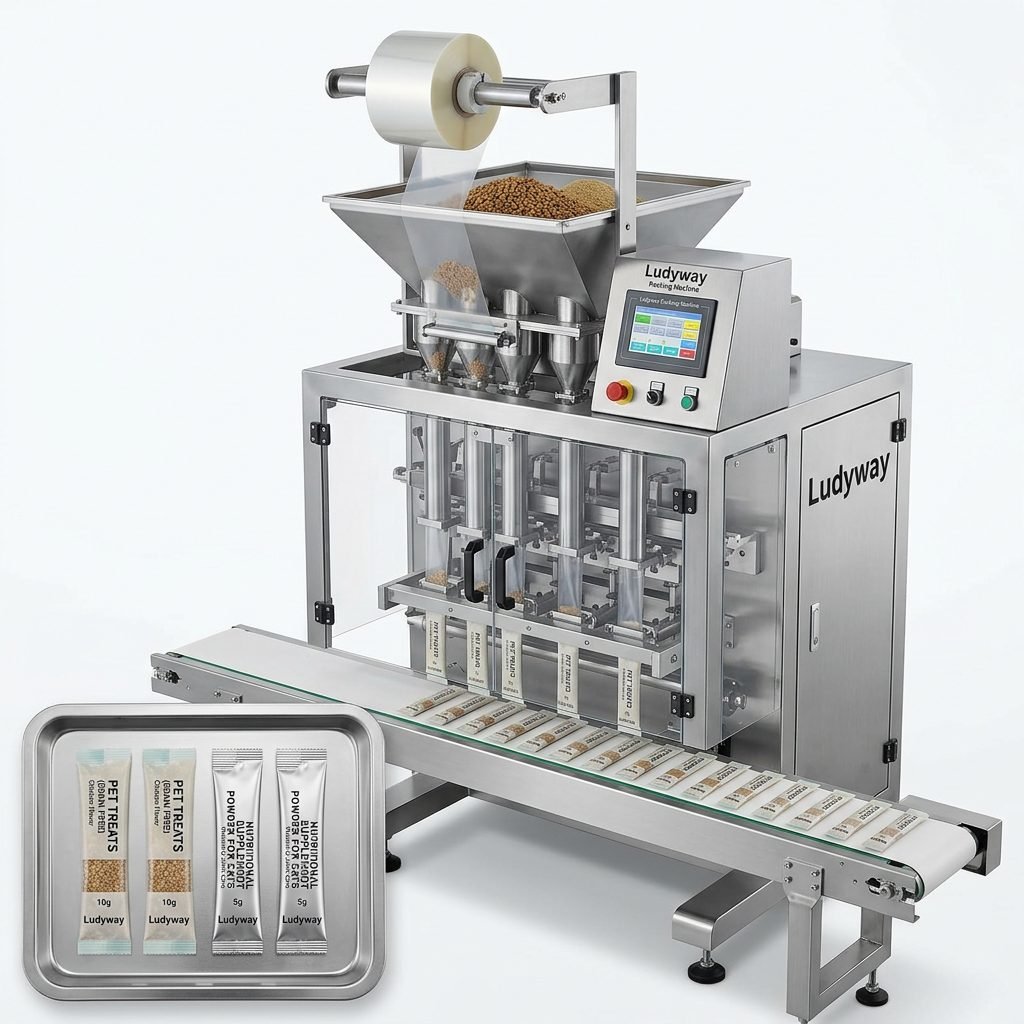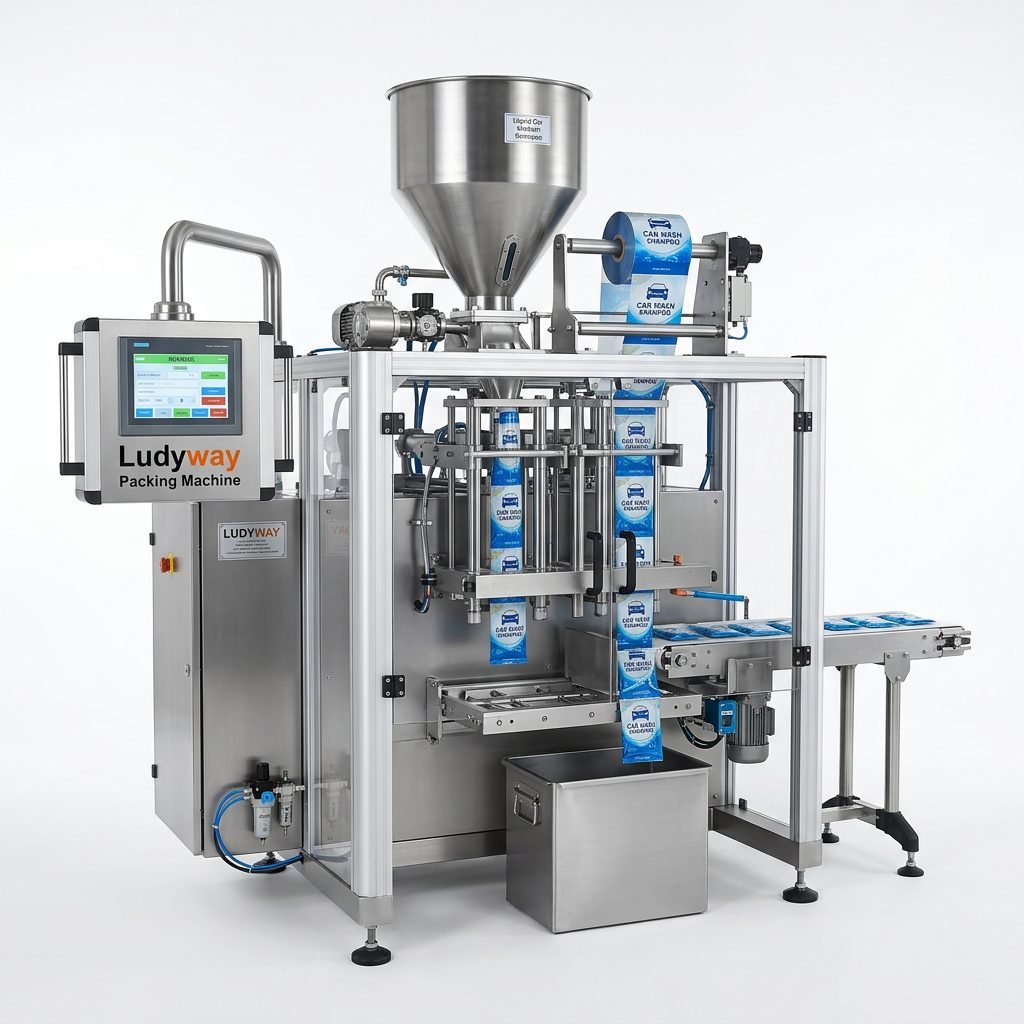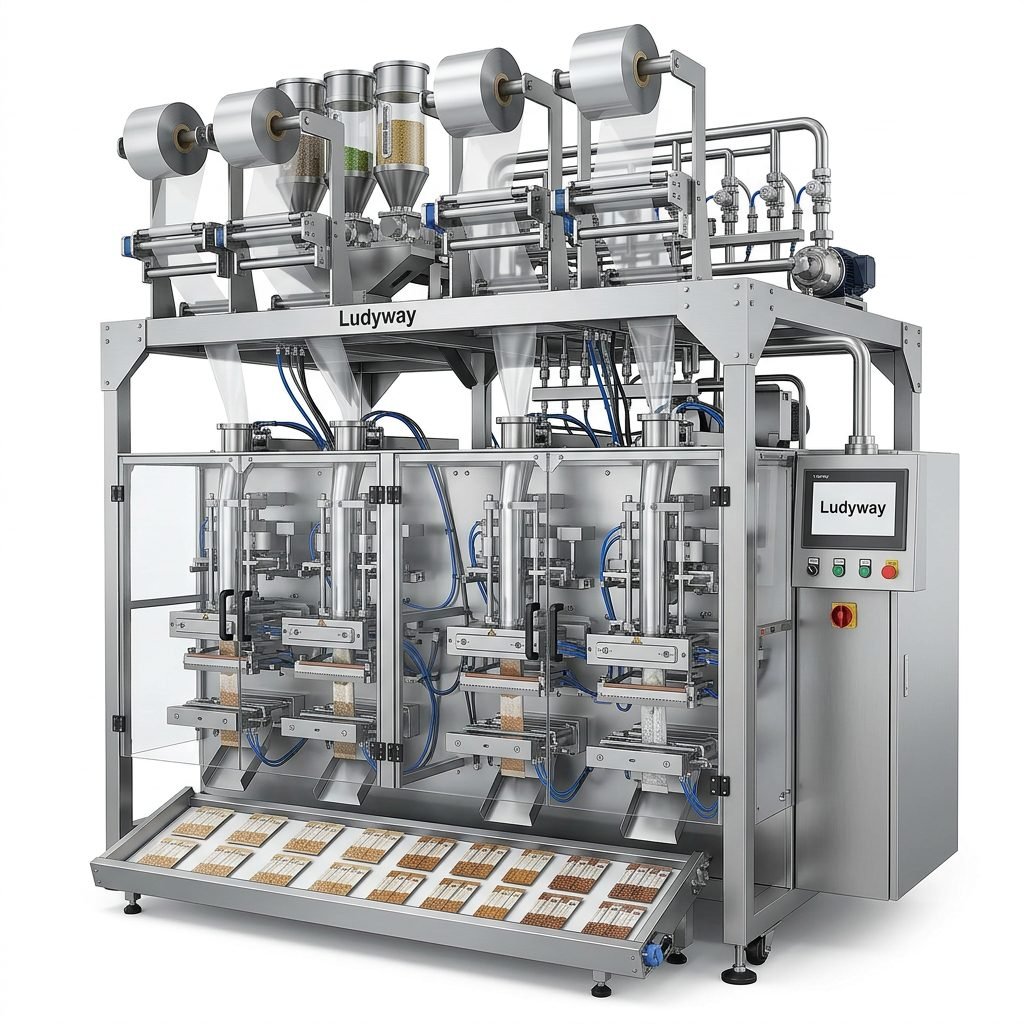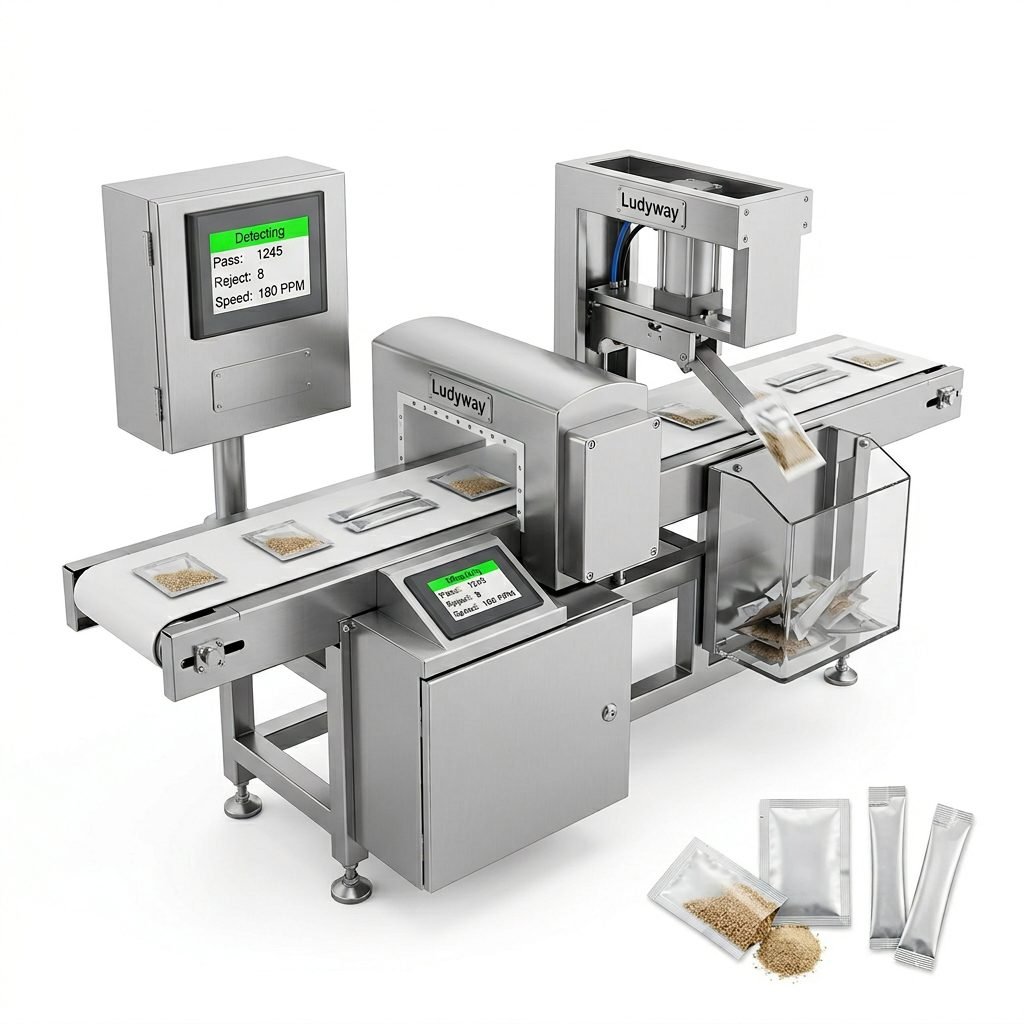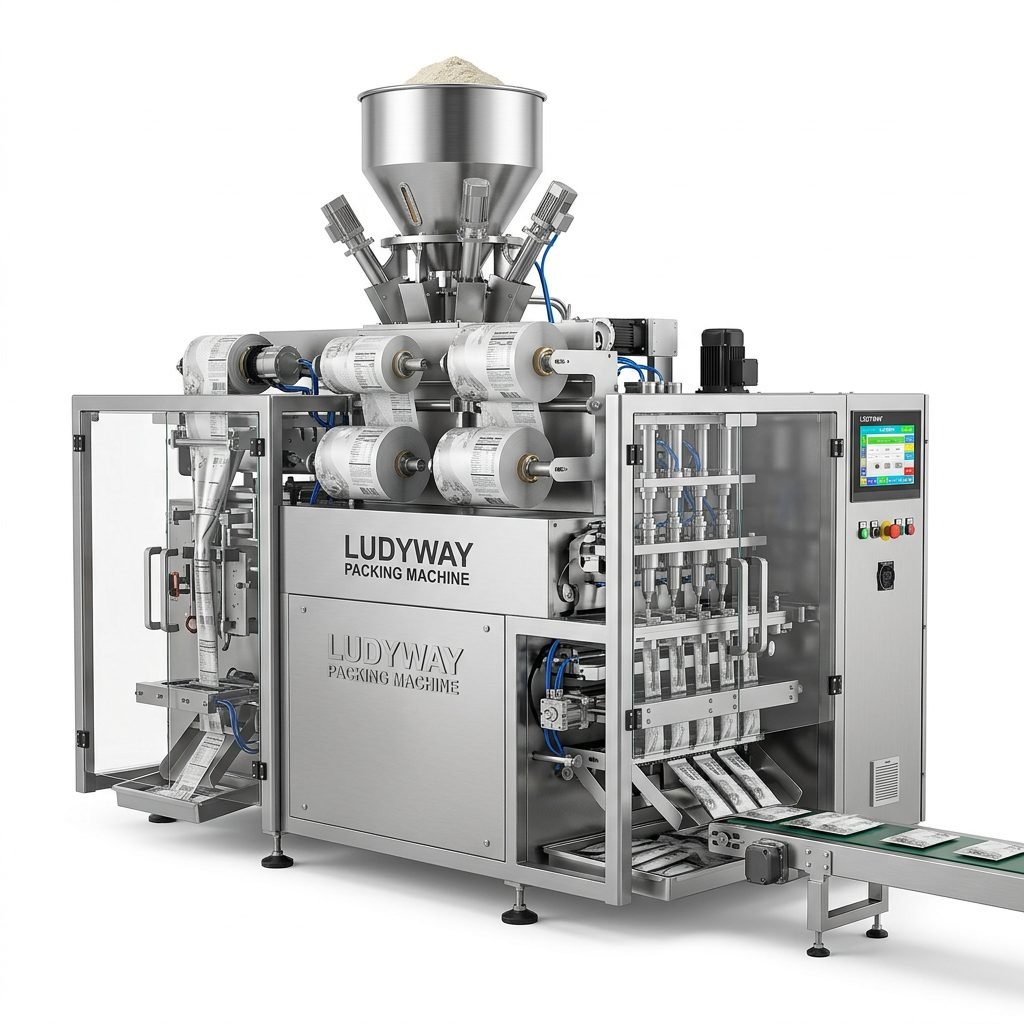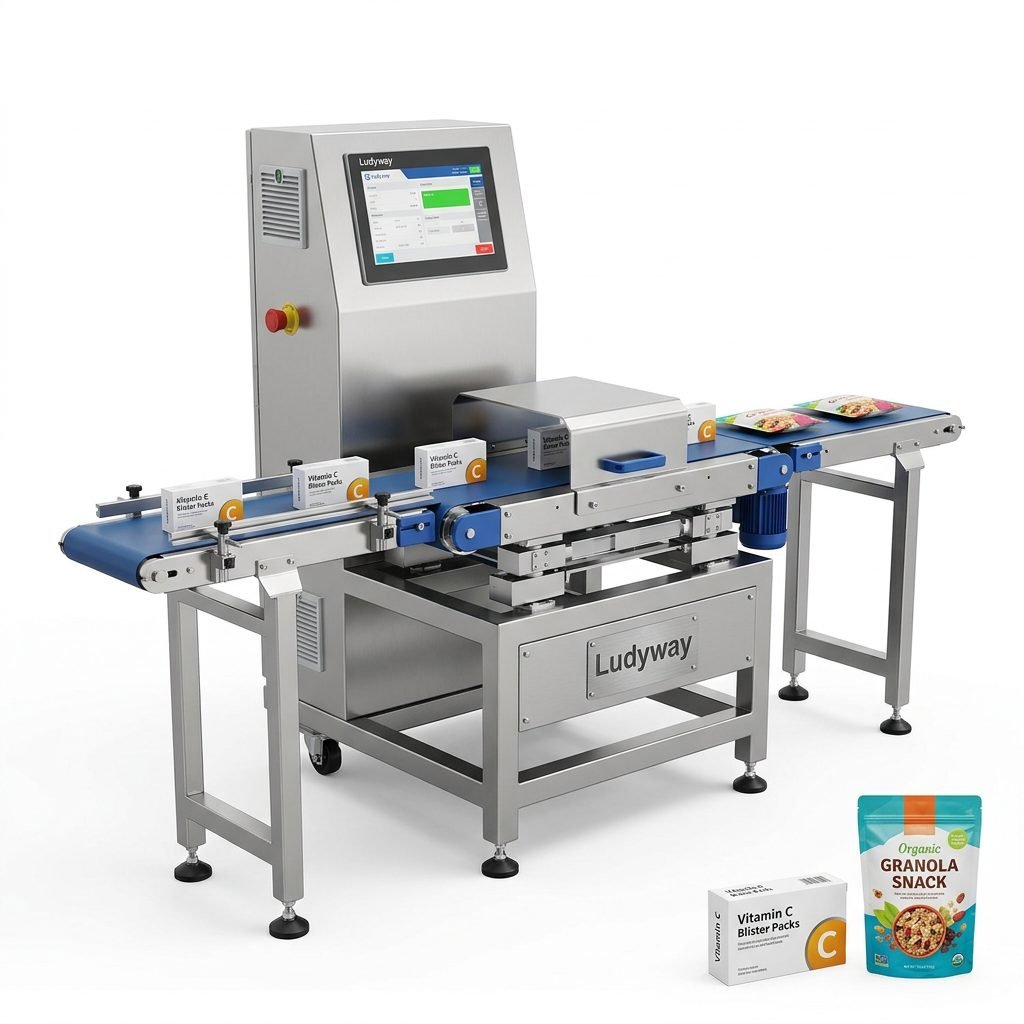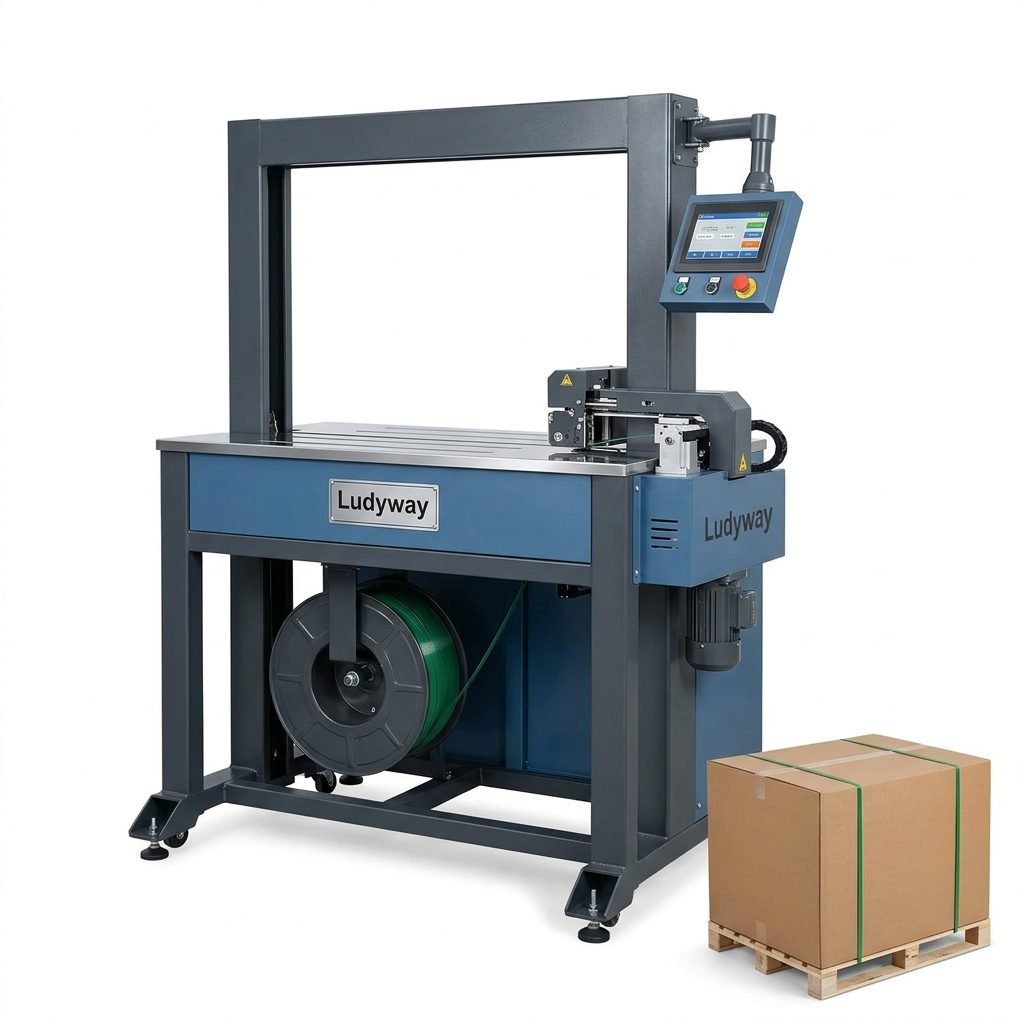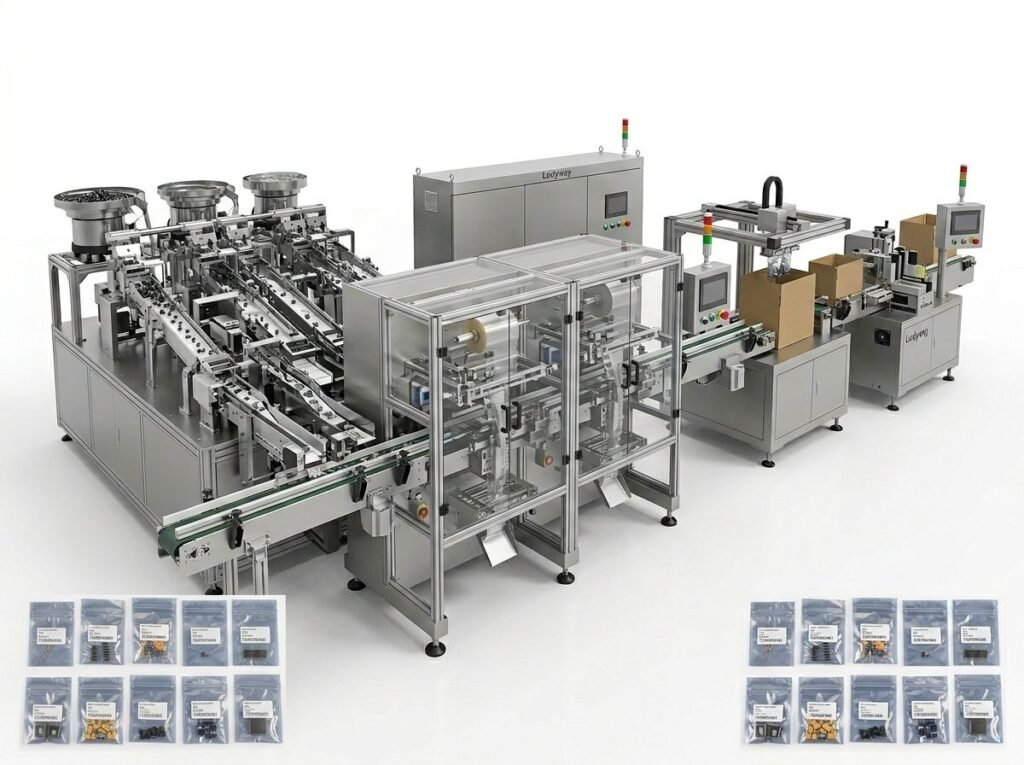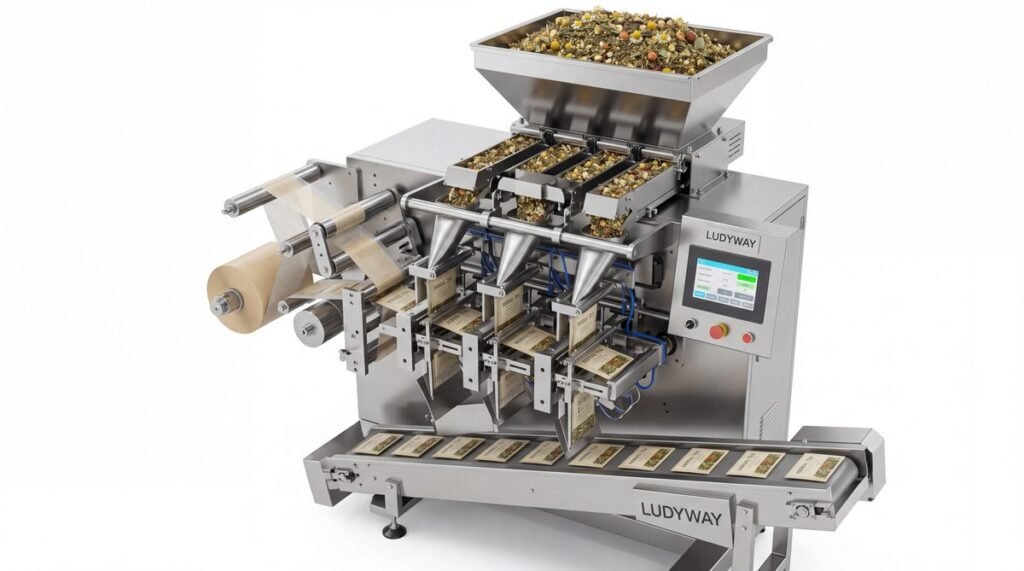
Operating a packaging machine efficiently and safely is crucial for maintaining productivity, ensuring product quality, and protecting personnel. Whether you are handling a granule, powder, or liquid packaging system, following a structured set of instructions is the foundation of successful operation. This comprehensive guide provides a step-by-step walkthrough for the safe and efficient use of your packaging machinery, incorporating best practices developed from decades of industry experience.
Pre-Operation Preparation and Safety Checks
Before initiating any machine operation, thorough preparation is essential. This phase sets the stage for a smooth production run and minimizes the risk of accidents or equipment damage.
Essential Pre-Start Checklist
1. Workspace Inspection: Ensure the area around the machine is clean, dry, and free from obstructions. Verify that all safety guards and panels are securely in place.
2. Power & Utility Verification: Check that all power connections are secure and that the voltage matches the machine’s requirements. Confirm the supply of compressed air, vacuum, or other necessary utilities is stable and within specified pressure ranges.
3. Material Readiness: Load the correct packaging film or material onto the unwind shaft, threading it according to the machine’s diagram. Ensure an adequate supply of the product to be packaged (e.g., granules, powder) is available in the hopper or feeding system.
4. Tooling & Settings: Verify that the correct forming collar, sealing jaws, and cutting tools are installed for your specific package size (e.g., sachet or stick pack). Cross-reference the settings against the job sheet for the product.
Understanding Your Machine’s Control Panel
Familiarize yourself with the Human-Machine Interface (HMI) or control panel. Key functions typically include:
Power On/Off
Manual/Auto Mode
Jog/Inch
Temperature Control
Speed Adjustment.
Always start in Manual or Jog mode for setup and troubleshooting.
Step-by-Step Startup and Operation Procedure
Following a logical sequence is critical for machine startup. Rushing this process can lead to film jams, poor seals, or inaccurate dosing.
Step 1: Powering Up and System Initialization
Turn the main power switch to the ON position. The control system will boot up. Initialize the machine by following the prompts on the HMI. This often involves a homing sequence where the sealing jaws and film drive return to their zero positions.
Step 2: Threading the Packaging Material
Carefully thread the packaging film through the designated guides, tension rollers, and forming collar. Ensure the printed side (if any) faces the correct direction. Use the Jog function to advance the film slowly until it passes through the sealing jaws and pull belts. Avoid getting hands near the forming area while jogging.
Step 3: Setting and Verifying Heat Parameters
Activate the sealing jaw heaters. Set the temperatures according to the material specifications—typically, a range is provided by your material supplier or the packaging machine manufacturer. Allow sufficient time (usually 10-15 minutes) for the jaws to reach a stable, uniform temperature. Use a non-contact infrared thermometer to verify the temperature if possible.
Step 4: Product Feeding System Setup
For granule or powder machines, configure the auger filler or volumetric cup. Input the target weight/volume into the control system. Run a few test cycles in manual mode, collecting the discharged product to check weight accuracy using a scale. Adjust the filler settings until the dose is consistently within tolerance. For liquid fillers, prime the pump and check for leaks.
Step 5: Test Run and First Article Inspection
With all systems ready, run the machine at a low speed (e.g., 20-30% of maximum). Produce a series of packages. Stop the machine and perform a First Article Inspection.
Inspection Points Include:
- Seal Integrity: Check all seals (fin, back, cross) for consistency, strength, and absence of wrinkles or burns.
- Package Dimensions: Measure the length and width of the sachet or stick pack.
- Fill Accuracy: Weigh the product content of several packages.
- Print Registration: Ensure any date/code printing is clear and correctly positioned.
Only after all parameters are confirmed should you gradually increase the machine to the desired operational speed.
Efficient Running and In-Process Monitoring
Once in full production, consistent monitoring is key to maintaining efficiency and catching issues early.
▶ Regular Checks: Periodically verify fill weight, seal quality, and film tracking. Listen for unusual noises from drives or bearings.
▶ Material Management: Monitor film and product supply levels to plan for changes without stopping the line. Keep the film path clean from dust or product spillage.
▶ Data Logging: Record key parameters like speed, output count, and downtime reasons. This data is invaluable for performance analysis and preventative maintenance.
Safe Shutdown and Cleaning Protocol
A proper shutdown procedure extends machine life and ensures safety for the next shift or cleaning crew.
Orderly Shutdown Sequence:
1. Stop product feeding. Allow the machine to run until the hopper and feeding system are empty.
2. Turn off the sealing jaw heaters. The machine can continue to run briefly to cool the jaws with the film.
3. Stop the machine. Cut and remove the trailing end of the packaging film from the forming area.
4. Turn the main power switch to OFF. Lock Out/Tag Out (LOTO) the machine if required by your safety protocol before any cleaning or maintenance.
Cleaning should be performed with approved tools and materials. Never use metal scrapers on sealing jaw surfaces. Use isopropyl alcohol or recommended cleaners to remove film residue.
Troubleshooting Common Operational Issues
Even well-maintained machines can encounter issues. Here’s a quick reference for common problems:
Poor Seal Strength: Usually caused by incorrect temperature, pressure, or dwell time. Check heater function and jaw alignment. Verify the packaging material is suitable for the application.
Inconsistent Fill Weight: For auger fillers, this can indicate worn augers, product bridging in the hopper, or incorrect auger speed settings. Check for mechanical wear and ensure product flowability.
Film Wrinkling or Misalignment: Often a result of incorrect film tension, misaligned guides, or a worn forming collar. Re-thread the film and check all guide components for smooth operation.
For persistent complex issues, always refer to the official manual or contact your machine supplier’s technical support team.
Summary and Frequently Asked Questions (FAQs)
Adhering to a detailed, step-by-step operational guide is non-negotiable for achieving safe, efficient, and high-quality packaging output. From pre-operation checks and careful startup to diligent monitoring and proper shutdown, each step contributes to optimal machine performance and longevity. Investing time in training operators on these procedures will pay dividends in reduced downtime, fewer product rejects, and a safer working environment.
Frequently Asked Questions
Q1: How often should I perform preventative maintenance on my packaging machine?
A: A basic daily cleaning and inspection are essential. Scheduled preventative maintenance, including lubrication, drive system checks, and component wear inspection, should be performed monthly or as per the manufacturer’s recommendation, often based on operating hours.
Q2: What is the most common cause of seal failure in sachet packaging?
A: The most common cause is incorrect sealing temperature. Too low a temperature results in a weak seal, while too high can burn through the film or cause wrinkles. Contamination on the sealing jaws (product dust, oil) is the second leading cause.
Q3: Can I use any type of packaging film on my machine?
A: No. The machine is designed for specific film types (e.g., laminate structures) and gauges. Using incompatible film can lead to poor sealing, jams, and damage to the forming tools. Always consult your machine manual and film supplier for compatibility.
Q4: My machine’s output count is drifting from the HMI display. What should I check?
A> First, verify the sensor (usually photoelectric) that detects packages is clean and properly aligned. Second, check the mechanical linkage or input setting for the sensor signal in the control system. A faulty or misaligned sensor is the typical culprit.
Q5: How can I improve the overall efficiency (OEE) of my packaging line?
A> Focus on the three OEE factors: Availability (reduce unplanned downtime via preventative maintenance), Performance (minimize minor stoppages and run at optimal speed), and Quality (reduce start-up waste and reject rate through precise setup and monitoring). Data tracking is key to identifying improvement areas.